
关于此 MOD
禅意战斗
对战斗系统进行调整,以带来更多乐趣和平衡性。
注意:与 目标选择 目标锁定模组!
- 手柄专用闪避按钮。
- 自动拾取你投出的长矛,其他玩家无法自动拾取你的长矛。
- 投掷长矛后自动装备下一根长矛。
- 防止误对家具进行徒手攻击。
- 你的坐骑可以攻击和跳跃(可配置)。
- 可选翻滚下马,让你快速又炫酷地从坐骑上下来。
- 与……搭配
禅意播放器在“骑乘”部分,你还能更精细地控制坐骑的耐力与恢复属性。此外还有一个选项,可让坐骑突破疲劳极限,跑得更远、更快。
- 招架远程攻击不会使攻击者眩晕。
- 仅显示自己的伤害数字,不显示其他人的。
- 调整击退力度
- 用塔盾格挡:多次用塔盾格挡会触发反击。
- 可靠的格挡,只要你有耐力,即使陷入硬直也能始终触发格挡防御。
- 定义免疫招架眩晕的生物。
- 使用单手武器时自动装备上次使用的盾牌。
- 自动装备你的灯笼或火把,并保持武器拔出。
- 游戏设置:“朝视角方向攻击”现在也适用于格挡。
- 弓瞄准准星而不是准星下方。
- 关闭木箭的选项,太强了,也太便宜了。
- 拉弓时限制移动。
- 受伤时的红屏闪烁已减弱,不再那么刺眼。
客户端/服务器配置要求
注意:严格来说这是 非必需 在服务器上。然而,如果它安装在服务器上,那么它将强制所有客户端也必须安装它。这是为了启用两种使用模式:
- 专用服务器管理员可以将此模组放在服务器上,以强制所有客户端安装该模组并同步管理员配置。
- 信任的朋友可以约定运行相同的模组,并通过原版专用服务器连接,不强制执行但锁定管理员配置。
仅限客户端
此模组完全在客户端运行。这意味着你可以在安装了此模组的情况下连接任何原版服务器。其他玩家无需安装此模组。
注意:如果你在安装此模组的情况下主持游戏会话,那么由于你的会话就是服务器,系统会认为该模组已安装在服务器上。因此,所有客户端都必须安装此模组。如果你不想要求所有玩家都安装此模组,则需要使用专用服务器来主持游戏。你可以轻松地从 Steam 下载并运行 Valheim 专用服务器,或者在云端托管一个。
用更多ZenMods扩展功能
目标锁定:目标锁定太棒了! :)重新装饰:移动宝箱而不破坏它们。禅意物品架:物品展示架和盔甲架的作用类似容器,可以快速切换你的装备。
优化您的体验
核心模组
所有禅模式MOD的完整合集:
- 大幅提升生活质量
- 惊人的表现
- 预设
- 100% 手柄支持
- 极具沉浸感
尽情享受吧!
示例配置文件
## 设置文件由插件 ZenCombat v1.0.1 创建 ## 插件 GUID:ZenDragon.ZenCombat [AutoShield] ## 装备单手主武器时自动装备最近的盾牌。 ## 额外逻辑使火把与自动盾牌良好配合。 ## 直观地切换武器、盾牌和火把,无需过多思考。 # 设置类型:布尔值 # 默认值:true Autoequip Recent Shield = true ## 忽略的物品预制体名称列表。 ## 当装备这些物品中的任何一个时,盾牌将不会自动装备。 ## 注意:仅对单手武器有意义,所有其他物品无论如何都会被自然忽略。 # 设置类型:字符串列表 # 默认值:KnifeButcher, Tankard, Tankard_dvergr, TankardAnniversary, TankardOdin Ignore Items = KnifeButcher, Tankard, Tankard_dvergr, TankardAnniversary, TankardOdin [Bows] ## [管理员] 允许木箭吗?它们有点过于强大,因为太便宜且致命。 ## 启用后,射箭不再是冒险行为,它们 ## 破坏了投资更昂贵弹药的所有理由。 ## [需要重启] # 设置类型:布尔值 # 默认值:false WoodArrow = false ## [管理员] 如果启用木箭,它们应该造成多少伤害? ## 作为基础粗糙箭矢,它们默认非常强大。(原版:22) ## [需要重启] # 设置类型:单精度浮点数 # 默认值:1 # 可接受值范围:从 0.1 到 22 WoodArrow Damage = 1 ## [管理员] 用于制作木箭的工作台。 ## [需要重启] # 设置类型:字符串 # 默认值:Workbench # 可接受值:None, Workbench, Forge, Stonecutter, Cauldron, ArtisanTable, BlackForge, GaldrTable, MeadKetill, FoodPreparationTable WoodArrow Station = Workbench ## [管理员] 如果启用木箭,其资源成本。(原版:Wood:8) ## 默认添加羽毛以使其与其他箭矢保持一致。 ## [需要重启] # 设置类型:字符串列表 # 默认值:Wood:8, Feathers:2 WoodArrow Resources = Wood:8, Feathers:2 ## 投射物的发射角度。(原版:0) ## 要抵消原版中默认的偏低射击,将此值设为 -2; # 设置类型:单精度浮点数 # 默认值:0 # 可接受值范围:从 -5 到 5 Projectile Launch Angle = 0 ## [管理员] 拉弓时正常移动速度的百分比,0.5 = 50%,拉弓时以半速移动。(原版:1) ## 注意:如果安装了 CombatOverhaulRewrite,建议将此值设为 1,否则两个模组会叠加此值。 # 设置类型:单精度浮点数 # 默认值:0.5 # 可接受值范围:从 0 到 1 Movement Speed = 0.5 ## [管理员] 在高等级时将弓的拉弓速度调整为原版拉弓速度的百分比。0.5 = 原版速度的一半。(原版:1) ## 这影响高等级时弓的拉弓速度,在弓技能满级时尤其重要。 ## 降低此值会使拉弓变慢,提高此值会使拉弓变快。 # 设置类型:单精度浮点数 # 默认值:0.5 # 可接受值范围:从 0 到 1 Bow Draw Speed = 0.5 ## [管理员] 允许跳跃时拉弓(原版:true) # 设置类型:布尔值 # 默认值:false Bow Draw While Jumping = false ## [管理员] 允许闪避时拉弓(原版:false) # 设置类型:布尔值 # 默认值:false Bow Draw While Dodging = false [Dodge] ## 闪避成为独立于跳跃的按钮,不再需要按住格挡来闪避。 ## 键盘:使用本节中的配置选项定义自定义按键。 ## 手柄:根据所选控制器布局为 A 或 B。(交互移至 X) ## 使用手柄时,可能需要重启游戏才能使所有控制映射生效。 # 设置类型:布尔值 # 默认值:true Separate Jump/Dodge Buttons = true ## 当你按住格挡并跳跃时会发生什么? ## 如果此项为 true,则按下跳跃 + 格挡将进行闪避翻滚。 ## 如果此项为 false,则按下跳跃将始终跳跃,即使正在格挡。 ## (原版:true) # 设置类型:布尔值 # 默认值:true Keyboard Dodge Jump + Block = true [Knockback] ## [管理员] 格挡偏转时施加的原版击退力的百分比(原版:1) ## 默认设置为 0 以防止怪物在你格挡时弹开。 ## 注意:这同时应用于玩家和怪物的偏转,即你也不会从他们的盾牌上弹开。 # 设置类型:单精度浮点数 # 默认值:0 # 可接受值范围:从 0 到 2 Block Deflection = 0 ## [管理员] 近战攻击时施加的原版击退力的百分比(原版:1) ## 近战攻击定义为水平和垂直攻击。 ## 默认设置为低于 100% 以使其感觉有重量感。 ## 否则物体会太容易飞来飞去,感觉轻飘飘的。 ## 注意:这同时应用于玩家和怪物的攻击。 # 设置类型:单精度浮点数 # 默认值:0.4 # 可接受值范围:从 0 到 2 Melee Attack = 0.4 ## [管理员] 范围攻击时施加的原版击退力的百分比(原版:1) ## 默认设置为低于 100% 以使其感觉有重量感。 ## 否则物体会太容易飞来飞去,感觉轻飘飘的。 ## 注意:这同时应用于玩家和怪物的攻击。 # 设置类型:单精度浮点数 # 默认值:0.5 # 可接受值范围:从 0 到 2 Area Attack = 0.5 ## [管理员] 远程攻击时施加的原版击退力的百分比(原版:1) ## 默认设置为低于 100% 以使其感觉有重量感。 ## 否则物体会太容易飞来飞去,感觉轻飘飘的。 ## 注意:这同时应用于玩家和怪物的攻击。 # 设置类型:单精度浮点数 # 默认值:0.5 # 可接受值范围:从 0 到 2 Ranged Attack = 0.5 ## [管理员] 逗号分隔的动画名称列表及该动画施加的击退百分比。 ## 如果定义,将覆盖本节其他配置中指定的攻击类型。 ## 你可以通过在此模组的配置选项中开启调试模式来查看不同攻击的动画名称。 ## 当你攻击时,你将在屏幕上和日志中看到动画名称。 # 设置类型:字符串列表 # 默认值:atgeir_secondary:1.0 Animation = atgeir_secondary:1.0 ## [管理员] 某些武器的后坐力强度。(原版:100%) # 设置类型:单精度浮点数 # 默认值:1 # 可接受值范围:从 0 到 2 Recoil = 1 [Melee] ## [管理员] 格挡远程攻击不会使攻击者眩晕。这太荒谬了。(原版:false) # 设置类型:布尔值 # 默认值:true Parry - No Stun Ranged Attack = true ## [管理员] 这些怪物被格挡时永远不会被眩晕。 ## [重新加载怪物以使更改生效] # 设置类型:字符串列表 # 默认值:Troll, Bjorn, Abomination, StoneGolem, GoblinBrute, Unbjorn, SeekerBrute Parry - No Stun Mobs = Troll, Bjorn, Abomination, StoneGolem, GoblinBrute, Unbjorn, SeekerBrute ## 当原版设置“朝看向方向攻击”启用时,这也将那些规则应用于格挡。(原版:false) # 设置类型:布尔值 # 默认值:true Block Towards Look Direction = true ## 防止意外空手攻击家具和其他非生物物体。(原版:false) ## 你仍然可以空手攻击,但必须攻击生物,而不是椅子。 ## 按住格挡可覆盖此设置。 # 设置类型:布尔值 # 默认值:true Prevent Unarmed Attack Furniture = true ## [管理员] 启用格挡充能机制。(原版:false) ## 格挡充能类似于在固定次数格挡后触发的效果。 ## [需要重启以使更改生效] # 设置类型:布尔值 # 默认值:true Block Charges - Active = true ## [管理员] 默认为所有塔盾。 ## 逗号分隔的键:值对列表。 ## 物品预制体名称和激活前所需的格挡次数。 ## [需要重启以使更改生效] # 设置类型:字符串列表 # 默认值:ShieldWoodTower:5, ShieldBoneTower:5, ShieldIronTower:5, ShieldSerpentscale:5, ShieldBlackmetalTower:5, ShieldFlametalTower:5 Block Charges - Items = ShieldWoodTower:5, ShieldBoneTower:5, ShieldIronTower:5, ShieldSerpentscale:5, ShieldBlackmetalTower:5, ShieldFlametalTower:5 ## [管理员] 格挡时如果攻击超过你的格挡护甲并使你硬直 ## 只要你还有耐力,你的格挡仍将应用防御。 ## 在原版中,这种情况下你的格挡将被忽略。 ## (原版:禁用) # 设置类型:ReliableBlockMode # 默认值:TowerShields # 可接受值:Disabled, TowerShields, AllShields, Always Reliable Block = TowerShields [Mounts] ## [管理员] 坐骑执行主攻击时的耐力消耗。 # 设置类型:单精度浮点数 # 默认值:10 # 可接受值范围:从 0 到 250 Stamina Drain - Primary Attack = 10 ## [管理员] 坐骑执行副攻击时的耐力消耗。 # 设置类型:单精度浮点数 # 默认值:25 # 可接受值范围:从 0 到 250 Stamina Drain - Secondary Attack = 25 ## [管理员] 玩家可以直接控制坐骑的跳跃(原版:false) ## 注意:坐骑必须先冲刺才能跳跃。 ## 原版动画并非为跳跃的坐骑设计,看起来很奇怪。 ## 我认为看起来很差并且某种程度上破坏了游戏体验,所以默认禁用。 ## 如果你启用此功能,需要将下马键改为空格键以外的其他键。 # 设置类型:Condition # 默认值:NotAllowed # 可接受值:NotAllowed, NotEncumbered, Allowed Can Jump = NotAllowed ## [管理员] 启用后玩家可以直接控制坐骑的攻击(原版:false) ## 控制: ## - 主攻击:主要攻击(如果坐骑有攻击) ## - 副攻击:(如果坐骑有 2 种攻击) ## - 第三攻击:攻击 + 按住格挡(如果坐骑有 3 种攻击) ## 注意:第三攻击的耐力消耗为主要攻击 + 副攻击的平均值 # 设置类型:Condition # 默认值:Allowed # 可接受值:NotAllowed, NotEncumbered, Allowed Can Attack = Allowed ## 按住某个方向的同时按下下马键/按钮,可以帅气地翻滚下马! ## 按住下马按钮而不按方向键则直接下马不翻滚。 # 设置类型:布尔值 # 默认值:true Dismount Roll = true ## 专用下马按钮,让你始终可以轻松且有意识地下马。 ## 手柄分配为 FaceButtonB ## [设为 None 以禁用此按钮并使用原版行为] ## [需要重启以使更改生效] # 设置类型:KeyCode # 默认值:Space # 可接受值:None, Backspace, Tab, Clear, Return, Pause, Escape, Space, Exclaim, DoubleQuote, Hash, Dollar, Percent, Ampersand, Quote, LeftParen, RightParen, Asterisk, Plus, Comma, Minus, Period, Slash, Alpha0, Alpha1, Alpha2, Alpha3, Alpha4, Alpha5, Alpha6, Alpha7, Alpha8, Alpha9, Colon, Semicolon, Less, Equals, Greater, Question, At, LeftBracket, Backslash, RightBracket, Caret, Underscore, BackQuote, A, B, C, D, E, F, G, H, I, J, K, L, M, N, O, P, Q, R, S, T, U, V, W, X, Y, Z, LeftCurlyBracket, Pipe, RightCurlyBracket, Tilde, Delete, Keypad0, Keypad1, Keypad2, Keypad3, Keypad4, Keypad5, Keypad6, Keypad7, Keypad8, Keypad9, KeypadPeriod, KeypadDivide, KeypadMultiply, KeypadMinus, KeypadPlus, KeypadEnter, KeypadEquals, UpArrow, DownArrow, RightArrow, LeftArrow, Insert, Home, End, PageUp, PageDown, F1, F2, F3, F4, F5, F6, F7, F8, F9, F10, F11, F12, F13, F14, F15, Numlock, CapsLock, ScrollLock, RightShift, LeftShift, RightControl, LeftControl, RightAlt, LeftAlt, RightCommand, RightMeta, RightApple, LeftCommand, LeftMeta, LeftApple, LeftWindows, RightWindows, AltGr, Help, Print, SysReq, Break, Menu, WheelUp, WheelDown, Mouse0, Mouse1, Mouse2, Mouse3, Mouse4, Mouse5, Mouse6, JoystickButton0, JoystickButton1, JoystickButton2, JoystickButton3, JoystickButton4, JoystickButton5, JoystickButton6, JoystickButton7, JoystickButton8, JoystickButton9, JoystickButton10, JoystickButton11, JoystickButton12, JoystickButton13, JoystickButton14, JoystickButton15, JoystickButton16, JoystickButton17, JoystickButton18, JoystickButton19, Joystick1Button0, Joystick1Button1, Joystick1Button2, Joystick1Button3, Joystick1Button4, Joystick1Button5, Joystick1Button6, Joystick1Button7, Joystick1Button8, Joystick1Button9, Joystick1Button10, Joystick1Button11, Joystick1Button12, Joystick1Button13, Joystick1Button14, Joystick1Button15, Joystick1Button16, Joystick1Button17, Joystick1Button18, Joystick1Button19, Joystick2Button0, Joystick2Button1, Joystick2Button2, Joystick2Button3, Joystick2Button4, Joystick2Button5, Joystick2Button6, Joystick2Button7, Joystick2Button8, Joystick2Button9, Joystick2Button10, Joystick2Button11, Joystick2Button12, Joystick2Button13, Joystick2Button14, Joystick2Button15, Joystick2Button16, Joystick2Button17, Joystick2Button18, Joystick2Button19, Joystick3Button0, Joystick3Button1, Joystick3Button2, Joystick3Button3, Joystick3Button4, Joystick3Button5, Joystick3Button6, Joystick3Button7, Joystick3Button8, Joystick3Button9, Joystick3Button10, Joystick3Button11, Joystick3Button12, Joystick3Button13, Joystick3Button14, Joystick3Button15, Joystick3Button16, Joystick3Button17, Joystick3Button18, Joystick3Button19, Joystick4Button0, Joystick4Button1, Joystick4Button2, Joystick4Button3, Joystick4Button4, Joystick4Button5, Joystick4Button6, Joystick4Button7, Joystick4Button8, Joystick4Button9, Joystick4Button10, Joystick4Button11, Joystick4Button12, Joystick4Button13, Joystick4Button14, Joystick4Button15, Joystick4Button16, Joystick4Button17, Joystick4Button18, Joystick4Button19, Joystick5Button0, Joystick5Button1, Joystick5Button2, Joystick5Button3, Joystick5Button4, Joystick5Button5, Joystick5Button6, Joystick5Button7, Joystick5Button8, Joystick5Button9, Joystick5Button10, Joystick5Button11, Joystick5Button12, Joystick5Button13, Joystick5Button14, Joystick5Button15, Joystick5Button16, Joystick5Button17, Joystick5Button18, Joystick5Button19, Joystick6Button0, Joystick6Button1, Joystick6Button2, Joystick6Button3, Joystick6Button4, Joystick6Button5, Joystick6Button6, Joystick6Button7, Joystick6Button8, Joystick6Button9, Joystick6Button10, Joystick6Button11, Joystick6Button12, Joystick6Button13, Joystick6Button14, Joystick6Button15, Joystick6Button16, Joystick6Button17, Joystick6Button18, Joystick6Button19, Joystick7Button0, Joystick7Button1, Joystick7Button2, Joystick7Button3, Joystick7Button4, Joystick7Button5, Joystick7Button6, Joystick7Button7, Joystick7Button
喜欢我的模组吗?欢迎打赏
比特币

Valheim: 英灵神殿 的热门 MOD
修改前置工具
2026-09-12 14:33:53
修改前置工具

史诗战利品
randyknapp2026-09-09 21:20:10
为英灵神殿添加战利品掉落、魔法物品和附魔。
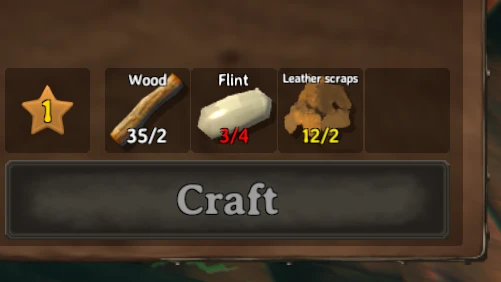
制作 建造 熔炼 烹饪 燃料 从容器中取出
aedenthorn2025-06-30 08:34:14
让你在制作、建造、使用熔炉和窑炉、添加燃料、烹饪食物等时,可以使用附近容器中的资源。
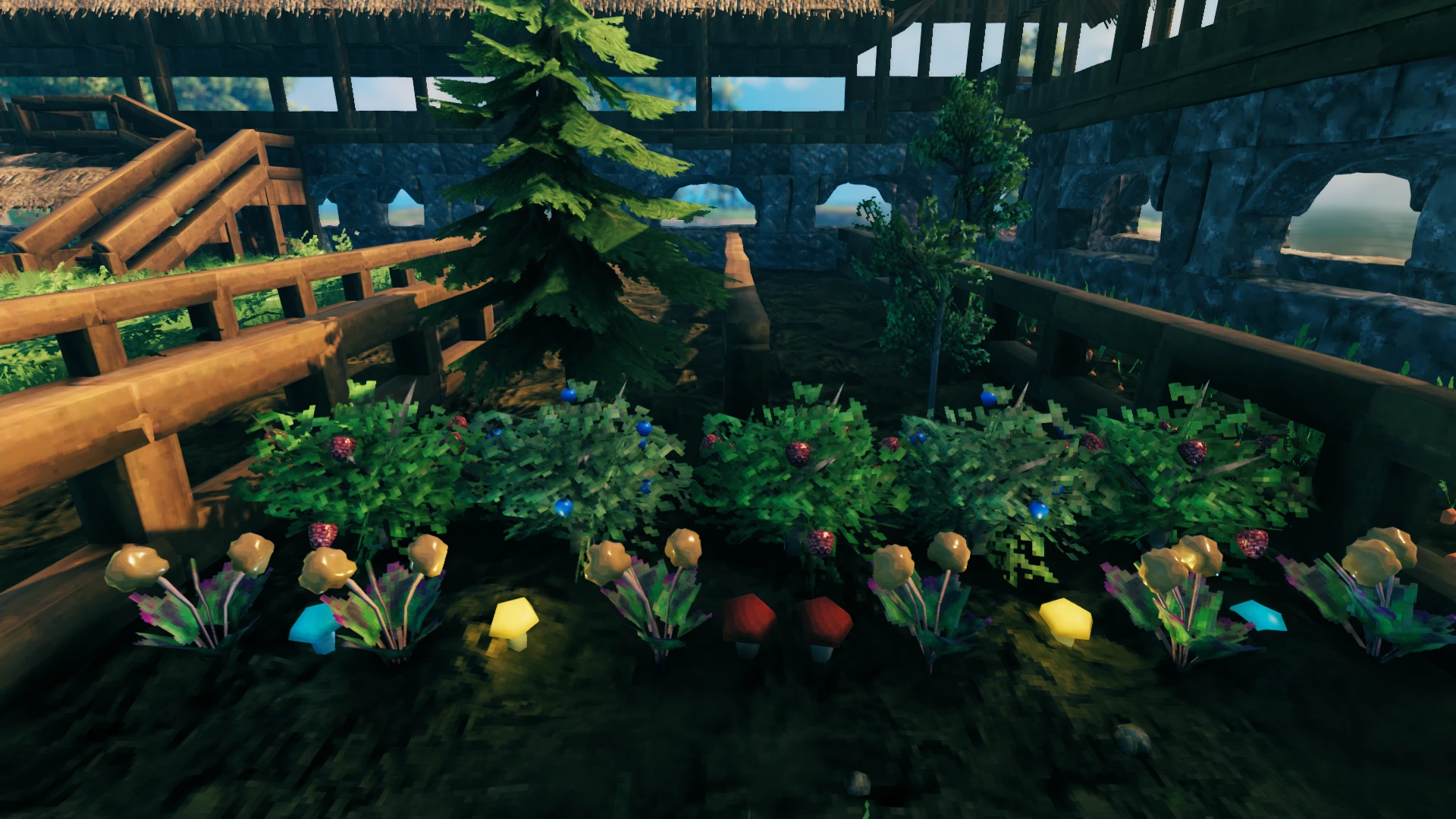
种植一切
Advize2025-09-09 11:15:37
重写了bkeyes93的种植增强模组。允许你的种植者种植浆果丛、蓟、蒲公英、蘑菇、此前无法获取的树种以及其他装饰性植物。还包括许多其他杂项功能(详见
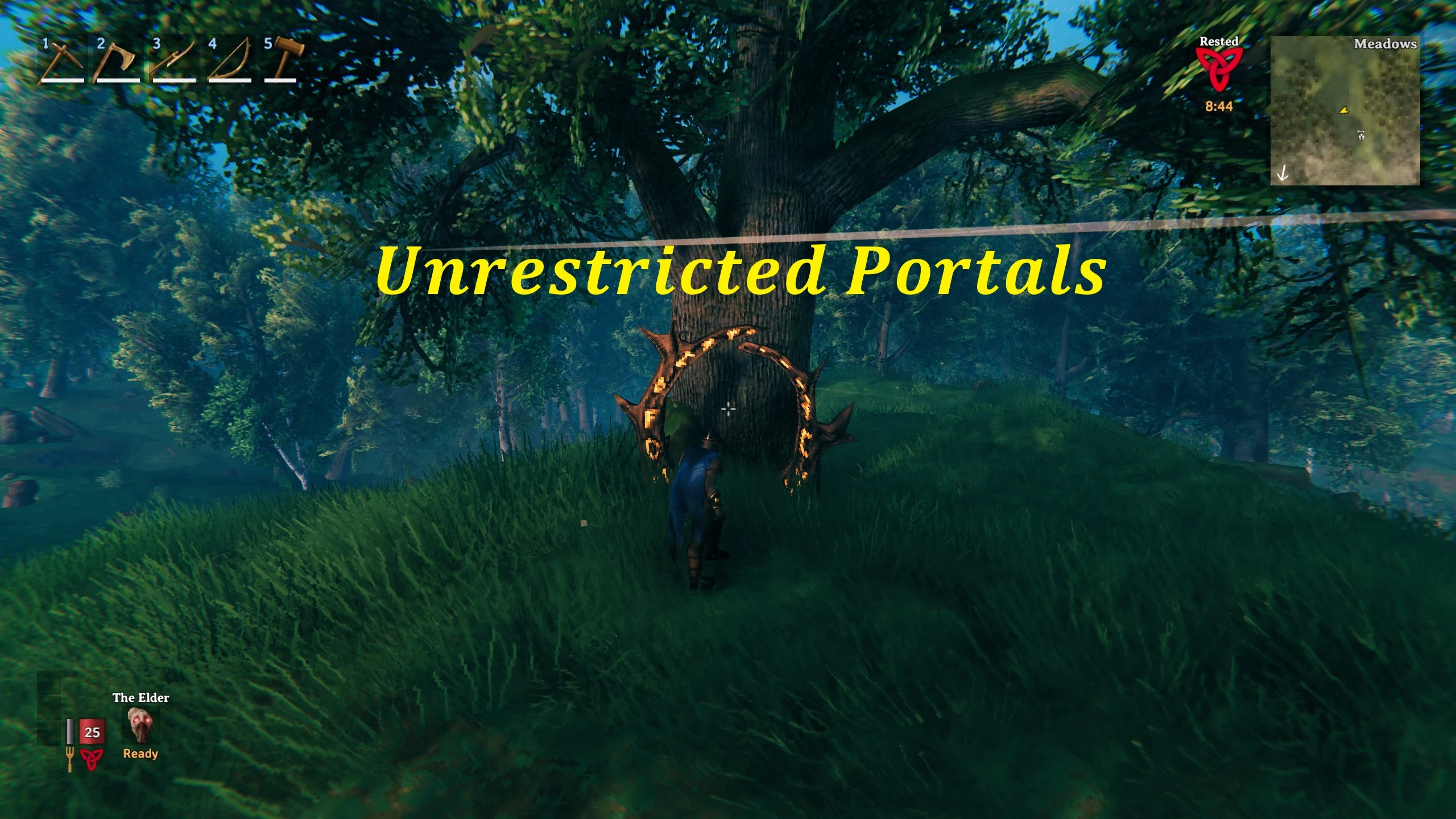
无限制传送门
frostedplaything4102023-09-02 17:39:40
无限制传送门是一个客户端模组,允许玩家通过传送门传送任何物品。该模组提供广泛的自定义选项,让玩家能够控制物品限制、移除限制,
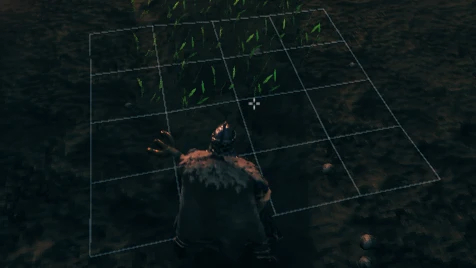
农场格子
Sarcenzzz2023-06-14 11:38:34
允许所有通过种植器种下的植物自动对齐并放置在网格中,确保它们有足够的生长空间。
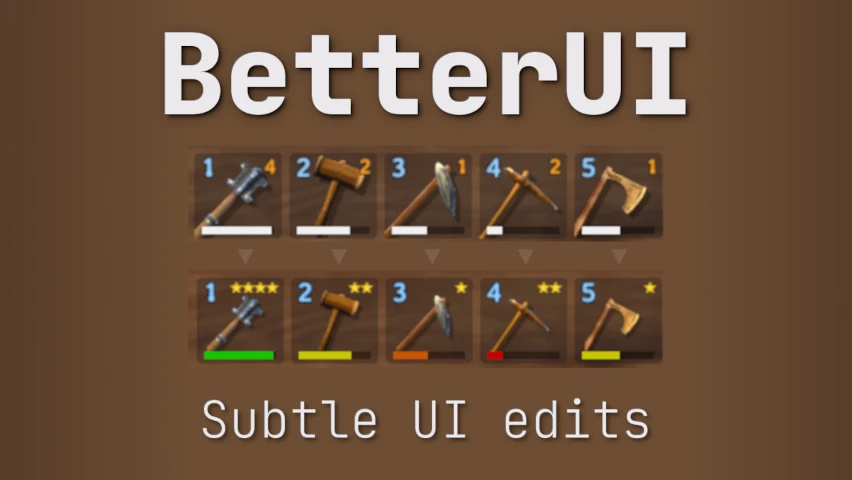
更好的UI
MKMasa2021-04-15 09:19:42
这个模组对游戏界面做了一些细微的调整。你可以编辑并选择想要启用的更新内容。

更好的射箭
Ishid42026-09-10 16:16:51
为弓术玩法添加了许多功能和改动,包括全新的箭袋系统、可回收的箭矢、更精准的瞄准以及逼真的箭矢物理效果。