关于此 MOD
This mod allows items to be maintained at specific values in storage buildings.
Overview
Mod Version: 1.0.0.4
Dependencies
Melon Preference Manager
Universal Lib
The options can be modified by pressing F5 on main menu in Melon Preference Manager.
This mod allows items to be maintained at specific values in storage buildings.
This is mod for players who are either learning or just want to explore game features. It can be used to maintain category wise resources in storage buildings.
This is supported for mono version and is tested on 0.9.7 version of game.
The configuration for mod is in Farthest Frontier (Mono)\UserData\VC_MaintainMinItemsInStorage.cfg.
Configuration
The mod works in interval of days in game:
There are as below in VC_MaintainMinItemsInStorage.cfg.
Item wise maintenance
The item categories are:
These categories can be disabled in VC_MaintainMinItemsInStorage.cfg using by setting below values to true or false.
If any of the category is set to false, then that category will not be maintained in any building.
Building wise maintenance
The building supported are:
Configuration for these is in VC_MaintainMinItemsInStorage.cfg. Below is example for Root Cellar.
Limit number of buildings where items are maintained
The number of buildings for each building type where items are maintained can be changes by setting MaintainCount to a positive number.
The default is -1 which means all buildings of that type will be maintained. Setting it to 0 will disable maintenance for that building type.
Control item category wise maintenance
To maintain item via category wise set MaintainFlags to true or false.
The order of configuration for maintain flags is FOOD, RAW MATERIALS, PRODUCED, USABLES.
For example to enable only FOOD and PRODUCED items, set MaintainFlags to [ true, false, true, false, ].
Amount of items to maintain building wise
The amount of items to be maintained in each building type can be configured in MaintainAmounts.
The order of configuration for maintain amount is FOOD, RAW MATERIALS, PRODUCED, USABLES. Minimum amount is 10 and maximum is 1000.
For example to maintain 20 FOOD, 10 RAW MATERIALS, 30 PRODUCED and 40 USABLES, set MaintainAmounts to [ 20, 10, 30, 40, ].
The configuration for each building type is same as above. Please do not add/remove any extra field.
Installation
Place VC_MaintainMinItemsInStorage.dll in Farthest Frontier\Farthest Frontier (Mono)\Mods.
NOTE: Please replace or delete older VC_MaintainMinItemsInStorage.cfg in Farthest Frontier\Farthest Frontier (Mono)\UserData if items are not maintained on MOD update.
Please let me know if it doesn't work.
Mod Version: 1.0.0.4
Dependencies
Melon Preference Manager
Universal Lib
The options can be modified by pressing F5 on main menu in Melon Preference Manager.
This mod allows items to be maintained at specific values in storage buildings.
This is mod for players who are either learning or just want to explore game features. It can be used to maintain category wise resources in storage buildings.
This is supported for mono version and is tested on 0.9.7 version of game.
The configuration for mod is in Farthest Frontier (Mono)\UserData\VC_MaintainMinItemsInStorage.cfg.
Configuration
The mod works in interval of days in game:
- This can be between 1 (every day) to 360 (1 year)
- The first day of interval is when game loads. Update will happen after set interval days.
There are as below in VC_MaintainMinItemsInStorage.cfg.
# Set interval in game days maintain items in storage buildings. Set to a +ve number between 1 and 360
"Maintenance Interval in days" = 10
Item wise maintenance
The item categories are:
- Food
- RawMaterials
- ProducedMaterials
- UsableItems
These categories can be disabled in VC_MaintainMinItemsInStorage.cfg using by setting below values to true or false.
If any of the category is set to false, then that category will not be maintained in any building.
[VC_MaintainMinItemsInStorage."Maintain Items Enable"]
Maintain_Food = true
Maintain_RawMaterials = true
Maintain_Usable = true
Maintain_Produced = true
Building wise maintenance
The building supported are:
- RootCellar
- Granary
- Storehouse
- StorageDepot
- Stockyard
- Treasury
- Market
Configuration for these is in VC_MaintainMinItemsInStorage.cfg. Below is example for Root Cellar.
# Set configuration for RootCellar. The order of configuration for maintain Flags and Amount is FOOD, RAW MATERIALS, PRODUCED, USABLES. Please do not add/remove any extra field.
RootCellar = { MaintainCount = -1, MaintainFlags = [ true, true, true, true, ], MaintainAmounts = [ 20, 20, 10, 10, ] }
Limit number of buildings where items are maintained
The number of buildings for each building type where items are maintained can be changes by setting MaintainCount to a positive number.
The default is -1 which means all buildings of that type will be maintained. Setting it to 0 will disable maintenance for that building type.
Control item category wise maintenance
To maintain item via category wise set MaintainFlags to true or false.
The order of configuration for maintain flags is FOOD, RAW MATERIALS, PRODUCED, USABLES.
For example to enable only FOOD and PRODUCED items, set MaintainFlags to [ true, false, true, false, ].
Amount of items to maintain building wise
The amount of items to be maintained in each building type can be configured in MaintainAmounts.
The order of configuration for maintain amount is FOOD, RAW MATERIALS, PRODUCED, USABLES. Minimum amount is 10 and maximum is 1000.
For example to maintain 20 FOOD, 10 RAW MATERIALS, 30 PRODUCED and 40 USABLES, set MaintainAmounts to [ 20, 10, 30, 40, ].
The configuration for each building type is same as above. Please do not add/remove any extra field.
Installation
Place VC_MaintainMinItemsInStorage.dll in Farthest Frontier\Farthest Frontier (Mono)\Mods.
NOTE: Please replace or delete older VC_MaintainMinItemsInStorage.cfg in Farthest Frontier\Farthest Frontier (Mono)\UserData if items are not maintained on MOD update.
Please let me know if it doesn't work.
最远的边陲 的热门 MOD
探索适用于 最远的边陲 的最佳MOD,带来新功能、升级画面,以及令人兴奋的方式来改变您的游戏体验。
矿物产卵器
paboyafx2025-04-27 14:10:13
产卵矿物(金、铁、煤)、粘土和沙子场地、开挖场地
Animal Spawner
paboyafx2022-08-17 01:22:15
Spawn animals for food like Deer, Boar, Wolf and Bear AND Wolf Den AND Fish
Move Resource Mod
paboyafx2025-04-03 16:46:36
Spawn forageable resource like berries, bushes, eggs, roots. And also stone, and also spawn trees under your mouse cursor
Relocate Resource
paboyafx2024-08-05 00:57:44
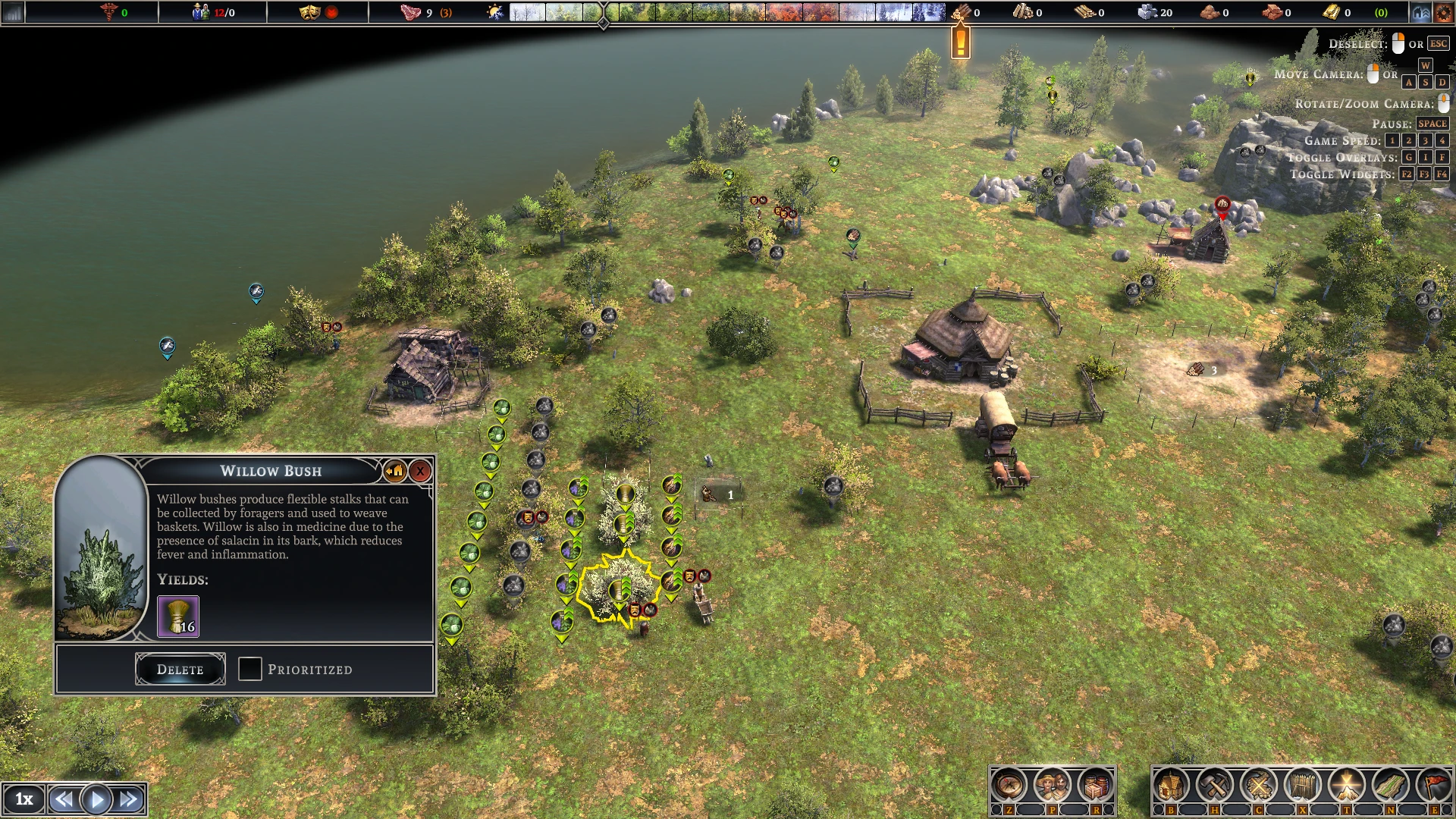
Relocate all forageable resources with vanilla relocate button
Add Item With UI button
donimuzur2025-01-13 22:36:53
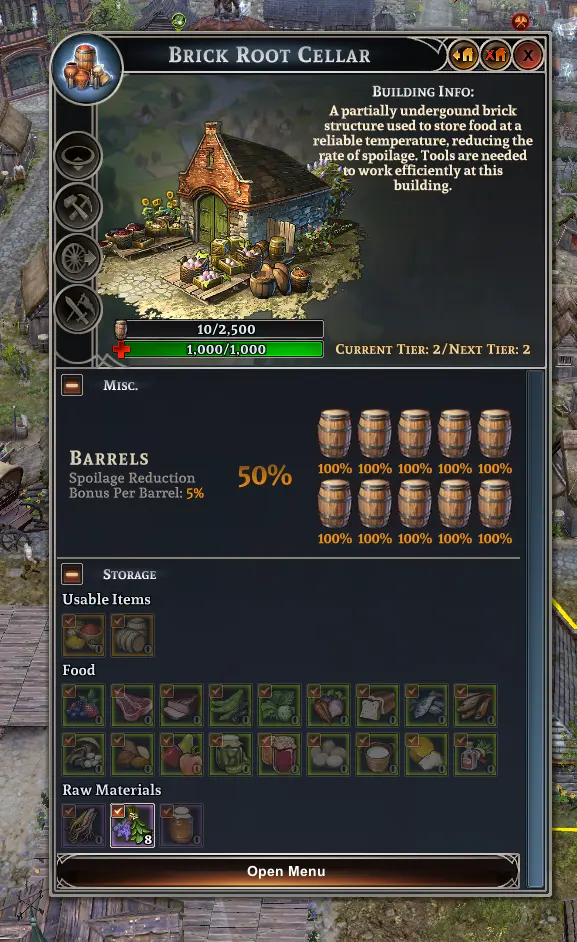
Add Item to selected werehouse building
添加村民
donimuzur2025-06-21 10:47:23
用镇中心按钮即时生成村民

理想半径检修
donimuzur2023-02-05 21:54:21
增加建筑半径,增加吸引力
堆肥场检修
CeeBYL2023-02-05 21:58:45
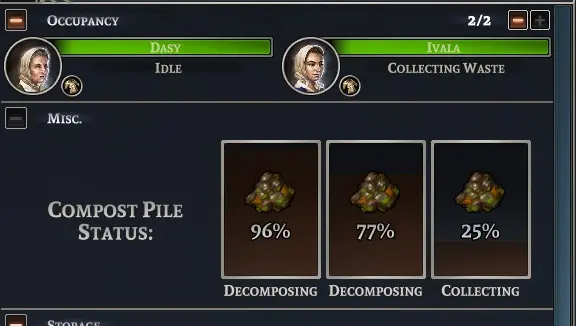
(以前是AutoFertilize)使堆肥场自动化,并增加最大工人人数。