关于此 MOD
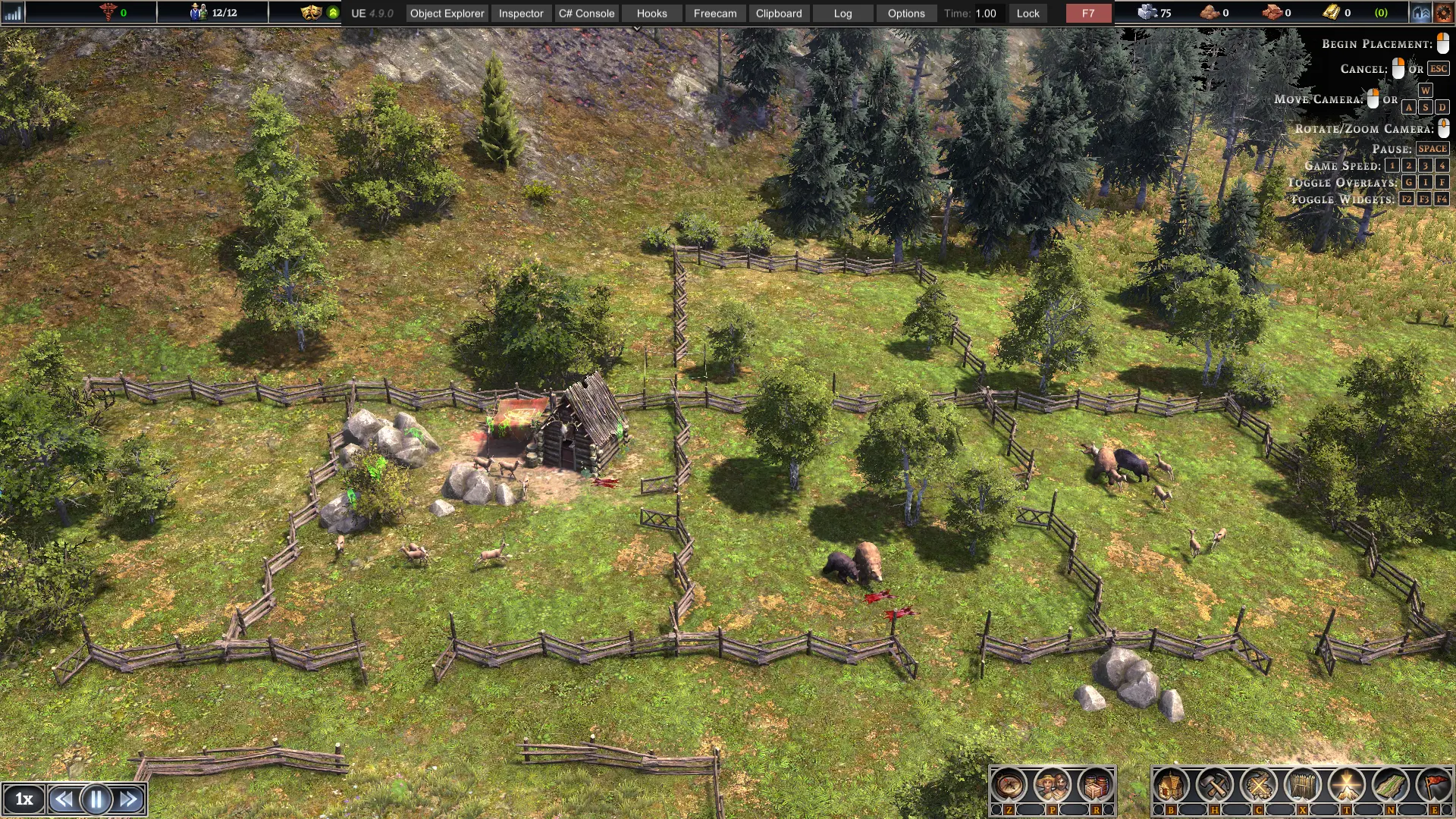
Spawn animals for food like Deer, Boar, Wolf and Bear AND Wolf Den AND Fish
Spawn animals and den right on your mouse cursor
Hotkeys:
v1.1.1 (default, configurable)
F5 - Spawn deer spawn point ( now it will stay )
F6 - Spawn 1 boar
F7 - Spawn 1 wolf
F8 - Spawn 1 bear
F9 - Spawn Wolf den
v1.1.2 (default, configurable)
U - Double max fish count to water area
O - Add shoal of fish to water area (add productivity to fishing shack)
v1.2.0
- Updated for 0.8.1a and MelonLoader 0.6.0
Some notes on Deer spawn points:
- If somehow you can't spawn deer, try to spawn it far from any buildings, or try to save and reload and try again
- Still unable to make Boar spawn point to stay after game reload, so this feature excluded.
v1.3.0
For mono version
To edit default hotkey, open UserData/AnimalSpawner.cfg with text editor, or
Use MelonPreference Manager from sinai, here
Download the Il2CPP version from release page, extract like other mod to /Mods folder
Change log v1.1.1:
Old Version
v1.0.0.0 for game v0.7.4
F1 - Spawn 5 deer
F2 - Spawn 1 boar
F3 - Spawn 1 wolf
F4 - Spawn 1 bear
v1.1.0.0 for game v0.7.5+
F5 - Add spawn point + 5 deer ( spawn point is missing after reload, but the deer stay )
F6 - Spawn 1 boar
F7 - Spawn 1 wolf
F8 - Spawn 1 bear
Install instruction:
- Extract the mod file to Games\Steam\steamapps\common\Farthest Frontier\Farthest Frontier (Mono)\Mods
- Run the game, select Play Farthest Frontier (Mono) from the Launch option in Steam
Just download the normal version for less cheaty version
You can build fence and gate before spawning to prevent them running away
-----------------------------
This mod required version 0.7.5+ to work and MelonLoader installed.
Install instruction:
- Download and follow the instruction to install MelonLoader.
- Run the game, make sure MelonLoader is initialized successfully.
- Close the game
- Put the extracted mod (.dll) to "Mods" folder
Hotkeys:
v1.1.1 (default, configurable)
F5 - Spawn deer spawn point ( now it will stay )
F6 - Spawn 1 boar
F7 - Spawn 1 wolf
F8 - Spawn 1 bear
F9 - Spawn Wolf den
v1.1.2 (default, configurable)
U - Double max fish count to water area
O - Add shoal of fish to water area (add productivity to fishing shack)
v1.2.0
- Updated for 0.8.1a and MelonLoader 0.6.0
Some notes on Deer spawn points:
- If somehow you can't spawn deer, try to spawn it far from any buildings, or try to save and reload and try again
- Still unable to make Boar spawn point to stay after game reload, so this feature excluded.
v1.3.0
For mono version
To edit default hotkey, open UserData/AnimalSpawner.cfg with text editor, or
Use MelonPreference Manager from sinai, here
Download the Il2CPP version from release page, extract like other mod to /Mods folder
Change log v1.1.1:
- Add confgurable hotkey
- Fix deer spawn point that previously spawned and missing icon
- Add wolf den spawner
Old Version
v1.0.0.0 for game v0.7.4
F1 - Spawn 5 deer
F2 - Spawn 1 boar
F3 - Spawn 1 wolf
F4 - Spawn 1 bear
v1.1.0.0 for game v0.7.5+
F5 - Add spawn point + 5 deer ( spawn point is missing after reload, but the deer stay )
F6 - Spawn 1 boar
F7 - Spawn 1 wolf
F8 - Spawn 1 bear
Install instruction:
- Extract the mod file to Games\Steam\steamapps\common\Farthest Frontier\Farthest Frontier (Mono)\Mods
- Run the game, select Play Farthest Frontier (Mono) from the Launch option in Steam
You can build fence and gate before spawning to prevent them running away
-----------------------------
Install instruction:
- Download and follow the instruction to install MelonLoader.
- Run the game, make sure MelonLoader is initialized successfully.
- Close the game
- Put the extracted mod (.dll) to "Mods" folder
最远的边陲 的热门 MOD
探索适用于 最远的边陲 的最佳MOD,带来新功能、升级画面,以及令人兴奋的方式来改变您的游戏体验。
矿物产卵器
paboyafx2025-04-27 14:10:13
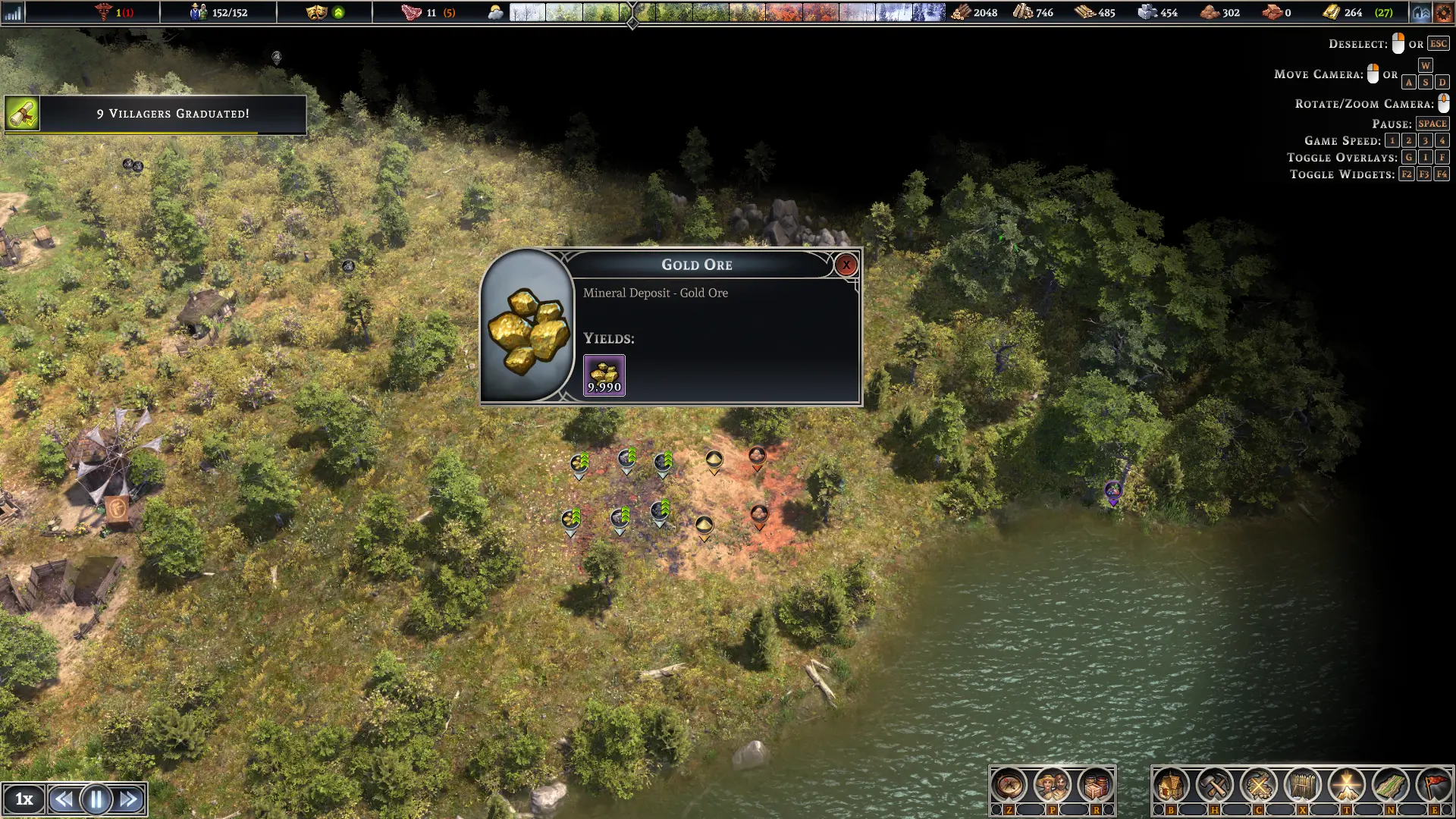
产卵矿物(金、铁、煤)、粘土和沙子场地、开挖场地
Animal Spawner
paboyafx2022-08-17 01:22:15
Spawn animals for food like Deer, Boar, Wolf and Bear AND Wolf Den AND Fish
Move Resource Mod
paboyafx2025-04-03 16:46:36
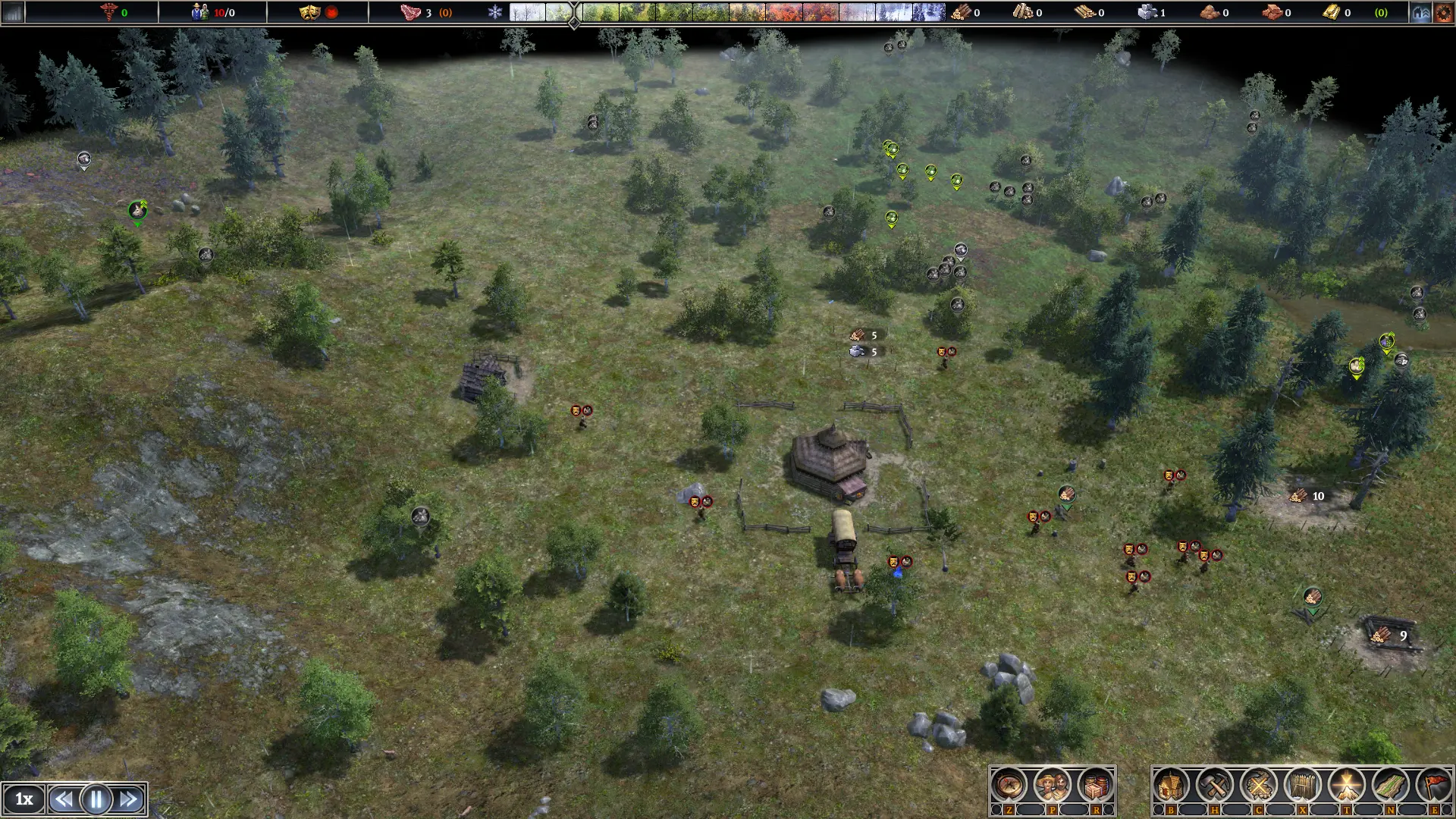
Spawn forageable resource like berries, bushes, eggs, roots. And also stone, and also spawn trees under your mouse cursor
Relocate Resource
paboyafx2024-08-05 00:57:44
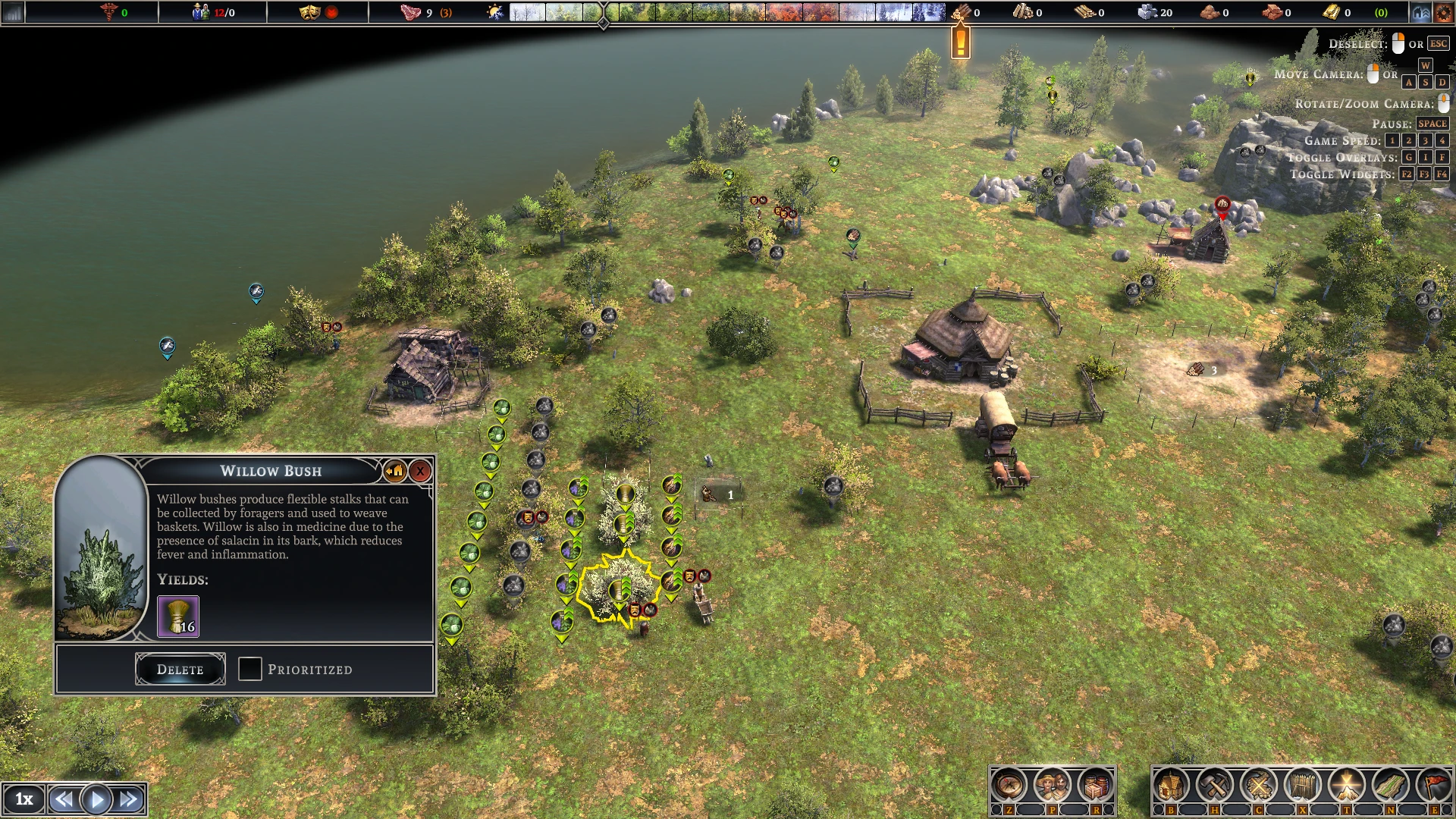
Relocate all forageable resources with vanilla relocate button
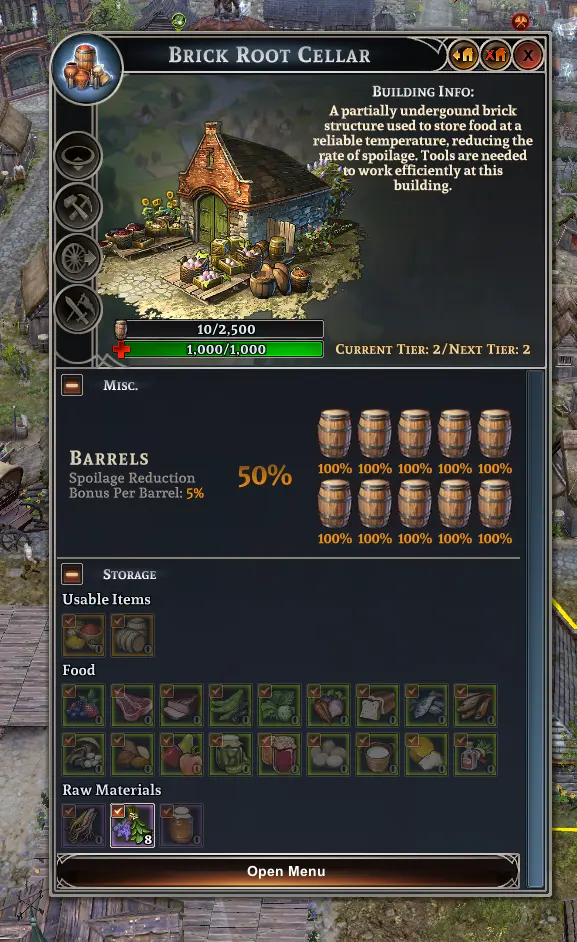
Add Item With UI button
donimuzur2025-01-13 22:36:53
Add Item to selected werehouse building
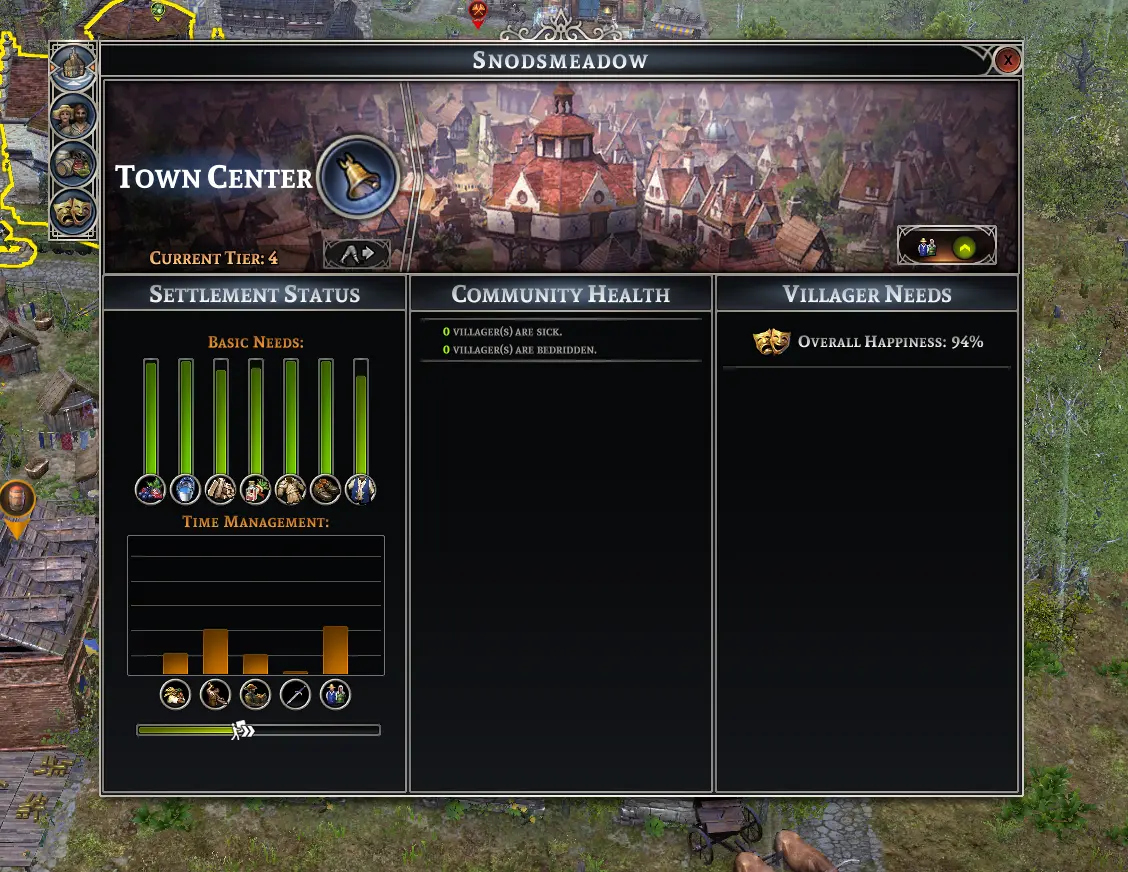
添加村民
donimuzur2025-06-21 10:47:23
用镇中心按钮即时生成村民

理想半径检修
donimuzur2023-02-05 21:54:21
增加建筑半径,增加吸引力
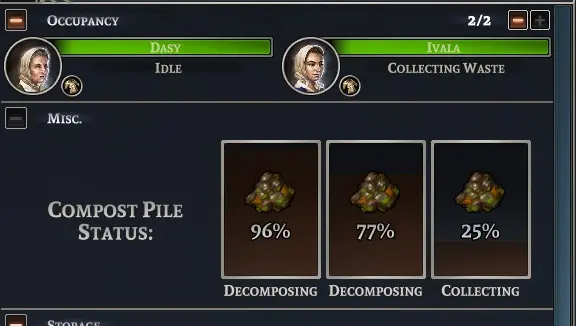
堆肥场检修
CeeBYL2023-02-05 21:58:45
(以前是AutoFertilize)使堆肥场自动化,并增加最大工人人数。