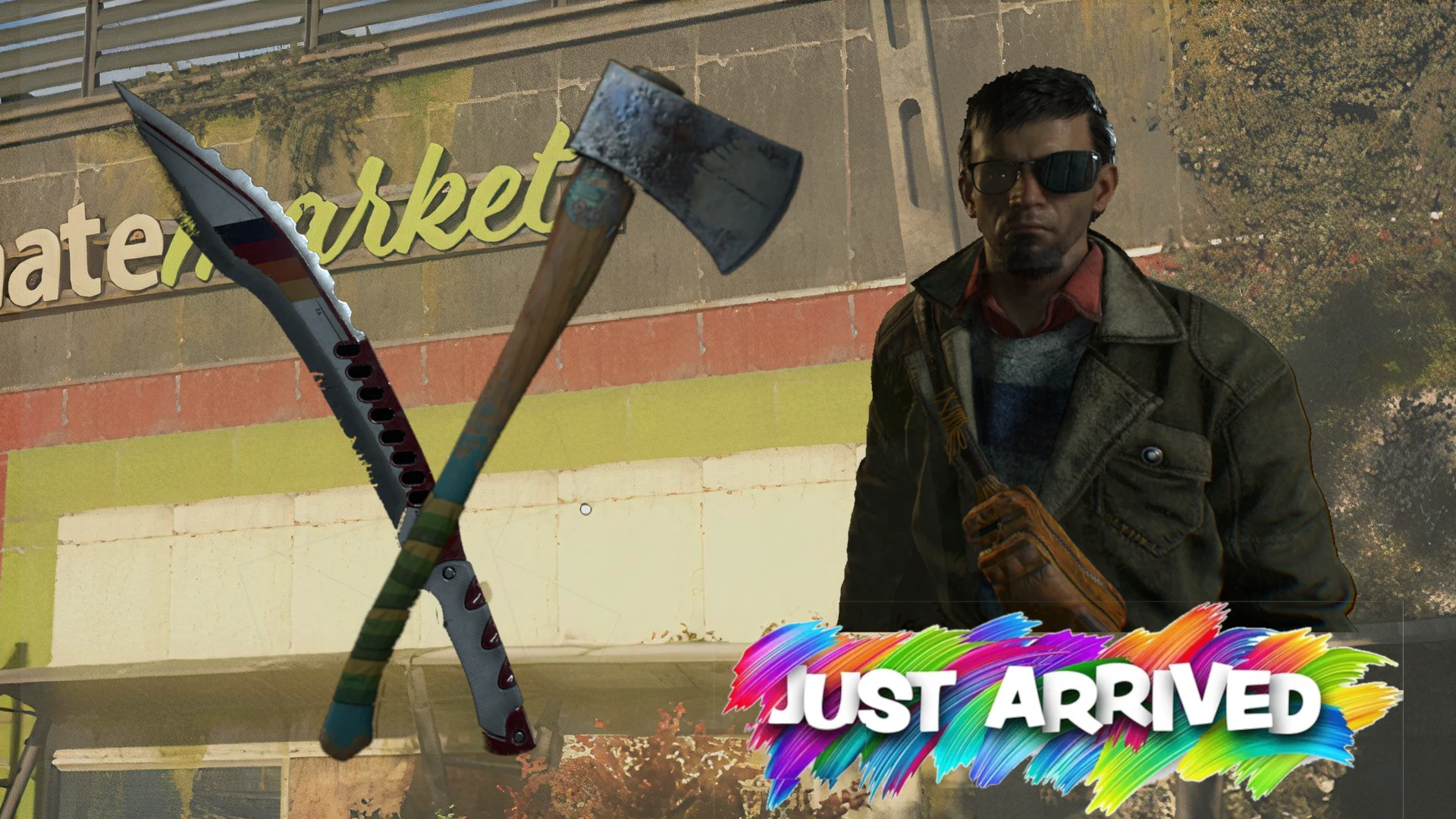
关于此 MOD
(Requested) The Woodchopper axe and the Sunset Machete are available in store. (Optional) More mod slots.
Game version 1.2.5
The Woodchopper Axe and the Sunset Machete are available in store. Both weapons are available from the beginning in town hall
through the store, they cost between 10 to 20 (what ever it is), and are level 1 weapons. Once you buy these items, they automatically
unlock their respective blueprints, which is more important. You can then upgrade the weapons, or craft them to match with your
character level.
You don`t need to have this mod installed permanently. This mod conflicts with all mods that alter the shop`s inventory. Give this mod
priority over those other mods, load the game and buy both weapons, consequently unlocking their blueprints. Once you exit the game,
the items and blueprints are saved in your inventory for good so you can safely remove the mod.
The Woodchopper Axe and Sunset Machete are designated as "unique, limited" items, meaning, if you already have these items (Level 1)
in your inventory, they won`t show up in store.
Optional: Additional Mod Slots / Additional Mod Slots patched with the 'Wolf on Fire'
Added mod slots to the weapons as the Woodchopper Axe doesn`t have mod slots and the Sunset Machete only has two.
To install the optional addition you first have to install the base version of the mod 'Woodchopper and Sunset Machete in Store'
(download 1), without the optional file.
After that, exit the game, remove the base version and install one of the optional files.
If you also have the Wolf on Fire mod, then use the patched version. Give this download priority over the 'Wolf on Fire' mod.
For those who experienced Error while retrieving the weapon`s Blueprints:
First and foremost Save your game. If you have one or both weapons, but don`t have the blueprints, try buying them regularly from the vendor (this
should work). If it doesn`t, dismantle all Woodchopper Axes and Sunset Machetes that you have in your inventory (differing by level and tier), exit the
game, and load up again. Go to the vendor, buy weapons.
Installation Instructions:
ALWAYS back up you game save files before using new mods.
Unpack the downloaded rar file. Use WinRar or 7zip, don`t use windows explorer, especially the 'Extract All' option.
Move the data5.pak file to your Dying Light the Beast game directory and place it in ph_ft\source folder, or use a mod manager.
If you already have a data5.pak file you can rename the numeral value to anything between 2 and 7, included.
ENJOY!
The Woodchopper Axe and the Sunset Machete are available in store. Both weapons are available from the beginning in town hall
through the store, they cost between 10 to 20 (what ever it is), and are level 1 weapons. Once you buy these items, they automatically
unlock their respective blueprints, which is more important. You can then upgrade the weapons, or craft them to match with your
character level.
You don`t need to have this mod installed permanently. This mod conflicts with all mods that alter the shop`s inventory. Give this mod
priority over those other mods, load the game and buy both weapons, consequently unlocking their blueprints. Once you exit the game,
the items and blueprints are saved in your inventory for good so you can safely remove the mod.
The Woodchopper Axe and Sunset Machete are designated as "unique, limited" items, meaning, if you already have these items (Level 1)
in your inventory, they won`t show up in store.
Optional: Additional Mod Slots / Additional Mod Slots patched with the 'Wolf on Fire'
Added mod slots to the weapons as the Woodchopper Axe doesn`t have mod slots and the Sunset Machete only has two.
To install the optional addition you first have to install the base version of the mod 'Woodchopper and Sunset Machete in Store'
(download 1), without the optional file.
After that, exit the game, remove the base version and install one of the optional files.
If you also have the Wolf on Fire mod, then use the patched version. Give this download priority over the 'Wolf on Fire' mod.
For those who experienced Error while retrieving the weapon`s Blueprints:
First and foremost Save your game. If you have one or both weapons, but don`t have the blueprints, try buying them regularly from the vendor (this
should work). If it doesn`t, dismantle all Woodchopper Axes and Sunset Machetes that you have in your inventory (differing by level and tier), exit the
game, and load up again. Go to the vendor, buy weapons.
Installation Instructions:
ALWAYS back up you game save files before using new mods.
Unpack the downloaded rar file. Use WinRar or 7zip, don`t use windows explorer, especially the 'Extract All' option.
Move the data5.pak file to your Dying Light the Beast game directory and place it in ph_ft\source folder, or use a mod manager.
If you already have a data5.pak file you can rename the numeral value to anything between 2 and 7, included.
ENJOY!
消逝的光芒:困兽 的热门 MOD
探索适用于 消逝的光芒:困兽 的最佳MOD,带来新功能、升级画面,以及令人兴奋的方式来改变您的游戏体验。
帧生成MOD
2025-09-18 11:24:30
20/30系N卡安装本MOD后可以在游戏设置中开启DLSS帧生成
降画质
邪惡的藍色龍人2025-09-18 23:53:35
降低游戏画质提升帧率,禁用游戏内的阴影和光照
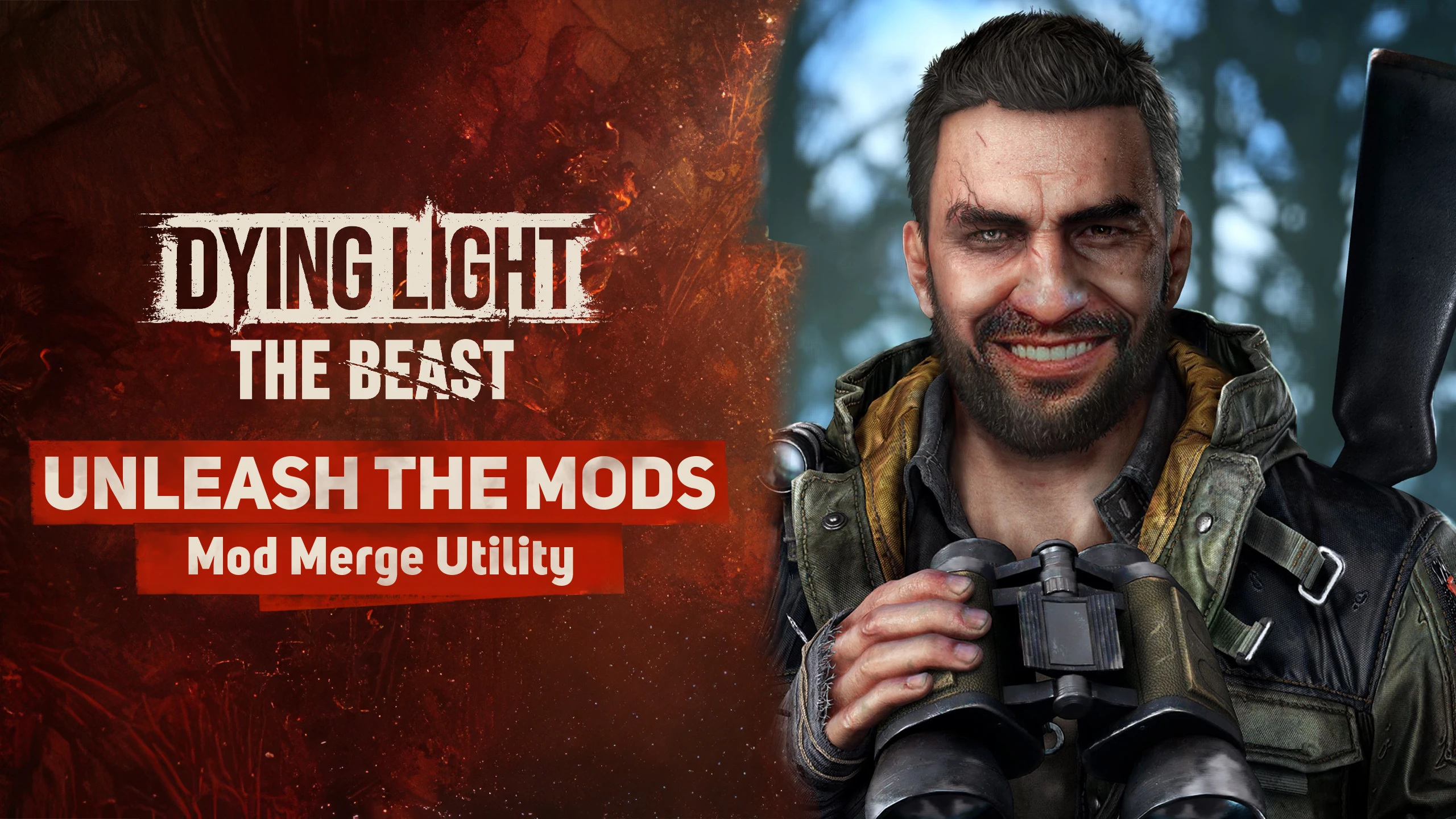
释放mods-mod合并实用程序
MetalHeadbang2025-10-05 22:22:04
释放mods-mod merge utility命令行工具,旨在智能合并《死亡之光:野兽》(也可能是DL2)的脚本Mod,防止冲突并确保稳定的游戏体验。

轻松开锁
sekurovich2025-09-18 17:41:25
起重机现在可以立即撬动任何锁。

增加战利品检测
enzonahuy2025-09-19 06:44:12
扫描物品时检测到战利品的范围扩大了两倍。

VAXIS的不要抓我-莫德
VAXIStaa2025-09-20 01:48:06
试图100%被抓住?现在僵尸只想打你,抓的大多都不见了。
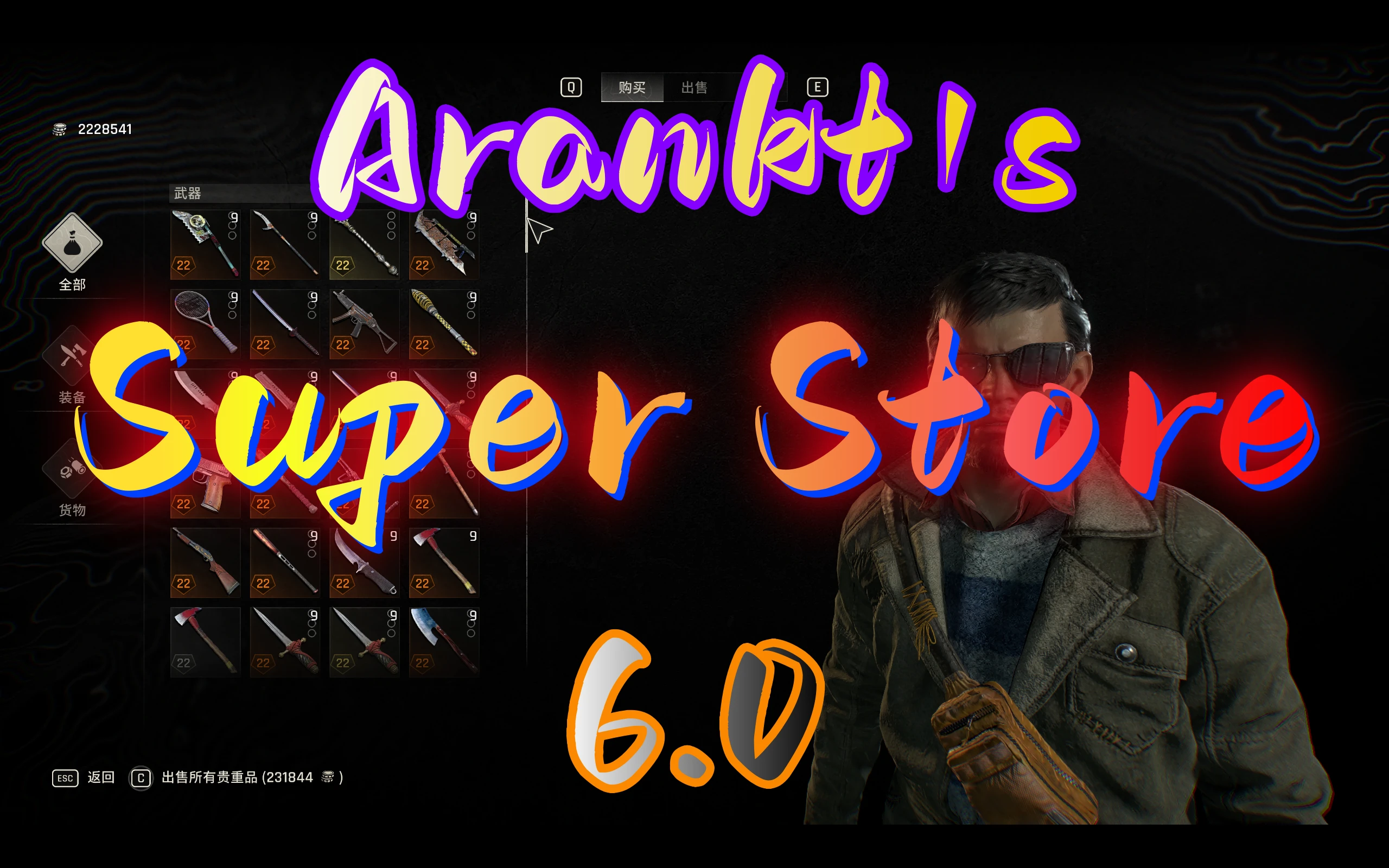
Arankts超级商店
arankt2025-11-30 03:14:55
您可以在商店中购买大多数物品,包括复活节彩蛋武器、抓钩蓝图、子弹、军事医疗包、消耗品、升级手册、军事卡片、投射物和资源
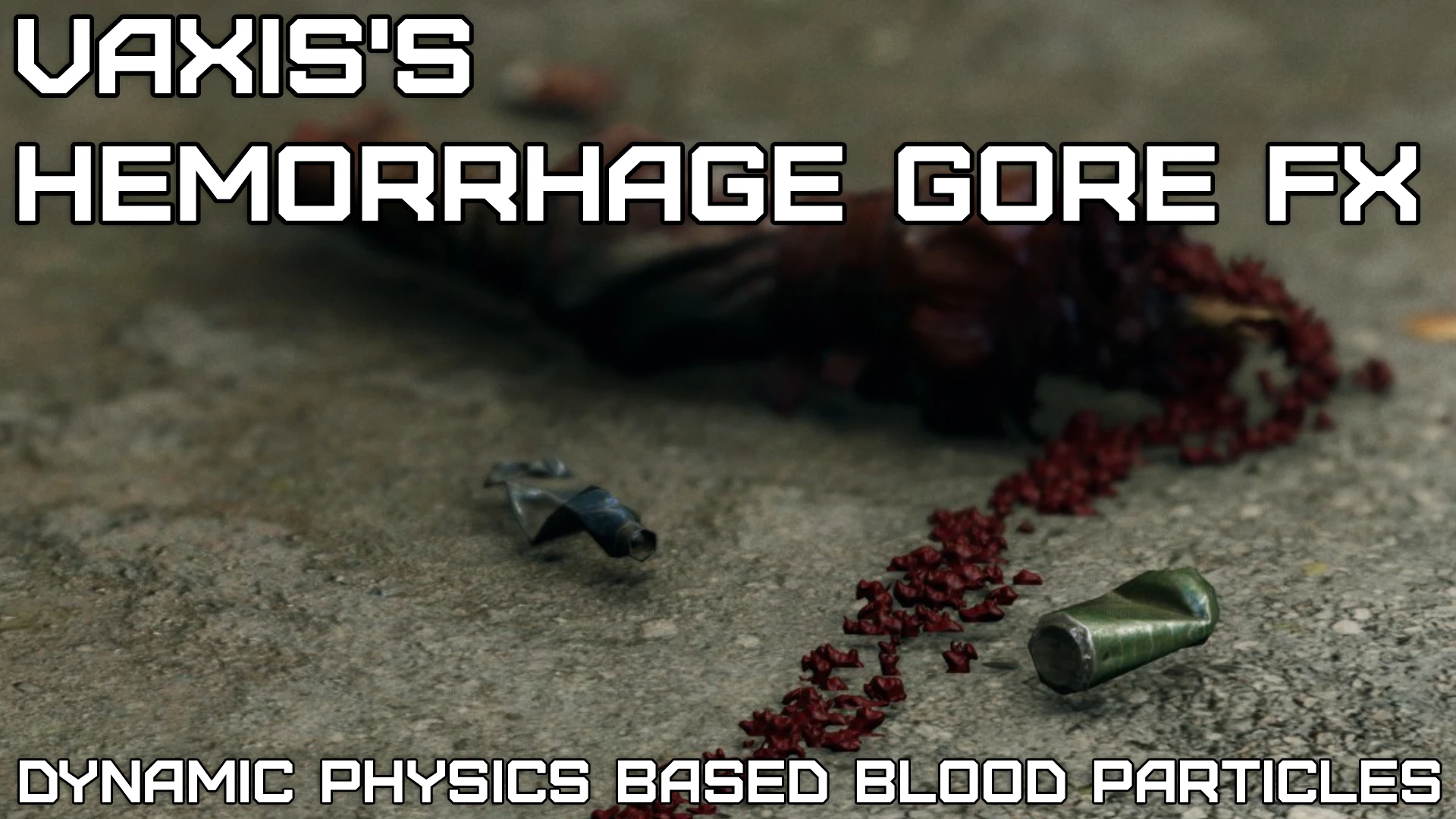
VAXIS的出血戈尔FX-大修项目(超级戈尔)
VAXIStaa2025-09-27 23:01:58
这个mod在攻击僵尸时增加了基于物理的血液粒子。超过2.246个编辑文件,用于提高粒子寿命、发射和调整粒子碰撞。更持久的烟雾效果,火花,更重的灰尘,水的效果,