关于此 MOD
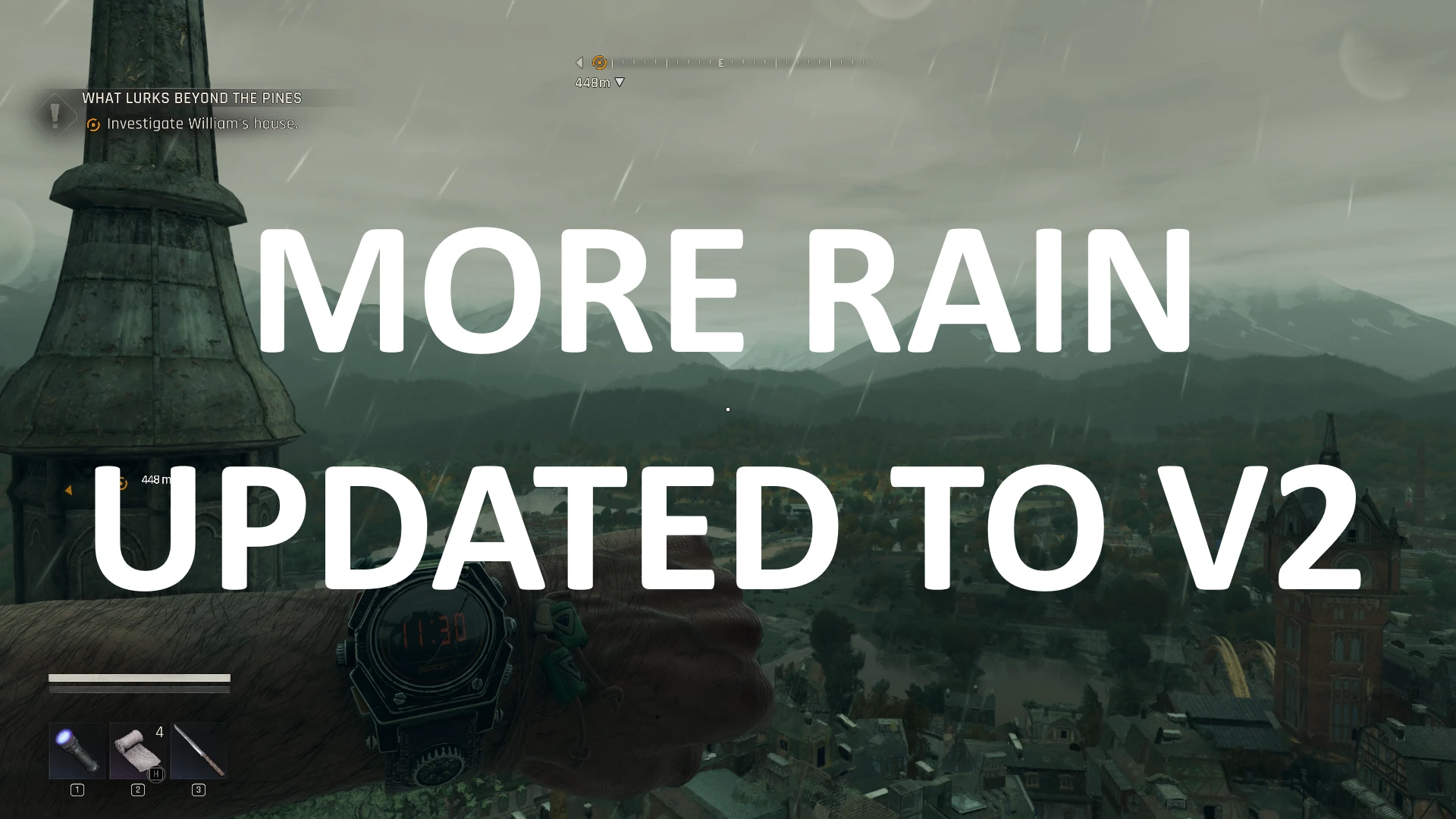
Enhances in-game weather with rainier and stormier conditions. Choose between two variants: a classic fixed schedule or a probability-based dynamic weather system.
Weather Cycle Summary (Fixed Variant):
NEW! Dynamic Weather Variant Added!
As promised, experience a fresh twist on the weather system with new probability based dynamic variant. Make your world feel more alive and unpredictable!
Weather Cycle Summary (Dynamic Variant):
How to Use
If you have no other mods that modify dlc_frontier_weather_config.scr, you can simply use WinRAR to merge the mods.
If other mods modify the same file, you can use Notepad++ along with its Compare plugin to merge the changes.
How to Tweak the Mod
MORE RAIN MOD V2 FEATURES
- More Rainy: The primary focus of this mod. Rain now occurs much more frequently, bringing a wetter, more immersive experience.
- More Stormy: Storms are now more common, adding intensity and excitement to the weather.
- More Foggy: Fog was underused in the vanilla game, so it now appears more often (though still moderately).
- Reduced Clear Skies: Clear skies are less frequent, but still present. You'll enjoy sunrises and sunsets in clear or partly cloudy weather for a better atmosphere.
Weather Cycle Summary (Fixed Variant):
Spoiler:
Show
- Dawn → 06:00-08:00 → Foggy (100% chance)
- Sunrise → 08:00-09:00 → Clear (100% chance)
- Morning → 09:00-11:00 → Overcast (100% chance)
- Forenoon → 11:00-13:00 → Rainy (100% chance)
- Noon → 13:00-15:00 → Stormy (100% chance)
- Afternoon → 15:00-17:00 → Rainy (100% chance)
- Evening → 17:00-18:00 → Foggy (100% chance)
- Sunset → 18:00-19:00 → Cloudy (100% chance)
- Dusk → 19:00-19:30 → Cloudy (100% chance)
- Night Start → 19:30-20:00 → Rainy (100% chance)
- Night → 20:00-05:00 → Stormy (100% chance)
- Night End → 05:00-06:00 → Foggy (100% chance)
NEW! Dynamic Weather Variant Added!
As promised, experience a fresh twist on the weather system with new probability based dynamic variant. Make your world feel more alive and unpredictable!
Weather Cycle Summary (Dynamic Variant):
Spoiler:
Show
- Night End → 05:00-06:00 → Clear (5%), Cloudy (5%), Foggy (65%), Overcast (10%), Rainy (10%), Stormy (5%)
- Dawn → 06:00-08:00 → Clear (5%), Cloudy (5%), Foggy (65%), Overcast (10%), Rainy (10%), Stormy (5%)
- Sunrise → 08:00-09:00 → Clear (50%), Cloudy (30%), Foggy (5%), Overcast (10%), Rainy (3%), Stormy (2%)
- Morning → 09:00-11:00 → Clear (5%), Cloudy (5%), Foggy (5%), Overcast (35%), Rainy (30%), Stormy (20%)
- Forenoon → 11:00-13:00 → Clear (5%), Cloudy (10%), Foggy (5%), Overcast (15%), Rainy (35%), Stormy (30%)
- Noon → 13:00-15:00 → Clear (5%), Cloudy (10%), Foggy (5%), Overcast (15%), Rainy (40%), Stormy (25%)
- Afternoon → 15:00-17:00 → Clear (5%), Cloudy (10%), Foggy (5%), Overcast (15%), Rainy (35%), Stormy (30%)
- Evening → 17:00-18:00 → Clear (10%), Cloudy (10%), Foggy (50%), Overcast (10%), Rainy (10%), Stormy (10%)
- Sunset → 18:00-19:00 → Clear (55%), Cloudy (30%), Foggy (5%), Overcast (5%), Rainy (3%), Stormy (2%)
- Dusk → 19:00-19:30 → Clear (10%), Cloudy (30%), Foggy (10%), Overcast (30%), Rainy (10%), Stormy (10%)
- Night Start → 19:30-20:00 → Clear (0%), Cloudy (5%), Foggy (5%), Overcast (40%), Rainy (35%), Stormy (15%)
- Night → 20:00-05:00 → Clear (0%), Cloudy (5%), Foggy (5%), Overcast (5%), Rainy (40%), Stormy (45%)
How to Use
- Download the mod.
- Open the downloaded archive.
- Go to GameFolder\ph_ft\source on your computer.
- Extract data2.pak from the archive into that folder.
If you have no other mods that modify dlc_frontier_weather_config.scr, you can simply use WinRAR to merge the mods.
If other mods modify the same file, you can use Notepad++ along with its Compare plugin to merge the changes.
How to Tweak the Mod
Spoiler:
Show
- Open data2.pak with WinRAR.
- Navigate to the maps\dlc_frontier\weathers folder and extract dlc_frontier_weather_config.scr file.
- Open it in Notepad or Notepad++.
- Scroll down until you find the line //NIGHT END.
The TimeScope code block directly beneath it defines the "Night End" period. If you're unsure what that means, take a look at the line, you'll see:TIMESCOPE_DAYTIME_NIGHT_END = 5.0;This was added by me as a marker. It tells you that the Night End TimeScope starts at 5 AM and ends when the next TimeScope begins. Now you know the exact in-game hours you're adjusting. Convenient, right? - Inside the TimeScope block, you'll notice several small Weather blocks, each with a single line of code. Do not touch the Version lines. Only edit the Weather lines. The syntax is very simple: The first value is the weather name (a string). The second value is the probability/chance of that weather. For example, if you want to completely disable Clear weather during Night End, you'd set its probability to 0 and then adjust the others so their combined total is 100%. Here's an example:
TimeScope(TIMESCOPE_DAYTIME_NIGHT_END) // TIMESCOPE_DAYTIME_NIGHT_END = 5.0;In this setup, "Clear" has a 0% chance of appearing, while the other weathers evenly split the 100% probability.
{
Weather("Clear", 0)
{
Version(0, "night_end_clear_a.scr", 1, "night_clear_a", "night_clear_a");
}
Weather("Cloudy", 20)
{
Version(0, "night_end_clear_a.scr", 1, "night_clear_a", "night_clear_a");
}
Weather("Foggy", 20)
{
Version(0, "night_end_foggy_a.scr", 1, "night_clear_a", "night_clear_a");
}
Weather("Overcast", 20)
{
Version(5, "night_end_overcast_a.scr", 1, "night_overcast_a", "night_overcast_a");
}
Weather("Rainy", 20)
{
Version(0, "night_end_rainy_a.scr", 1, "night_rainy_a", "night_rainy_a");
}
Weather("Stormy", 20)
{
Version(0, "night_end_stormy_a.scr", 1, "night_rainy_a", "night_rainy_a");
}
} - When you're done, save your changes and place the modified file back into the data2.pak. Make sure data2.pak is located here: GameFolder\ph_ft\source.
- Double-check that data2.pak is in the correct folder.
- Ensure dlc_frontier_weather_config.scr is inside it properly.
- Be careful not to remove any curly braces { }. They are essential for the code to function. Only touch them if you're absolutely sure of what you're doing (e.g., if you have programming experience).
───────────────────── Also by Me ─────────────────────
Enjoyed night-time screenshots? Enhance your experience further with my other mod: Better Night Vision.
Think the fog in this game is too weak or rare? Immerse yourself in a misty world with my Better Fog mod!
Note: The "Always Fog" option in Better Fog is not compatible with More Rain V2.
Looking to effortlessly take down zombie hordes and enjoy a more relaxed, casual experience? Try my Casual Beast mod!
Note: Better Fog, More Rain V2 and Better Night Vision mods are already included in Casual Beast.
Prefer driving with the arrow keys instead of WASD? Give my Drive Using Arrow Keys mod a try!
──────────────────────────────────────────────────
消逝的光芒:困兽 的热门 MOD
探索适用于 消逝的光芒:困兽 的最佳MOD,带来新功能、升级画面,以及令人兴奋的方式来改变您的游戏体验。
帧生成MOD
2025-09-18 11:24:30
20/30系N卡安装本MOD后可以在游戏设置中开启DLSS帧生成
降画质
邪惡的藍色龍人2025-09-18 23:53:35
降低游戏画质提升帧率,禁用游戏内的阴影和光照
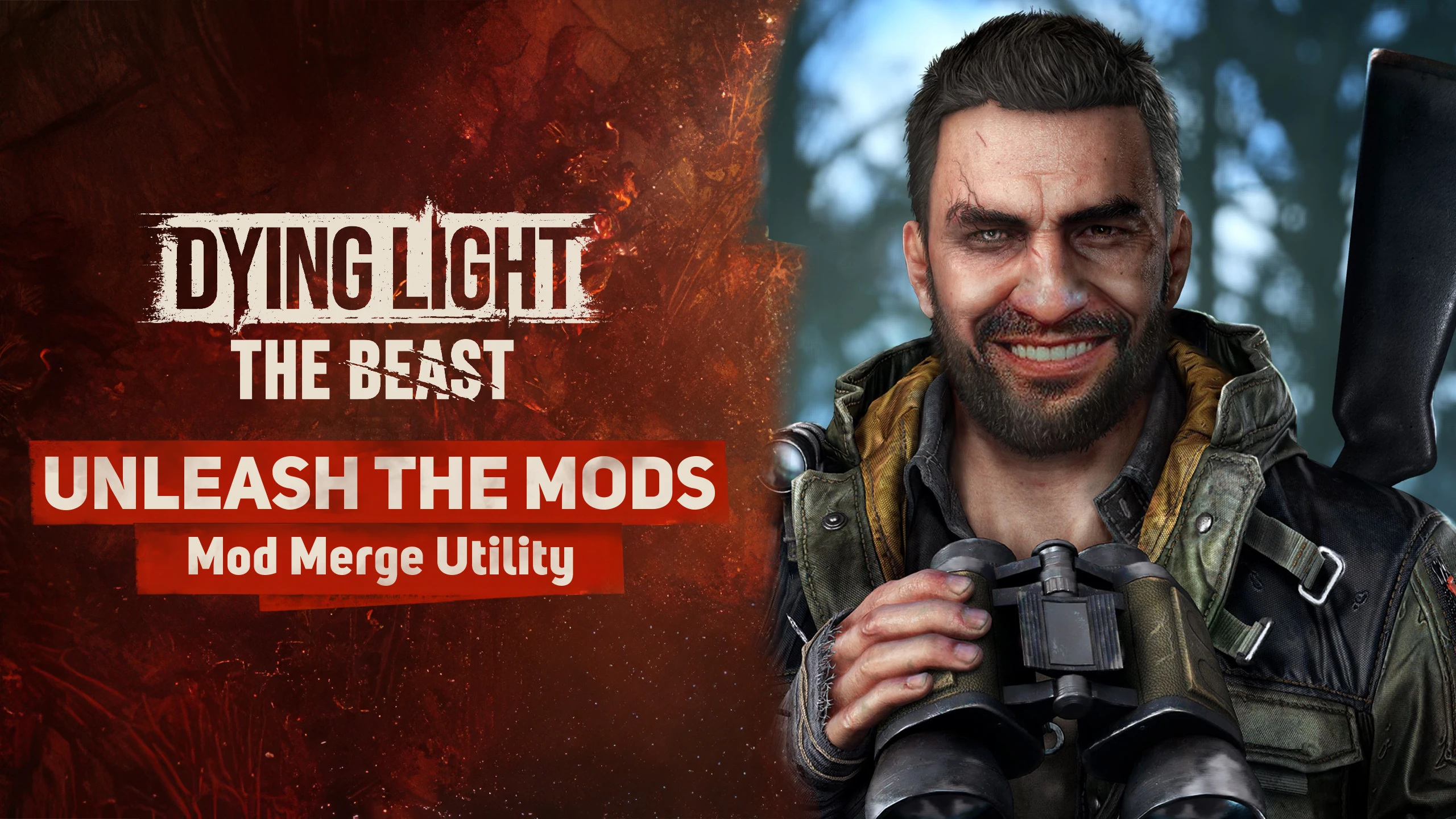
释放mods-mod合并实用程序
MetalHeadbang2025-10-05 22:22:04
释放mods-mod merge utility命令行工具,旨在智能合并《死亡之光:野兽》(也可能是DL2)的脚本Mod,防止冲突并确保稳定的游戏体验。

轻松开锁
sekurovich2025-09-18 17:41:25
起重机现在可以立即撬动任何锁。

增加战利品检测
enzonahuy2025-09-19 06:44:12
扫描物品时检测到战利品的范围扩大了两倍。

VAXIS的不要抓我-莫德
VAXIStaa2025-09-20 01:48:06
试图100%被抓住?现在僵尸只想打你,抓的大多都不见了。
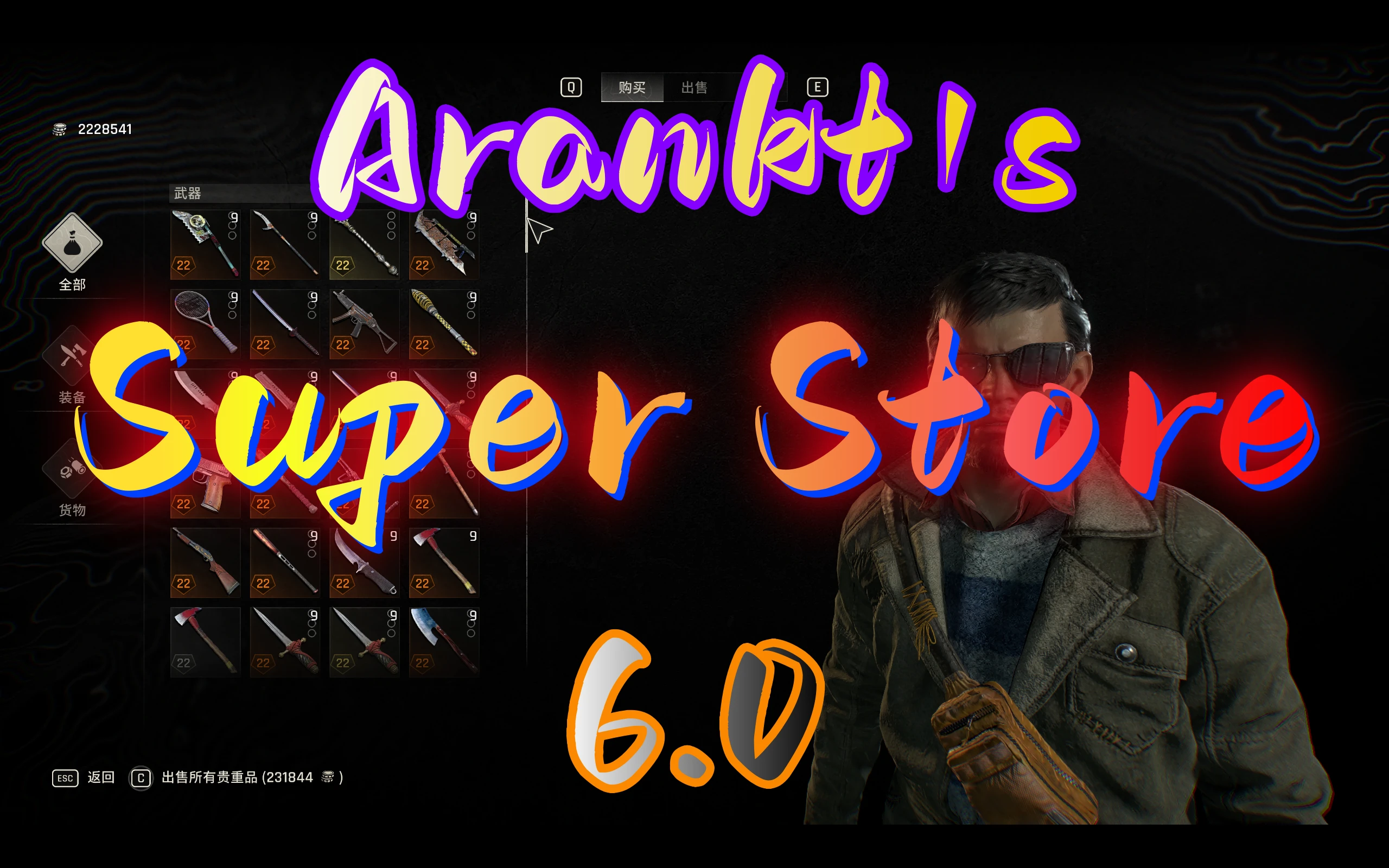
Arankts超级商店
arankt2025-11-30 03:14:55
您可以在商店中购买大多数物品,包括复活节彩蛋武器、抓钩蓝图、子弹、军事医疗包、消耗品、升级手册、军事卡片、投射物和资源
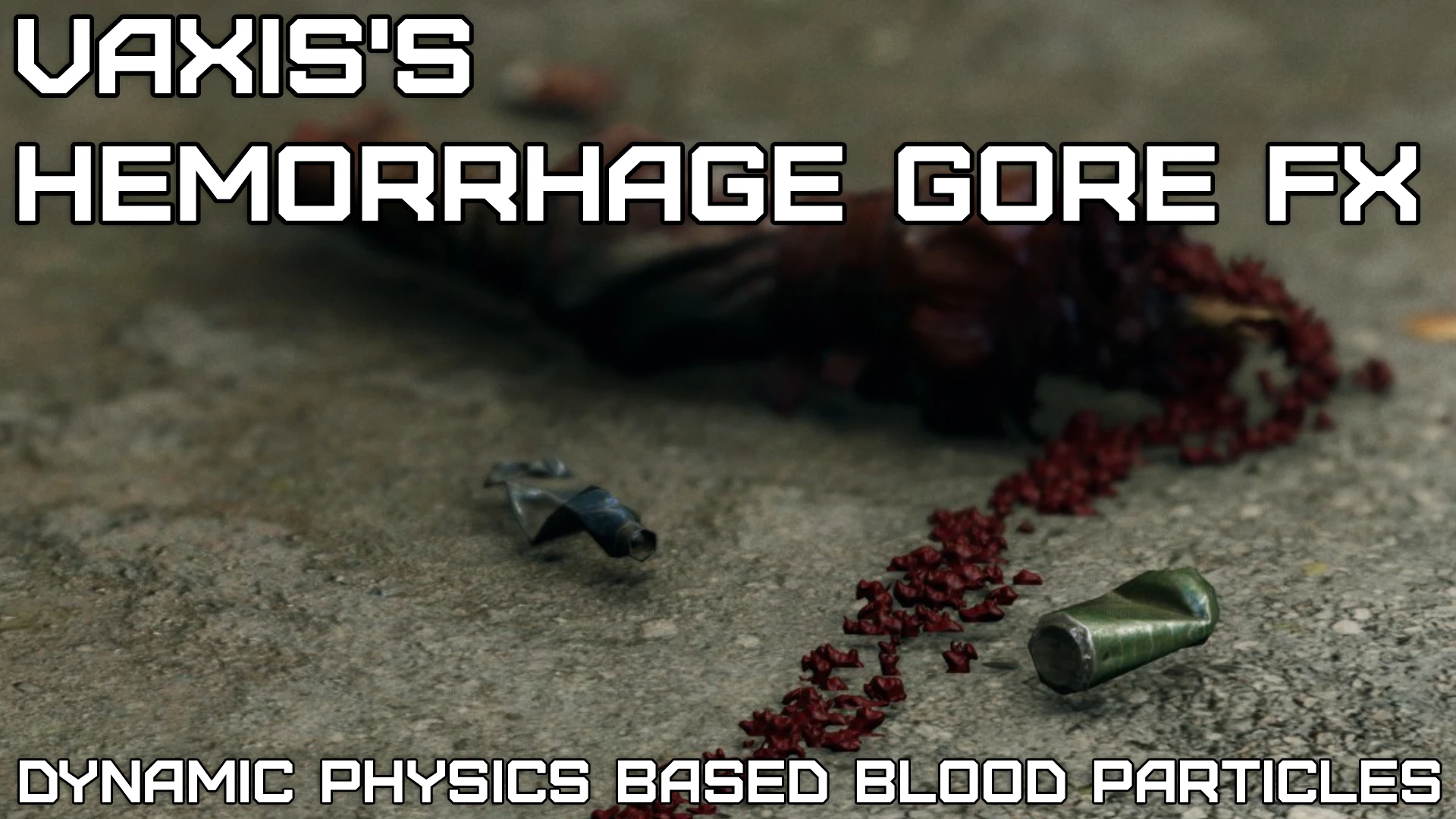
VAXIS的出血戈尔FX-大修项目(超级戈尔)
VAXIStaa2025-09-27 23:01:58
这个mod在攻击僵尸时增加了基于物理的血液粒子。超过2.246个编辑文件,用于提高粒子寿命、发射和调整粒子碰撞。更持久的烟雾效果,火花,更重的灰尘,水的效果,