
关于此 MOD
This is a simple mod that replaces the Xbox button icons in Dying Light: The Beast with button icons for the PS5 Dualsense controller OR the Steam Deck.
This is a simple mod that replaces the Xbox buttons in Dying Light: The Beast with buttons from the PlayStation Dualsense controller. I created this for myself as I wanted a way to use my PlayStation controller/Steam Deck with Steam Input while also having the correct button prompts appear in-game.
There are a few options for you to choose from with this mod:
PS5 - Straight replacement across, replaces all Xbox buttons with the equivalent PS5 buttons.
Deck - Keeps most of the Xbox buttons, but changes the bumpers and triggers to use L1, R1, L2, and R2. It also switches the LS and RS prompts to use L3 and R3.
PS Deck - Same as Deck, except it also switches the Xbox A, B, X, and Y buttons with the PlayStation X, Circle, Square, and Triangle buttons respectively.
To install:
Notes:
There are a few options for you to choose from with this mod:
PS5 - Straight replacement across, replaces all Xbox buttons with the equivalent PS5 buttons.
Deck - Keeps most of the Xbox buttons, but changes the bumpers and triggers to use L1, R1, L2, and R2. It also switches the LS and RS prompts to use L3 and R3.
PS Deck - Same as Deck, except it also switches the Xbox A, B, X, and Y buttons with the PlayStation X, Circle, Square, and Triangle buttons respectively.
To install:
- Select the version of the mod you want to use from the Files tab and download it.
- Head to the directory where you installed Dying Light: The Beast, and navigate to: /Dying Light The Beast/ph_ft/source/
- Right click on the data0.pak file and open it like an archive (I prefer to use 7-Zip to open these, but any program that can open .zip and .rar files should work).
- Drag and drop the "gui" folder into the root of data0.pak, replacing files when prompted.
Notes:
- Don't have more than one of these installed at a time. They will conflict, only install one.
- When Dying Light: The Beast gets updated, the data0.pak folder will most likely be overwritten with a new one. When this happens the game will revert to the old Xbox buttons. Make sure to reinstall this mod after updating to get the modded button prompts back.
- When starting the game, you will get a warning about having modified files. I am not sure if this affects online play or can get you banned from online play if you join someone's session with it installed since I have only been playing in single player mode, so proceed with caution if you plan to play online.
消逝的光芒:困兽 的热门 MOD
探索适用于 消逝的光芒:困兽 的最佳MOD,带来新功能、升级画面,以及令人兴奋的方式来改变您的游戏体验。
帧生成MOD
2025-09-18 11:24:30
20/30系N卡安装本MOD后可以在游戏设置中开启DLSS帧生成
降画质
邪惡的藍色龍人2025-09-18 23:53:35
降低游戏画质提升帧率,禁用游戏内的阴影和光照
释放mods-mod合并实用程序
MetalHeadbang2025-10-05 22:22:04
释放mods-mod merge utility命令行工具,旨在智能合并《死亡之光:野兽》(也可能是DL2)的脚本Mod,防止冲突并确保稳定的游戏体验。

轻松开锁
sekurovich2025-09-18 17:41:25
起重机现在可以立即撬动任何锁。

增加战利品检测
enzonahuy2025-09-19 06:44:12
扫描物品时检测到战利品的范围扩大了两倍。

VAXIS的不要抓我-莫德
VAXIStaa2025-09-20 01:48:06
试图100%被抓住?现在僵尸只想打你,抓的大多都不见了。
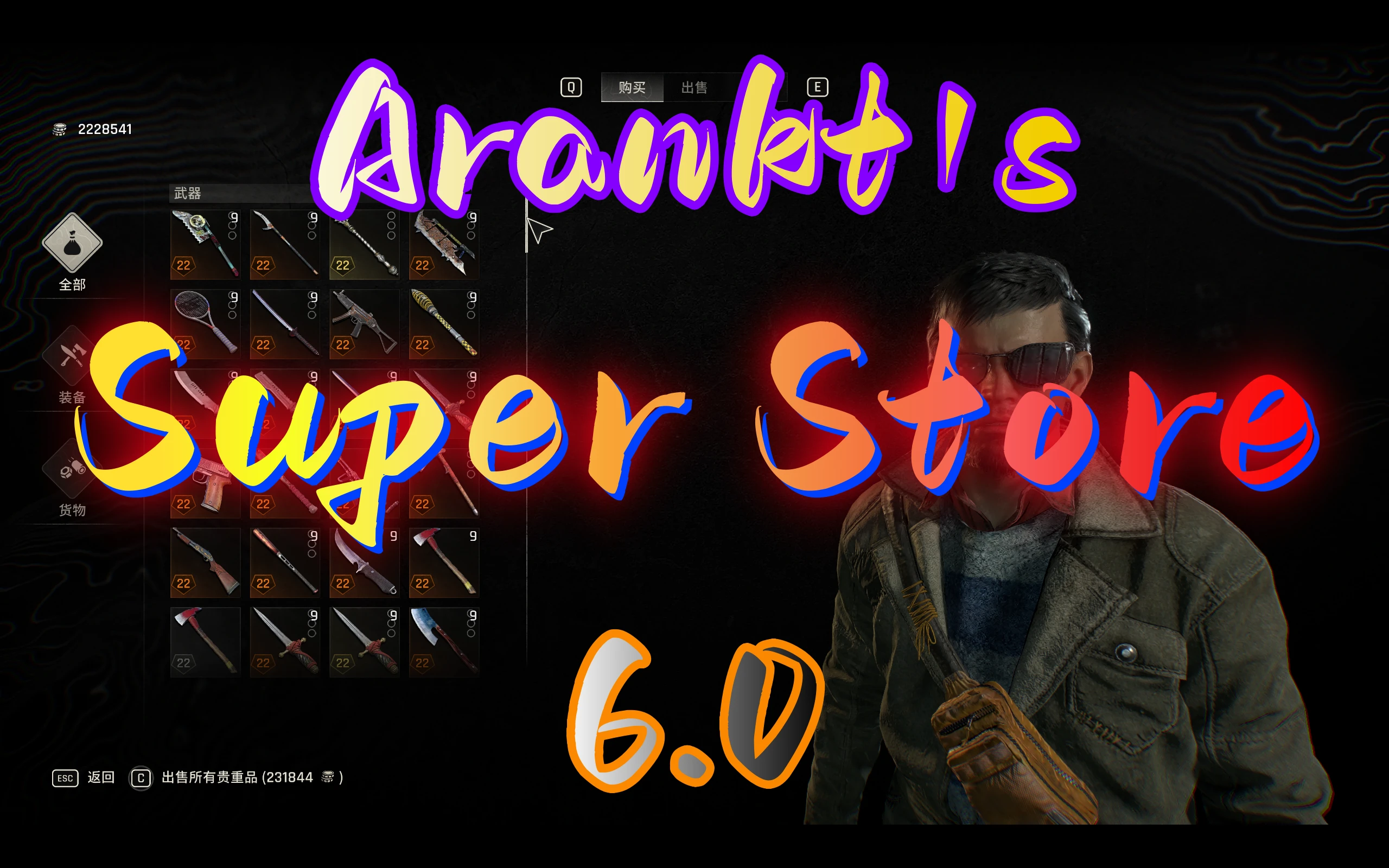
Arankts超级商店
arankt2025-11-30 03:14:55
您可以在商店中购买大多数物品,包括复活节彩蛋武器、抓钩蓝图、子弹、军事医疗包、消耗品、升级手册、军事卡片、投射物和资源
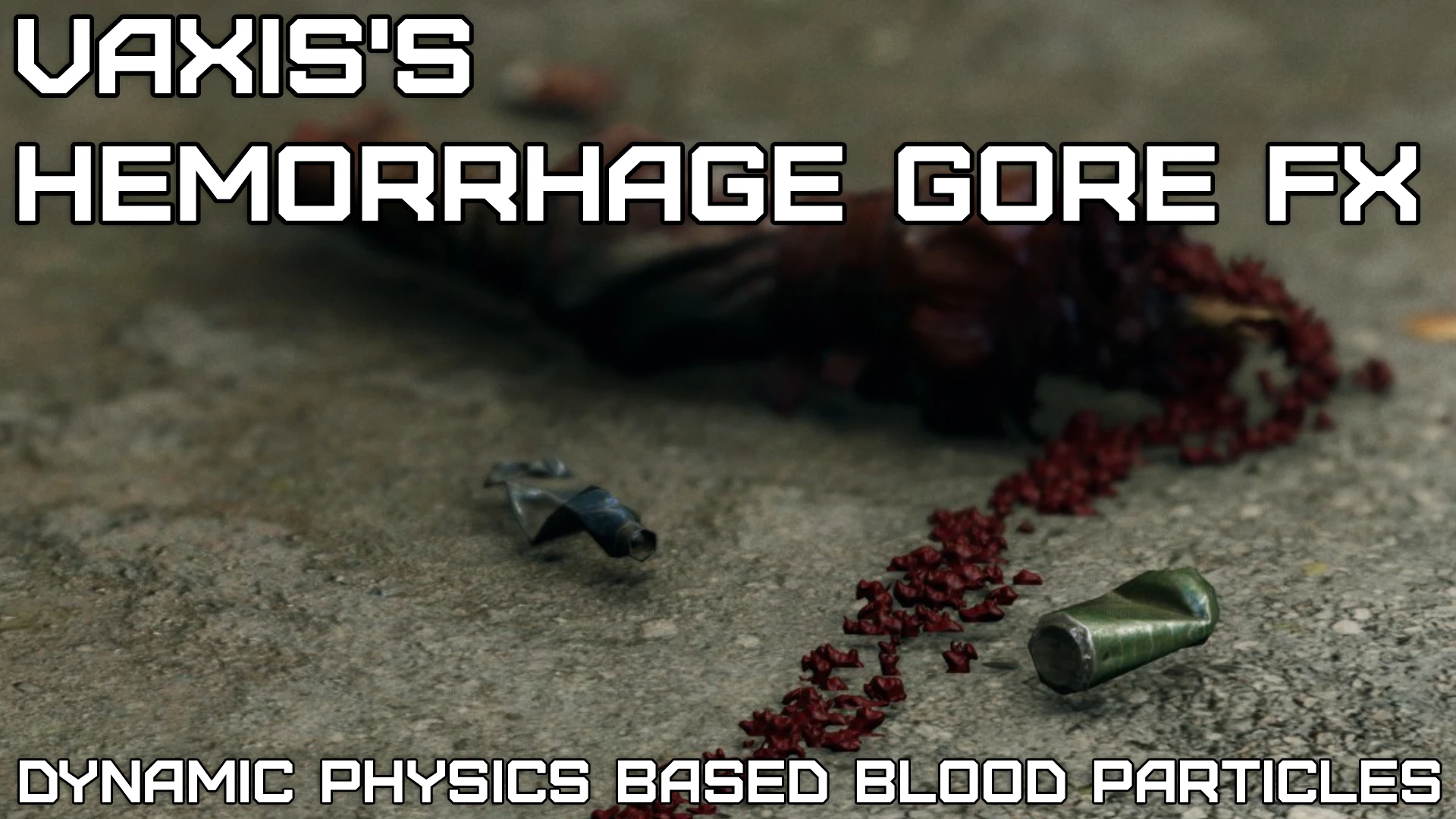
VAXIS的出血戈尔FX-大修项目(超级戈尔)
VAXIStaa2025-09-27 23:01:58
这个mod在攻击僵尸时增加了基于物理的血液粒子。超过2.246个编辑文件,用于提高粒子寿命、发射和调整粒子碰撞。更持久的烟雾效果,火花,更重的灰尘,水的效果,