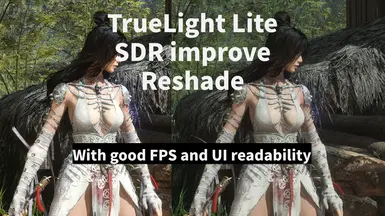
TrueLight Lite SDR improve Reshade-HDR1000 and above compatible
创作者: Deletriuz
已更新:2025-09-13 18:58:01
191KB
关于此 MOD
Enhancing SDR brightness and colors for clearer visuals and healthier skin tones 优化 SDR 画面的亮度与色彩,让画面更通透、肤色更自然
TrueLight Lite SDR improve Reshade
这游戏游戏本身只有伽马调节,看起来比较平淡,死板,所以我做了个轻量化的 ReShade。只用 5 个效果(Levels、Tonemap、DPX、HSLShift、CAS),把亮度范围拉开一点,黑的更黑、亮的更亮,画面更通透。颜色也顺便调整过,阳光下人物皮肤不会那么惨白,看起来更自然。
特点:
•只用 5 个效果,对性能几乎没压力
•UI 保持清晰可读,不会像其他reshade一样太艳,明暗关系糟糕而失去可读性(如果有完全不影响UI的reshade方法欢迎告诉我!)
•参数都能自己改,想要更淡或者更强可以随意调
•如果不喜欢锐化,可以关掉 CAS,能多出大概 3 帧性能
适合想让 SDR 画面更好看,但又不想搞复杂效果的人。
补充:经过测试,支持HDR1000或者更高的显示器也能够正常使用而且效果非常好,能充分利用屏幕的动态范围,但是不足HDR1000的显示器使用此预设会出现严重过曝
⸻
TrueLight Lite SDR improve Reshade
This game in SDR mode that look flat and washed out and can only tweak gamma. It’s a simple, lightweight ReShade using just 5 effects (Levels, Tonemap, DPX, HSLShift, CAS). The goal is to make blacks deeper, whites brighter, and the overall picture clearer. I also adjusted colors a bit so skin tones in sunlight look healthier instead of pale.
Features:
•Only 5 effects, barely any performance hit
•UI stays clean and readable, not like many other presets that make UI to bright or dark, or too colorful (if you know how to reshade this game without UI, please tell me!)
•Easy to tweak the settings if you want stronger or softer changes
•Don’t like sharpening? Just disable CAS and you’ll get around +3 FPS
Made for players who want better SDR visuals without heavy shaders
Edit:tested onHDR1000-and-above monitors, the preset works flawlessly and looks stunning, making full use of the panel’s dynamic range. On displays below HDR1000, however, it causes severe over-exposure.
安装步骤(修改自Luxor's Reshade for Wuchang Fallen Feathers)
1.前往 https://reshade.me/ 下载最新版本的 ReShade。
2.下载 TrueLight Lite.ini 并解压。
3.把 TrueLight Lite.ini 放到:
Steam\steamapps\common\Wuchang Fallen Feathers\Project_Plague\Binaries\Win64
也就是游戏 exe 文件所在的目录。
4.打开 ReShade 安装器,找到 Project_Plague-Win64-Shipping.exe,选择 Direct3D 10/11/12。
•如果是 Game Pass 版本,请选择 gamelauncherhelper.exe。
•在提示选择预设时,浏览并选中 TrueLight Lite.ini。
安装器会自动下载需要的文件。
5.(如果提示需要 shader 文件)将我提供的 reshade-shaders 文件夹复制到同一目录下,并选择覆盖。
6.启动游戏,等待加载完 Shaders,按 Home 键 打开 ReShade 界面。
7.点击 “继续”,然后在右上角按 “+” 号,选择 TrueLight Lite.ini。
8.现在预设已经生效。
希望你能喜欢这个预设,如果觉得效果不错,欢迎回来点个赞!
⸻
Installation Steps(eidt fromLuxor's Reshade for Wuchang Fallen Feathers)
1.Download the latest version of ReShade from https://reshade.me/.
2.Download TrueLight Lite.ini and extract it.
3.Place TrueLight Lite.ini into:
Steam\steamapps\common\Wuchang Fallen Feathers\Project_Plague\Binaries\Win64
(same folder where the game’s exe is located).
4.Run the ReShade installer, select Project_Plague-Win64-Shipping.exe, and choose Direct3D 10/11/12.
•For the Game Pass version, select gamelauncherhelper.exe.
•When asked to select a preset, browse and pick TrueLight Lite.ini.
The installer will download the required shaders automatically.
5.(If asked for shader files) copy the provided reshade-shaders folder into the same directory and overwrite when prompted.
6.Launch the game, wait for the shaders to load, then press the Home key to open the ReShade menu.
7.Click “continue”, then hit the “+” icon on the top right, and choose TrueLight Lite.ini.
8.The preset should now be active.
Hope you enjoy the preset! If you like it, please consider endorsing it.
这游戏游戏本身只有伽马调节,看起来比较平淡,死板,所以我做了个轻量化的 ReShade。只用 5 个效果(Levels、Tonemap、DPX、HSLShift、CAS),把亮度范围拉开一点,黑的更黑、亮的更亮,画面更通透。颜色也顺便调整过,阳光下人物皮肤不会那么惨白,看起来更自然。
特点:
•只用 5 个效果,对性能几乎没压力
•UI 保持清晰可读,不会像其他reshade一样太艳,明暗关系糟糕而失去可读性(如果有完全不影响UI的reshade方法欢迎告诉我!)
•参数都能自己改,想要更淡或者更强可以随意调
•如果不喜欢锐化,可以关掉 CAS,能多出大概 3 帧性能
适合想让 SDR 画面更好看,但又不想搞复杂效果的人。
补充:经过测试,支持HDR1000或者更高的显示器也能够正常使用而且效果非常好,能充分利用屏幕的动态范围,但是不足HDR1000的显示器使用此预设会出现严重过曝
⸻
TrueLight Lite SDR improve Reshade
This game in SDR mode that look flat and washed out and can only tweak gamma. It’s a simple, lightweight ReShade using just 5 effects (Levels, Tonemap, DPX, HSLShift, CAS). The goal is to make blacks deeper, whites brighter, and the overall picture clearer. I also adjusted colors a bit so skin tones in sunlight look healthier instead of pale.
Features:
•Only 5 effects, barely any performance hit
•UI stays clean and readable, not like many other presets that make UI to bright or dark, or too colorful (if you know how to reshade this game without UI, please tell me!)
•Easy to tweak the settings if you want stronger or softer changes
•Don’t like sharpening? Just disable CAS and you’ll get around +3 FPS
Made for players who want better SDR visuals without heavy shaders
Edit:tested onHDR1000-and-above monitors, the preset works flawlessly and looks stunning, making full use of the panel’s dynamic range. On displays below HDR1000, however, it causes severe over-exposure.
安装步骤(修改自Luxor's Reshade for Wuchang Fallen Feathers)
1.前往 https://reshade.me/ 下载最新版本的 ReShade。
2.下载 TrueLight Lite.ini 并解压。
3.把 TrueLight Lite.ini 放到:
Steam\steamapps\common\Wuchang Fallen Feathers\Project_Plague\Binaries\Win64
也就是游戏 exe 文件所在的目录。
4.打开 ReShade 安装器,找到 Project_Plague-Win64-Shipping.exe,选择 Direct3D 10/11/12。
•如果是 Game Pass 版本,请选择 gamelauncherhelper.exe。
•在提示选择预设时,浏览并选中 TrueLight Lite.ini。
安装器会自动下载需要的文件。
5.(如果提示需要 shader 文件)将我提供的 reshade-shaders 文件夹复制到同一目录下,并选择覆盖。
6.启动游戏,等待加载完 Shaders,按 Home 键 打开 ReShade 界面。
7.点击 “继续”,然后在右上角按 “+” 号,选择 TrueLight Lite.ini。
8.现在预设已经生效。
希望你能喜欢这个预设,如果觉得效果不错,欢迎回来点个赞!
⸻
Installation Steps(eidt fromLuxor's Reshade for Wuchang Fallen Feathers)
1.Download the latest version of ReShade from https://reshade.me/.
2.Download TrueLight Lite.ini and extract it.
3.Place TrueLight Lite.ini into:
Steam\steamapps\common\Wuchang Fallen Feathers\Project_Plague\Binaries\Win64
(same folder where the game’s exe is located).
4.Run the ReShade installer, select Project_Plague-Win64-Shipping.exe, and choose Direct3D 10/11/12.
•For the Game Pass version, select gamelauncherhelper.exe.
•When asked to select a preset, browse and pick TrueLight Lite.ini.
The installer will download the required shaders automatically.
5.(If asked for shader files) copy the provided reshade-shaders folder into the same directory and overwrite when prompted.
6.Launch the game, wait for the shaders to load, then press the Home key to open the ReShade menu.
7.Click “continue”, then hit the “+” icon on the top right, and choose TrueLight Lite.ini.
8.The preset should now be active.
Hope you enjoy the preset! If you like it, please consider endorsing it.
明末:渊虚之羽 的热门 MOD
探索适用于 明末:渊虚之羽 的最佳MOD,带来新功能、升级画面,以及令人兴奋的方式来改变您的游戏体验。
明末前置Mod
FrancisLouis2025-07-25 14:19:55
允许武昌通过~mods文件夹加载未签名的mods。
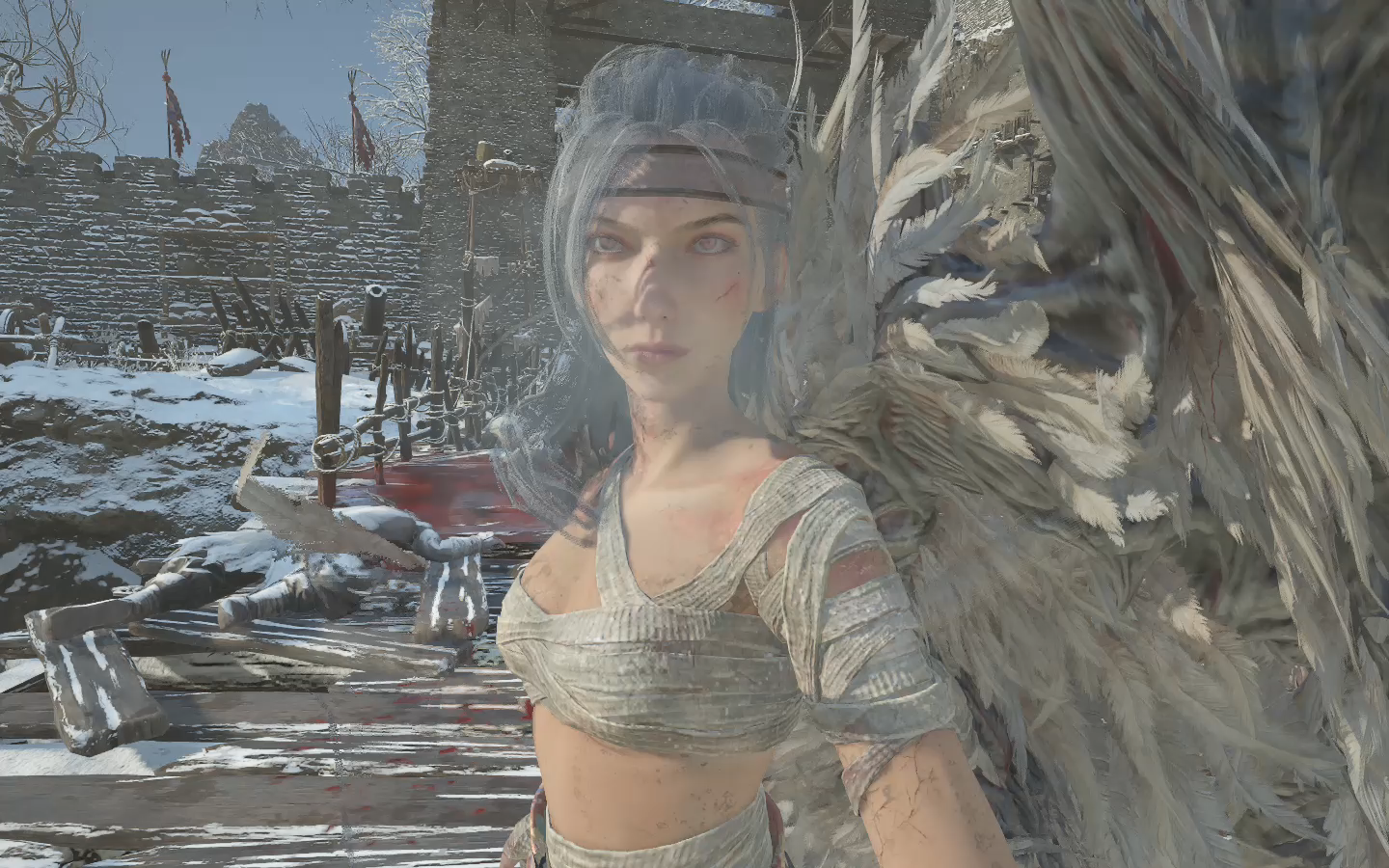
主角替换红岚
阿黄玩游戏2025-08-11 10:56:48
替换真武套装,包括头部、身体、下身以及手。添加布料物理效果(勉强可以)未穿模。
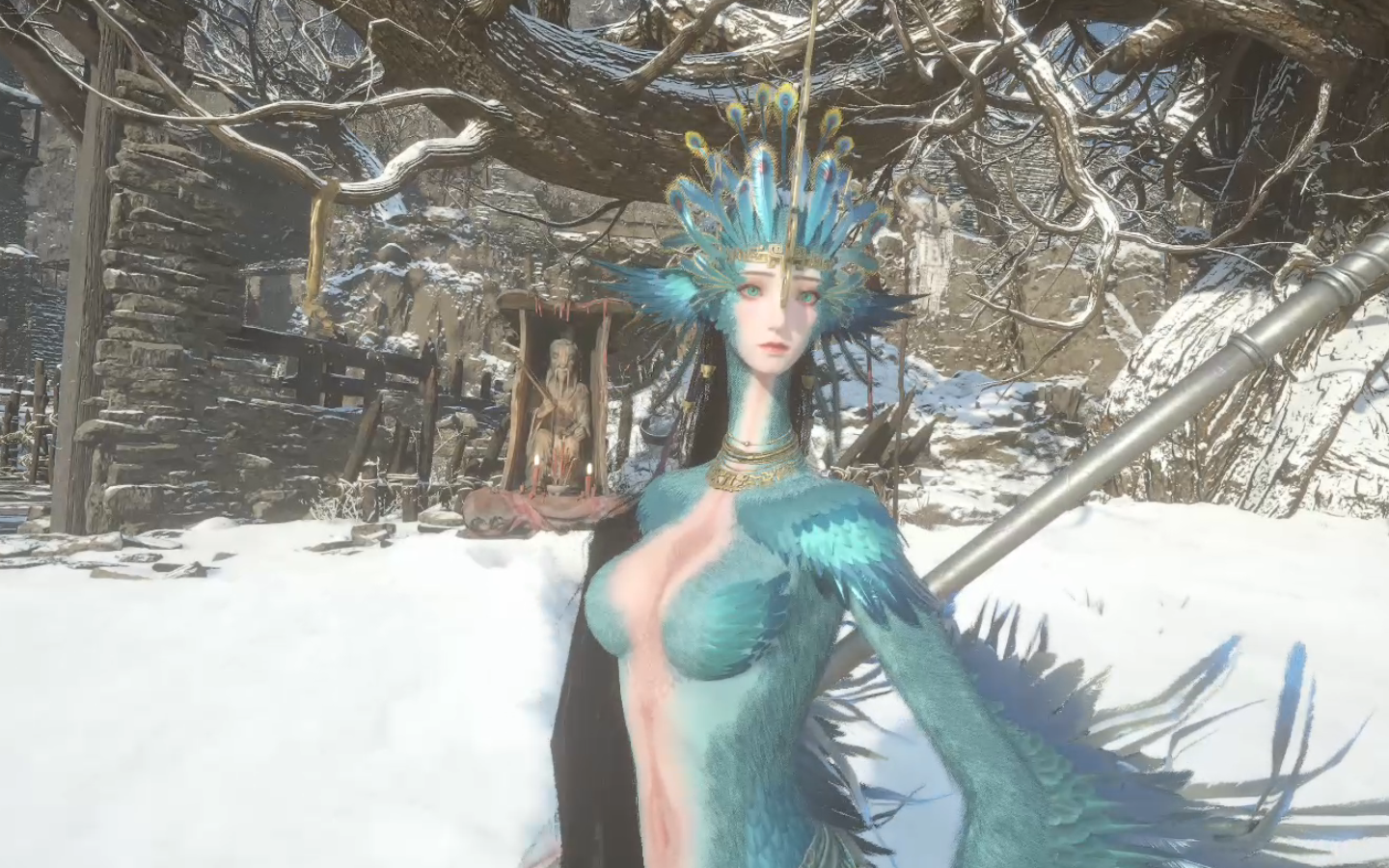
主角替换成为鸟人模型
阿黄玩游戏2025-08-08 14:43:21
替换的大西都军套装
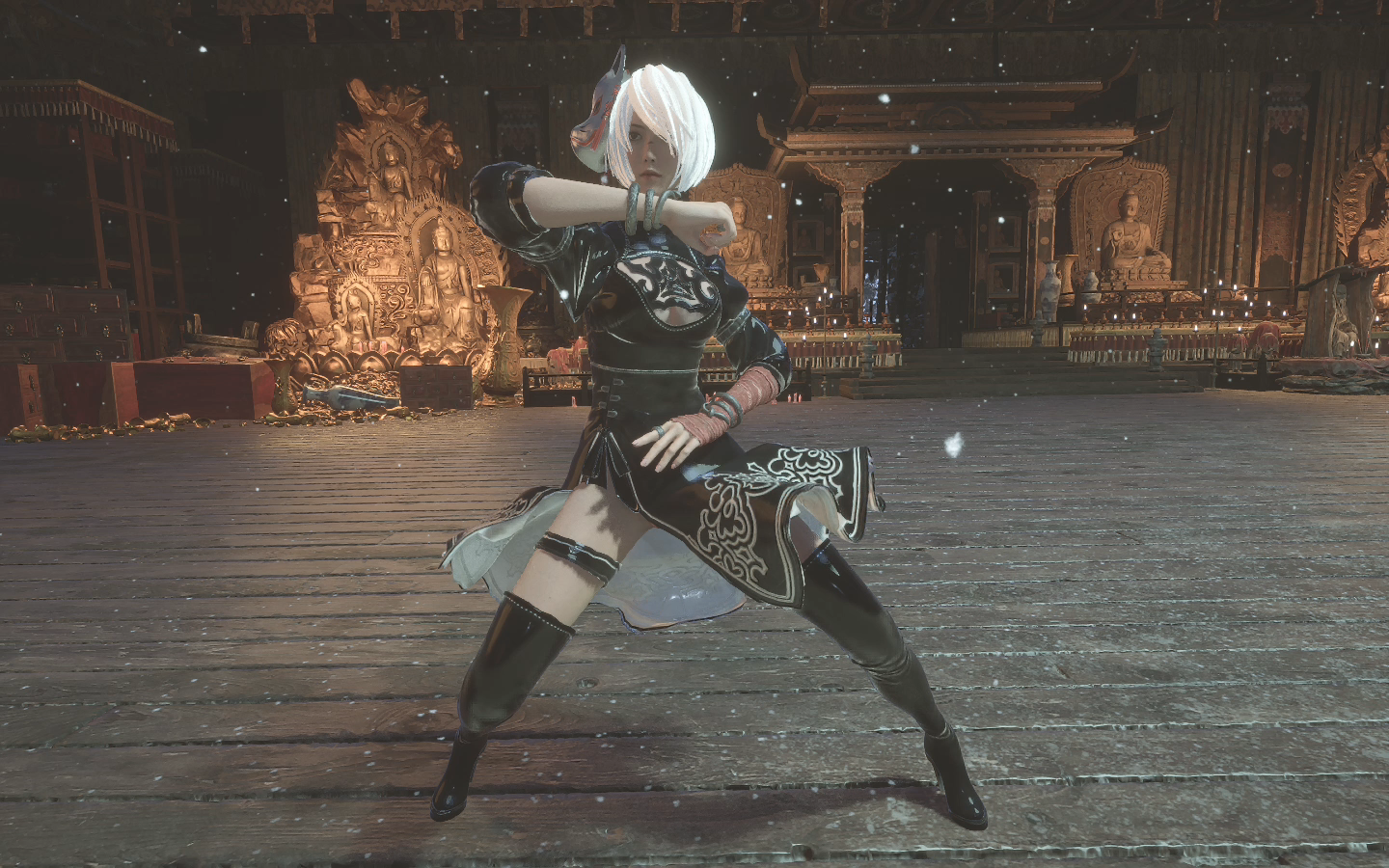
劳模2b套装
阿黄玩游戏2025-08-04 19:43:19
劳模2b套装
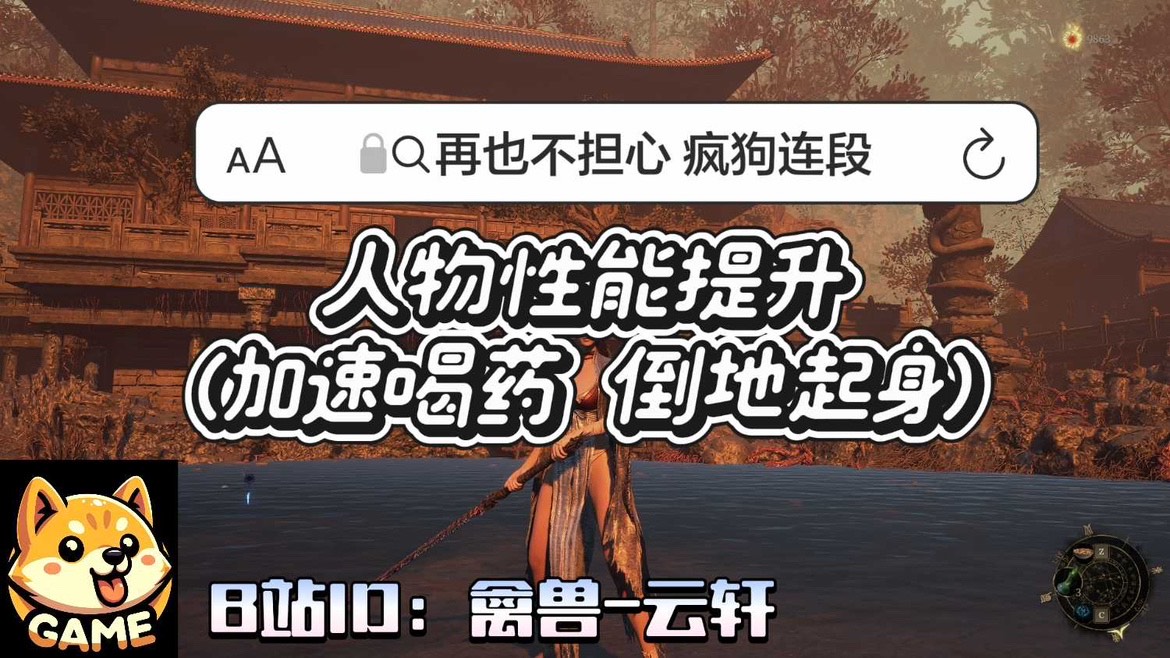
提升人物性能
禽兽云轩2025-07-28 00:53:35
加速喝药 和 倒地起身 这样就再也不用担心Boss的疯狗式连段 和 压起身啦~ 又可以畅快的和Boss斗智斗勇了
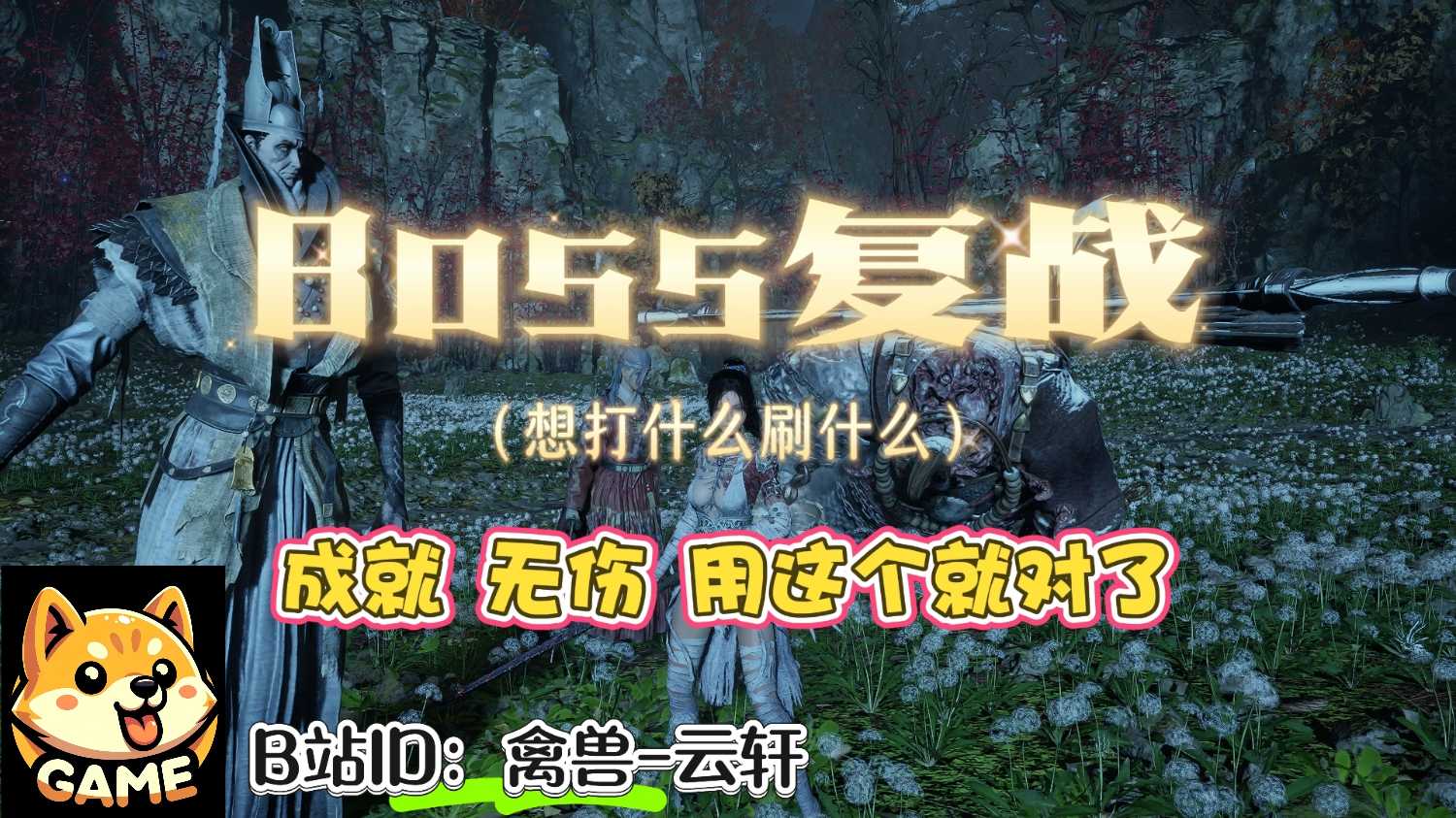
BOSS复战
禽兽云轩2025-07-29 10:29:17
想打什么刷什么,按F10 或 ~ 打开游戏内控制台详见使用教程

随时随地有神龛
禽兽云轩2025-07-26 12:12:53
这个Mod可以让你在任意地方打开神龛界面, 随时随地入梦 加点等,Mod会记录你最后一次入梦的地点,并让你下次死亡后,复活在最后一次入梦的地点 注意,使用Mod请先备份存档,以防万一哦~使用方法: 进入游戏后,按键盘 字母键 T即可
红衣少女
阿黄玩游戏2025-09-04 18:19:54
使用boss的衣服模型,头发,替换民兵污衣:上身以及脚的部件,头发则替换婪人巫祝头部分