关于此 MOD
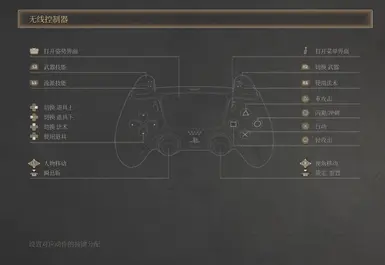
强制显示 PS5 手柄图标
GitHub: DreamNya/Wuchang_ForcePS5Icons
明末:虚渊之羽 Mod —— 强制显示PS5手柄图标
前言
专为使用无线连接DualShock手柄的Steam玩家设计
安装方式
1. 启用Steam输入
2. 前置安装 RE-UE4SS experimental-latest
(解压安装路径为 `Wuchang Fallen Feathers\Project_Plague\Binaries\Win64\`)
3. 安装 本mod
(解压安装路径为 `Wuchang Fallen Feathers\Project_Plague\Binaries\Win64\ue4ss\Mods\`)
4. 开始游戏,无论是何手柄都会被识别为DualShock手柄
后记
辣鸡游戏,2025年了还不识别PS5手柄
由于`.uasset`无法增量更新,故本Mod采用`.lua`动态劫持方法,需要前置安装`UE4SS`而无需`SML`
除非游戏结构大更新,否则安装本Mod后无需更新
(如果有使用`.pak`可增量劫持函数的方法,希望能不吝赐教)
----
Wuchang Fallen Feathers Mod — Force Display PS5 controller Icons
Introduction
Specifically designed for Steam players using wireless DualShock controller.
Installation
1.Enable Steam Input
2.Install the prerequisite RE-UE4SS experimental-latest
(Extract to: `Wuchang Fallen Feathers\Project_Plague\Binaries\Win64\`)
3.Install this mod
(Extract to: Wuchang Fallen Feathers\Project_Plague\Binaries\Win64\ue4ss\Mods\)
4.Start the game — all controllers will now be recognized as DualShock controllers
Postscript
Since `.uasset` files can't be updated incrementally, this mod uses dynamic `.lua` hijacking and requires `UE4SS` (no need for `SML`).
Unless the game's structure changes significantly, you won’t need to update this mod once installed.
(If you know a way to incrementally hijack functions using `.pak`, please share your knowledge!)
明末:虚渊之羽 Mod —— 强制显示PS5手柄图标
前言
专为使用无线连接DualShock手柄的Steam玩家设计
安装方式
1. 启用Steam输入
2. 前置安装 RE-UE4SS experimental-latest
(解压安装路径为 `Wuchang Fallen Feathers\Project_Plague\Binaries\Win64\`)
3. 安装 本mod
(解压安装路径为 `Wuchang Fallen Feathers\Project_Plague\Binaries\Win64\ue4ss\Mods\`)
4. 开始游戏,无论是何手柄都会被识别为DualShock手柄
后记
辣鸡游戏,2025年了还不识别PS5手柄
由于`.uasset`无法增量更新,故本Mod采用`.lua`动态劫持方法,需要前置安装`UE4SS`而无需`SML`
除非游戏结构大更新,否则安装本Mod后无需更新
(如果有使用`.pak`可增量劫持函数的方法,希望能不吝赐教)
----
Wuchang Fallen Feathers Mod — Force Display PS5 controller Icons
Introduction
Specifically designed for Steam players using wireless DualShock controller.
Installation
1.Enable Steam Input
2.Install the prerequisite RE-UE4SS experimental-latest
(Extract to: `Wuchang Fallen Feathers\Project_Plague\Binaries\Win64\`)
3.Install this mod
(Extract to: Wuchang Fallen Feathers\Project_Plague\Binaries\Win64\ue4ss\Mods\)
4.Start the game — all controllers will now be recognized as DualShock controllers
Postscript
Since `.uasset` files can't be updated incrementally, this mod uses dynamic `.lua` hijacking and requires `UE4SS` (no need for `SML`).
Unless the game's structure changes significantly, you won’t need to update this mod once installed.
(If you know a way to incrementally hijack functions using `.pak`, please share your knowledge!)
明末:渊虚之羽 的热门 MOD
探索适用于 明末:渊虚之羽 的最佳MOD,带来新功能、升级画面,以及令人兴奋的方式来改变您的游戏体验。
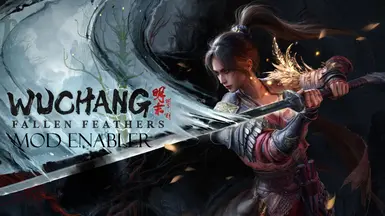
明末前置Mod
FrancisLouis2025-07-25 14:19:55
允许武昌通过~mods文件夹加载未签名的mods。
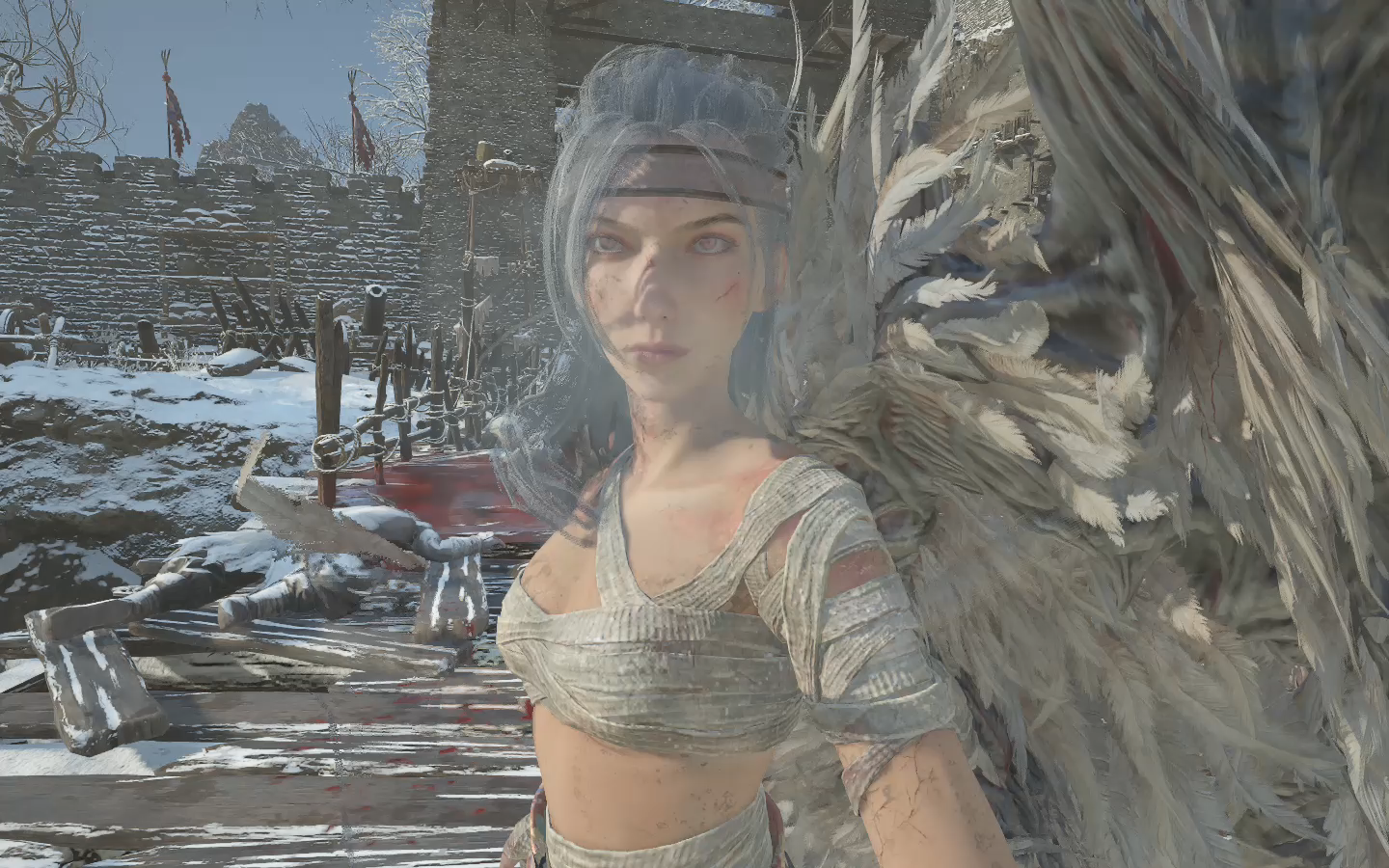
主角替换红岚
阿黄玩游戏2025-08-11 10:56:48
替换真武套装,包括头部、身体、下身以及手。添加布料物理效果(勉强可以)未穿模。
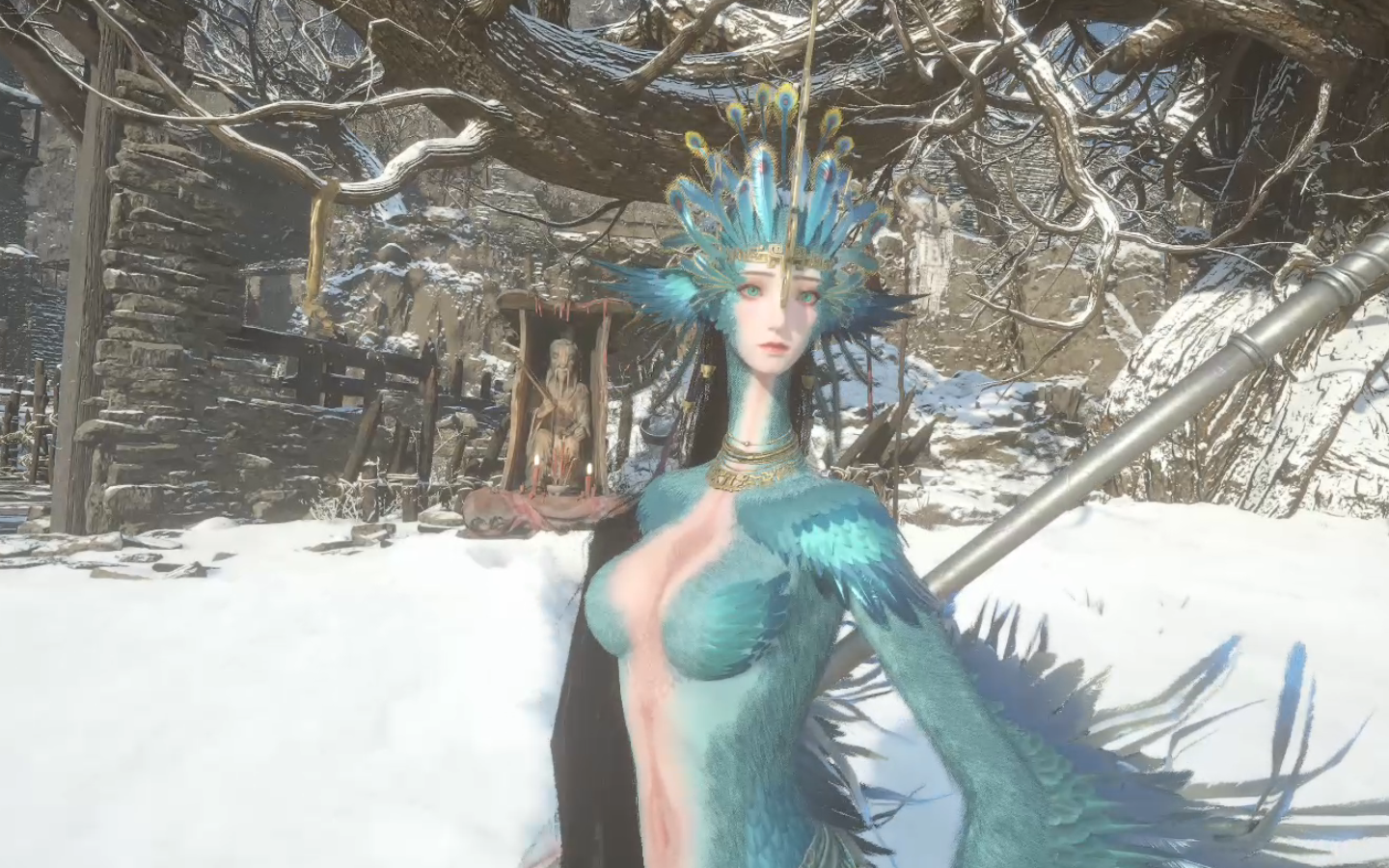
主角替换成为鸟人模型
阿黄玩游戏2025-08-08 14:43:21
替换的大西都军套装
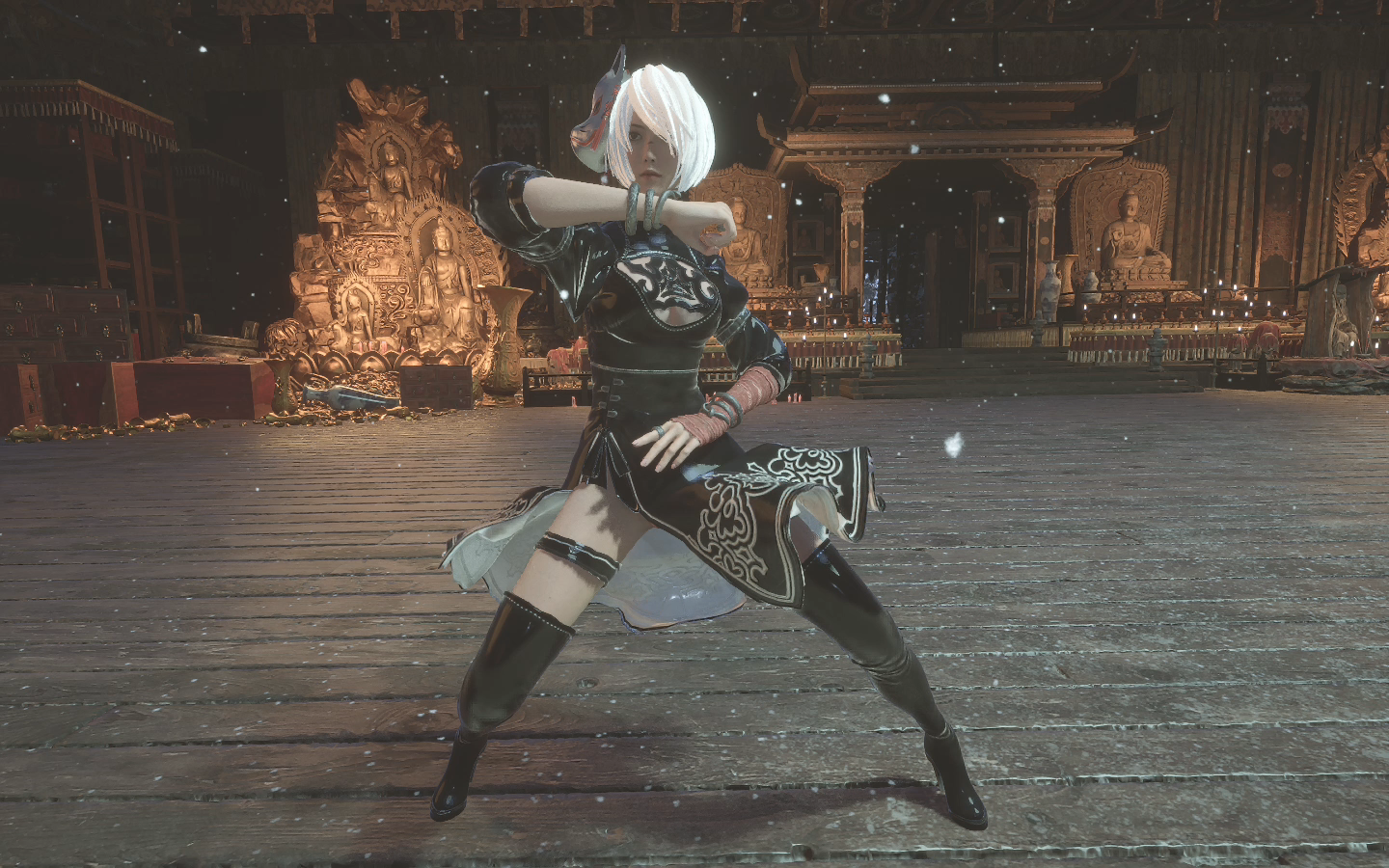
劳模2b套装
阿黄玩游戏2025-08-04 19:43:19
劳模2b套装
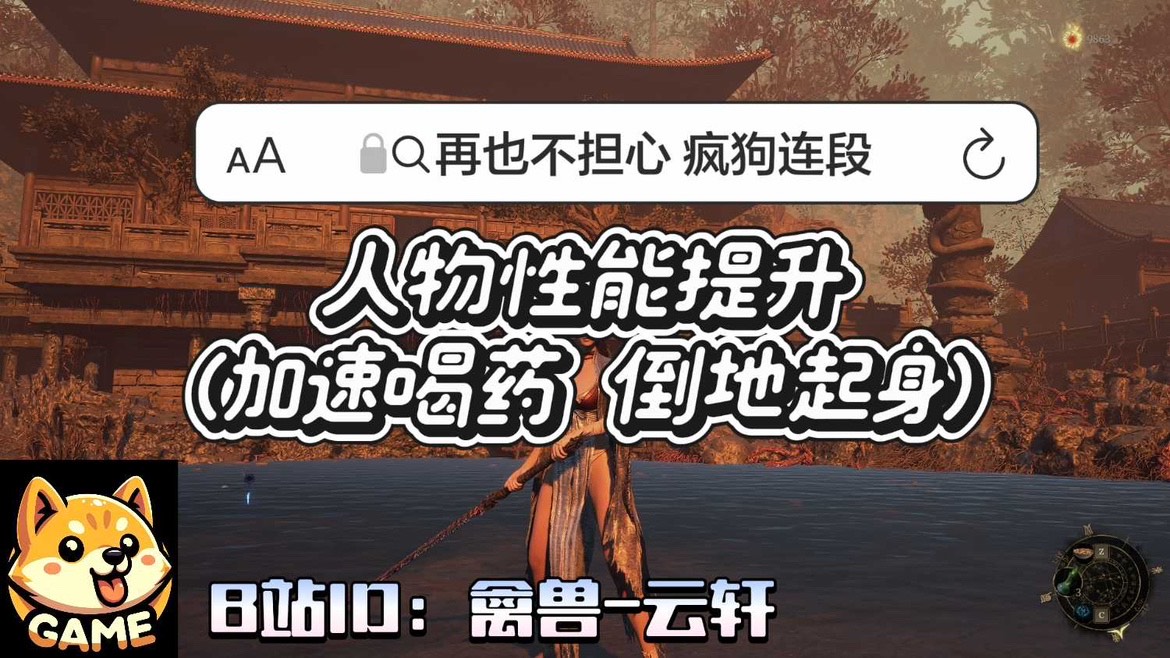
提升人物性能
禽兽云轩2025-07-28 00:53:35
加速喝药 和 倒地起身 这样就再也不用担心Boss的疯狗式连段 和 压起身啦~ 又可以畅快的和Boss斗智斗勇了
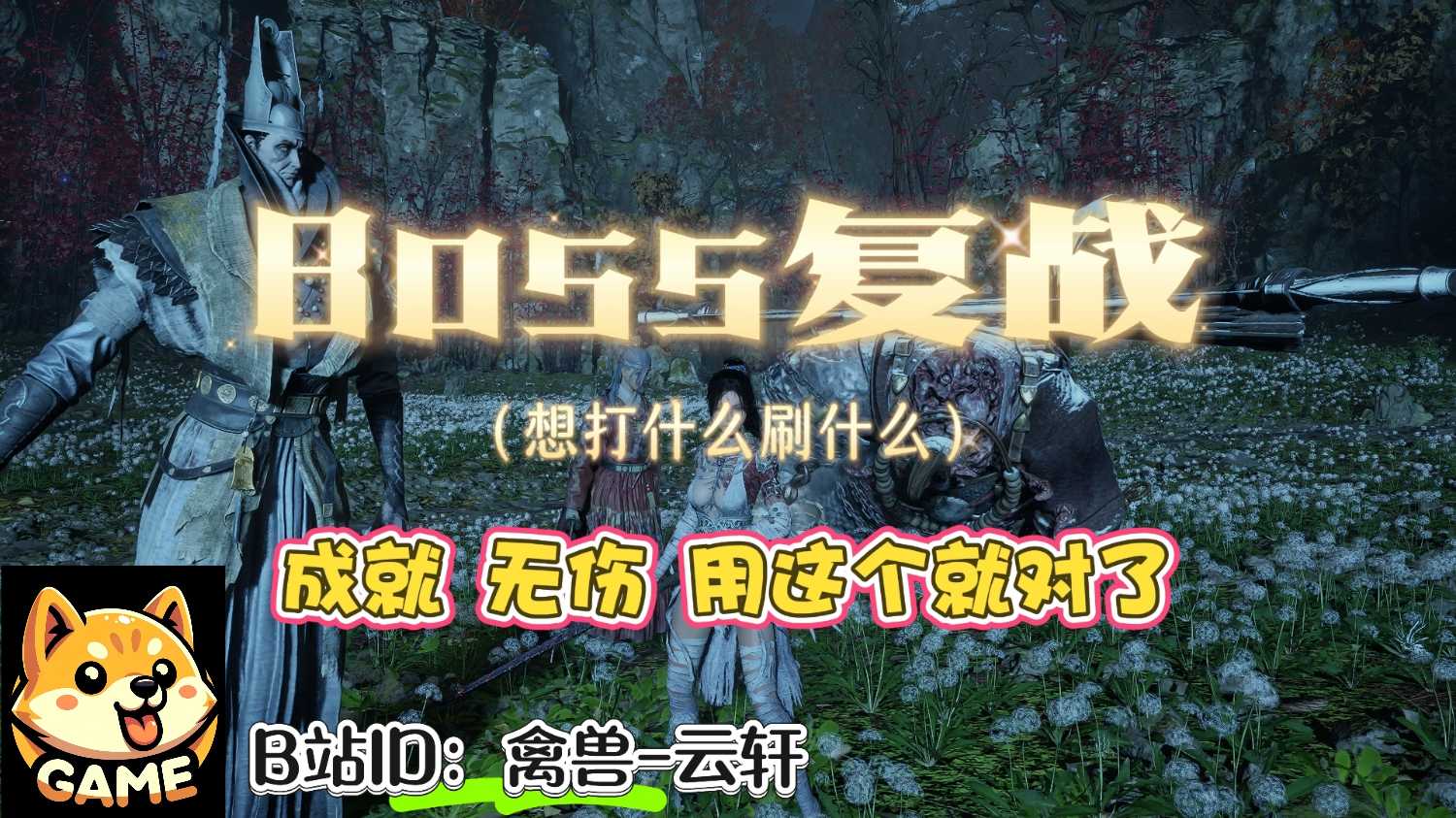
BOSS复战
禽兽云轩2025-07-29 10:29:17
想打什么刷什么,按F10 或 ~ 打开游戏内控制台详见使用教程
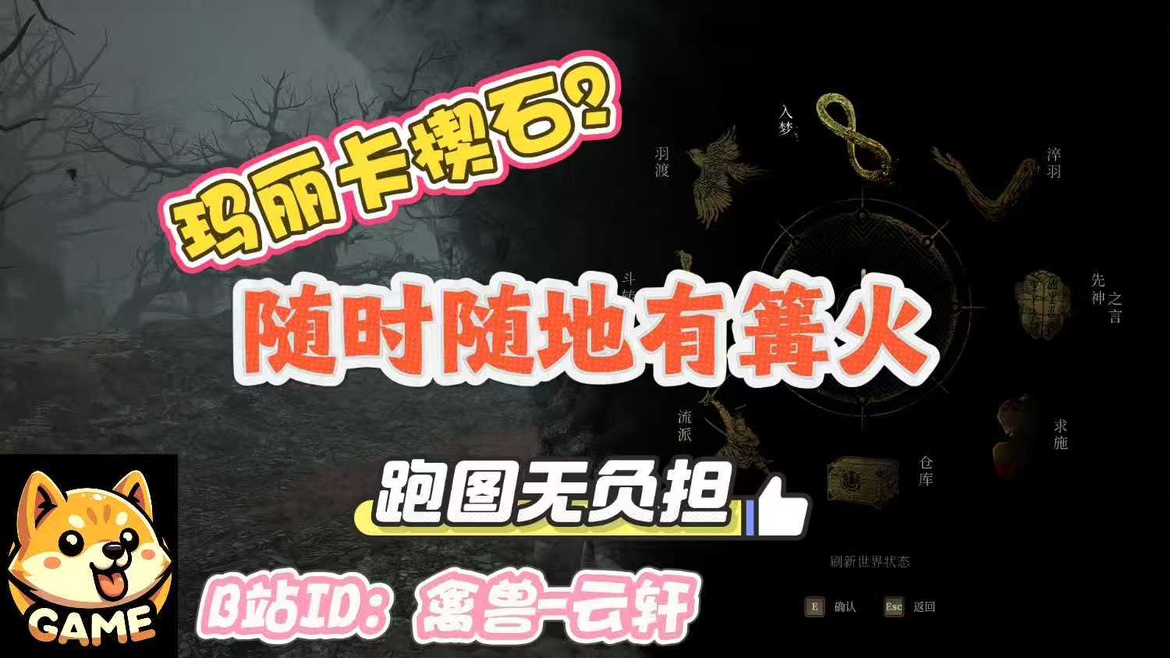
随时随地有神龛
禽兽云轩2025-07-26 12:12:53
这个Mod可以让你在任意地方打开神龛界面, 随时随地入梦 加点等,Mod会记录你最后一次入梦的地点,并让你下次死亡后,复活在最后一次入梦的地点 注意,使用Mod请先备份存档,以防万一哦~使用方法: 进入游戏后,按键盘 字母键 T即可
红衣少女
阿黄玩游戏2025-09-04 18:19:54
使用boss的衣服模型,头发,替换民兵污衣:上身以及脚的部件,头发则替换婪人巫祝头部分