关于此 MOD
用于向游戏添加自定义提示的模组工具。其本身不执行任何功能。
这是一款模组工具,允许其他模组添加自定义提示。
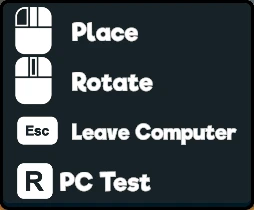
提示是屏幕左侧的物品,显示一个输入框以及一些文字。
该工具使用起来相当简单,但也为模组作者可能遇到的特定使用场景提供了一些额外功能。
额外奖励是,这也修复了游戏中的一个错误,即如果用户在不移开视线的情况下,将光标在不同可交互对象之间移动,提示会叠加在一起。
例如,先看货架,再看标签,然后再看回货架,标签的提示仍然会显示。
安装:
模组/实现:
我在Files/Optional下包含了一个带有xml文档的版本。
我还放了一个Markdown格式的REDAME 这里 以帮助实施此MOD。
警告:
此模组覆盖了“PlayerInteraction.Raycast”函数,使得即使玩家没有看向可交互物品时,也能显示提示。
这可能会与其他也修改此功能的模组产生冲突。
如果这会导致任何问题,那么已添加一项名为“DisablePermanentHints”的设置,启用此项将禁用该覆盖。
基本用法
这里是使用该模组的一段示例代码:
额外:
示例中还展示了一个名为“HintIcons”的类,它包含了所有可能的图标。
计划中/待办事项:
提示是屏幕左侧的物品,显示一个输入框以及一些文字。
该工具使用起来相当简单,但也为模组作者可能遇到的特定使用场景提供了一些额外功能。
额外奖励是,这也修复了游戏中的一个错误,即如果用户在不移开视线的情况下,将光标在不同可交互对象之间移动,提示会叠加在一起。
例如,先看货架,再看标签,然后再看回货架,标签的提示仍然会显示。
安装:
- 安装 Tobey的超市模拟器BepInEx整合包 或基础BepInEx模组加载器
- 从下载页面下载zip文件
- 打开/解压zip文件,并将.dll文件放入\Supermarket Simulator\BepInEx\plugin中
模组/实现:
我在Files/Optional下包含了一个带有xml文档的版本。
我还放了一个Markdown格式的REDAME 这里 以帮助实施此MOD。
警告:
此模组覆盖了“PlayerInteraction.Raycast”函数,使得即使玩家没有看向可交互物品时,也能显示提示。
这可能会与其他也修改此功能的模组产生冲突。
如果这会导致任何问题,那么已添加一项名为“DisablePermanentHints”的设置,启用此项将禁用该覆盖。
基本用法
这里是使用该模组的一段示例代码:
using BepInEx;
using HarmonyLib;
using SirW_CustomHints;

namespace MyMod
{
    [BepInPlugin(MyPluginInfo.PLUGIN_GUID, MyPluginInfo.PLUGIN_NAME, MyPluginInfo.PLUGIN_VERSION)]
    [BepInDependency("SirW_CustomHints", BepInDependency.DependencyFlags.HardDependency)]
    public class Plugin : BasePlugin
    {
        // 用于已翻译的提示。这些是可选的。
        private static CustomTranslatedHints customTranslatedHints = new CustomTranslatedHints();

        public override void Load()
        {
            // 将自定义函数附加到短信代码。
            Harmony.CreateAndPatchAll(typeof(Plugin));
        }

        // 与电脑互动时添加提示。
        [HarmonyPatch(typeof(ComputerInteraction), nameof(ComputerInteraction.DefaultHint))]
        [HarmonyPostfix]
        static void ComputerExample(ComputerInteraction __instance, bool show)
        {
            // 仅当 ComputerInteraction.DefaultHint 设置为显示时,才添加提示。
            if (show)
            {
                // 基础提示。
                CustomHints.AddHint(HintIcons.R, "基础提示");
                // 包含多个按键的提示。
                自定义提示.添加提示([提示图标.右键, 提示图标.暂停], "多键操作");
                // 提示使用 UnityEngine.KeyCode。
                CustomHints.AddHint(HintIcons.GetKeyFromCode(KeyCode.R), "按键提示");
                // 增加提示窗口宽度。
                CustomHints.AddHint(HintIcons.W, "更宽的提示", 350f);
                // 永久提示。
                CustomHints.AddHint(HintIcons.P, "永久提示", null, true);

                // 显示翻译后的提示。
                customTranslatedHints.AddHint(HintIcons.T, "translated_hint")
            }
        }

        // 创建翻译的方法。
        private static void CreateTranslation()
        {
            translated_hint
            LocalizedStrings localizedStrings = new LocalizedStrings();
            localizedStrings["en"] = "翻译提示";
            localizedStrings["de"] = "翻译后的提示";
            localizedStrings["es-ES"] = "翻译后的曲目";
            localizedStrings["da-DK"] = "翻译提示";

            // 如果列表已存在,则直接更新它。
            TranslationEntry existingKey = customTranslatedHints.Translations.FirstOrDefault(x => x.TranslationKey == translationKey);
            if (existingKey != null)
            {
                existingKey.LocalizedStrings.Merge(localizedStrings);
            }
            否则
            {
                TranslationEntry translationEntry = new TranslationEntry(translationKey, localizedStrings);
                customTranslatedHints.Translations.Add(translationEntry);
            }
        }
    }
}
额外:
示例中还展示了一个名为“HintIcons”的类,它包含了所有可能的图标。
计划中/待办事项:
添加增加提示宽度的功能,以便显示更长的提示。添加一个功能,让一条提示可以显示多个按钮。- 添加一项功能,当玩家未注视任何可交互对象时,显示提示。
添加一个将Unity KeyCode转换为HintIcon的功能。- 为自定义键盘快捷键添加额外的图标。
分离发布版和调试版构建。
超市模拟器 的热门 MOD
探索适用于 超市模拟器 的最佳MOD,带来新功能、升级画面,以及令人兴奋的方式来改变您的游戏体验。
Tobey的《超市模拟器》BepInEx整合包
toebeann2026-07-29 01:39:09
兼容SMS v1.6!适用于《超市模拟器》的BepInEx整合包,已预先配置好,可直接在Windows和Linux上使用,包括SteamOS和Steam Deck掌机!
破风漫画
AstaKunTV2026-08-05 21:02:25
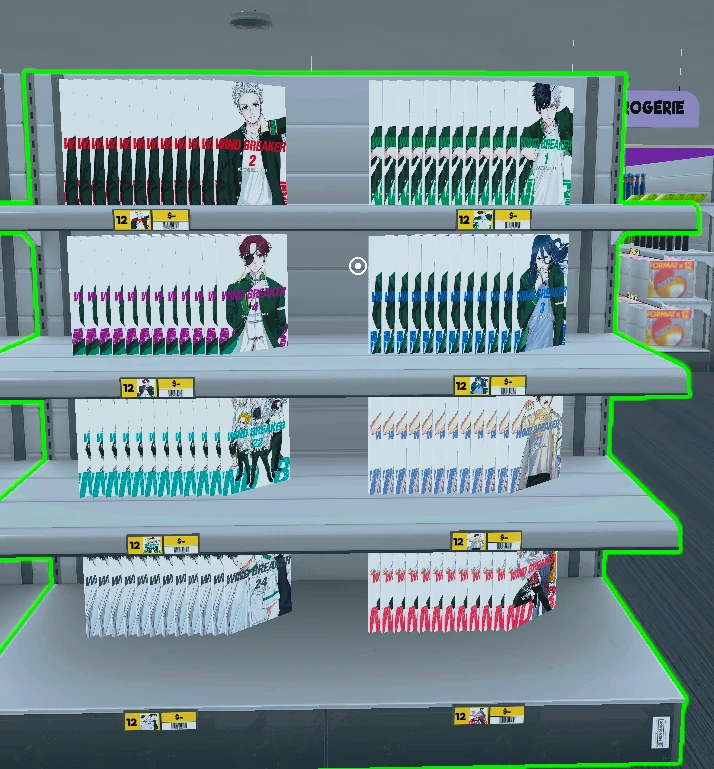
小型模组,增加了包含漫画的许可证!小模组,添加了带有漫画的许可证!
地板和墙面涂刷器
tomcyk912026-08-24 14:11:14
只需一个普通操作即可更改整个楼层或整面直墙——仅在你想要时。
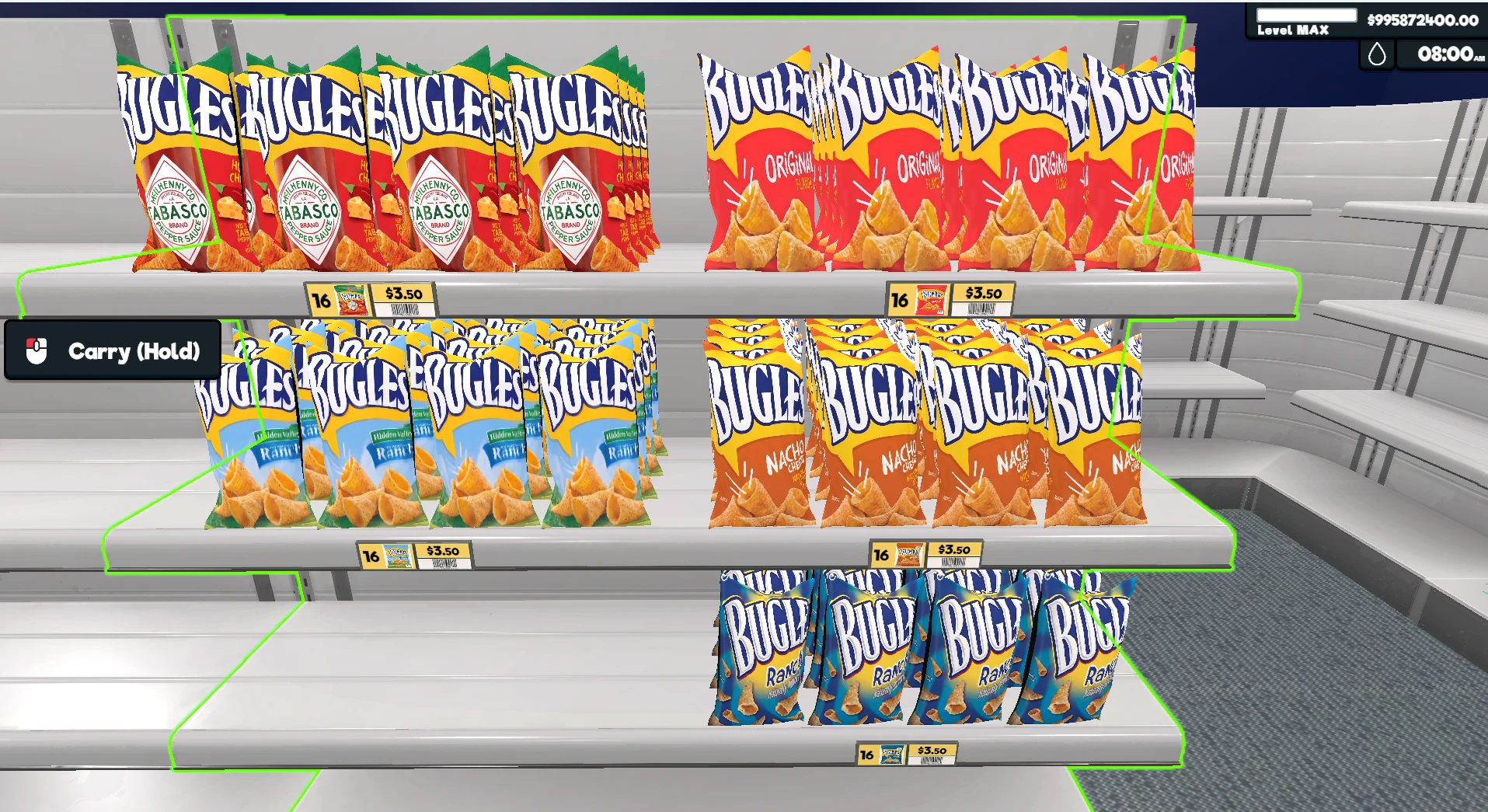
号角零食
wayne17172026-09-02 03:59:13
这个附加的号角零食
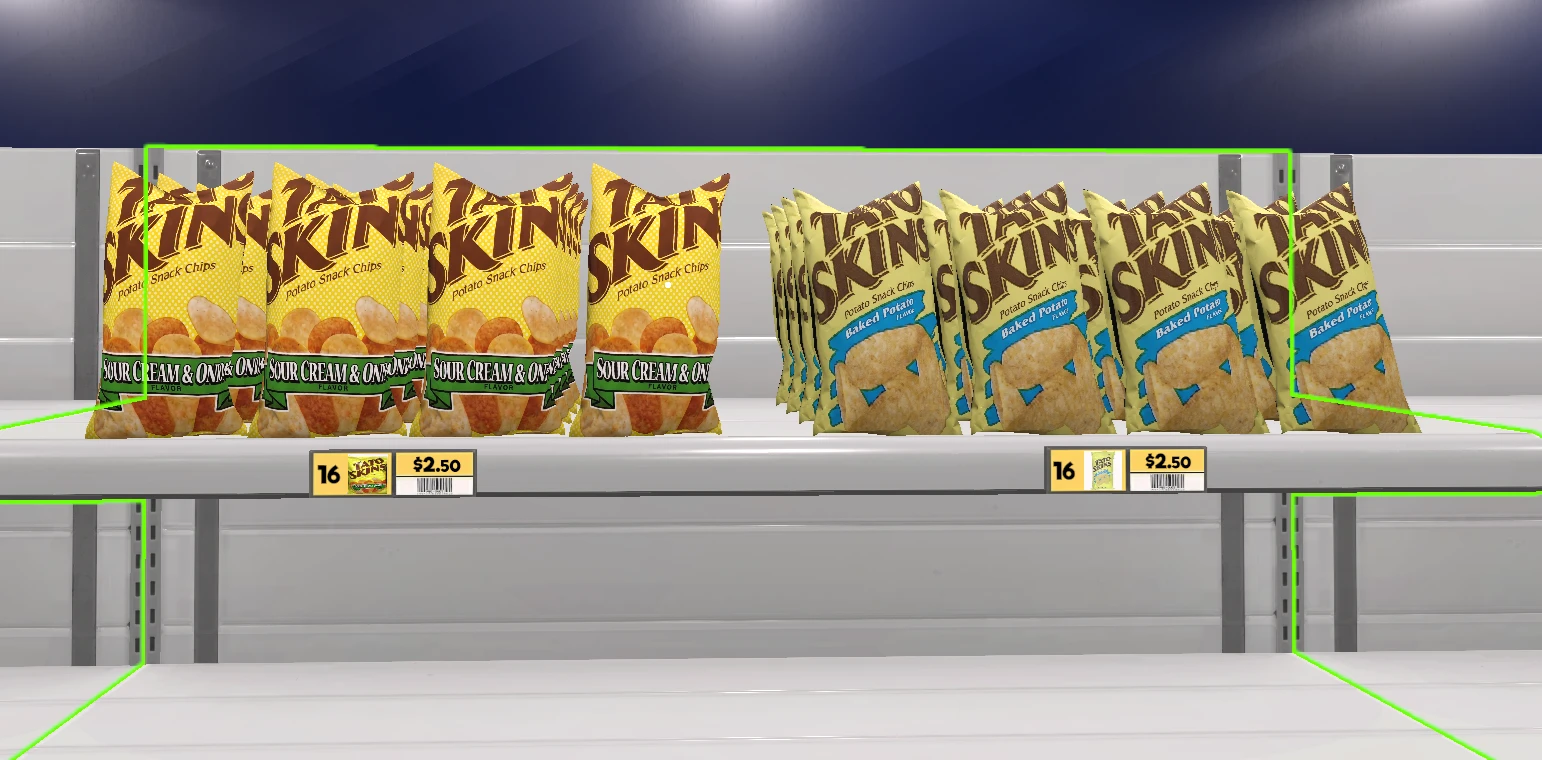
塔托皮肤
wayne17172026-09-02 04:10:05
Add的纹身皮肤
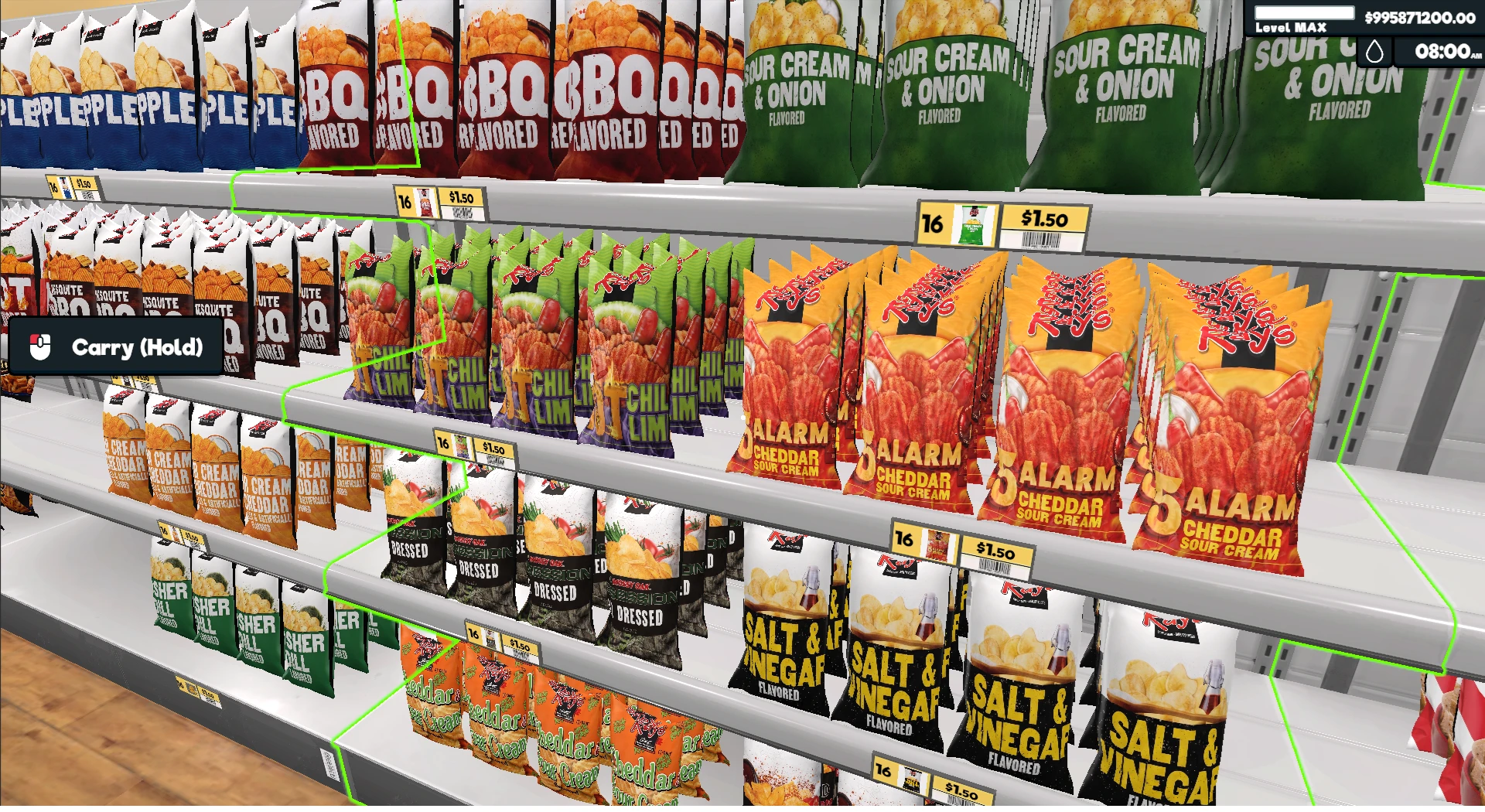
雷叔叔薯片
wayne17172026-09-02 04:18:06
这加了雷叔叔的薯片
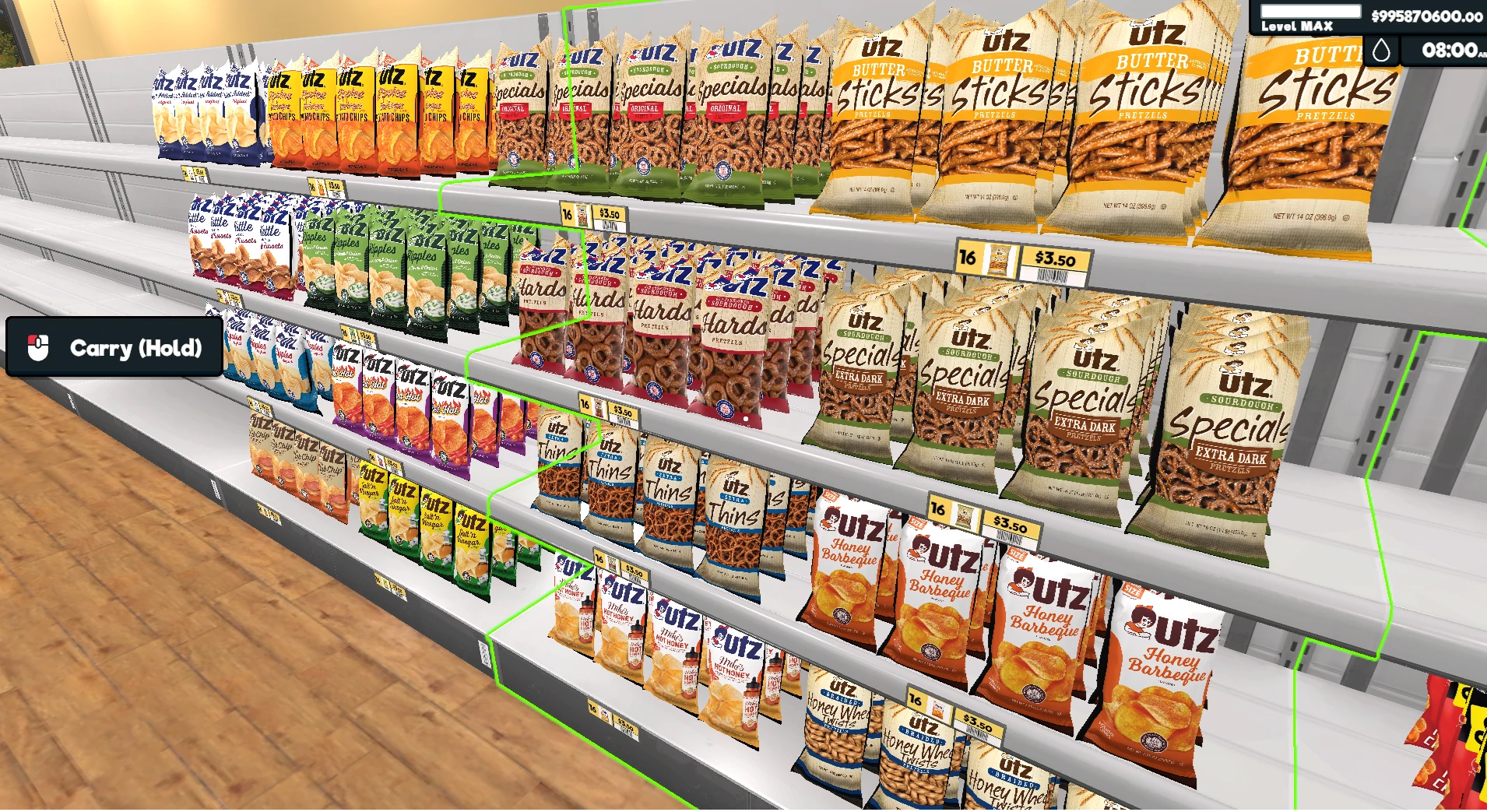
Utz小吃店
wayne17172026-09-02 04:33:24
Add的Utz零食店
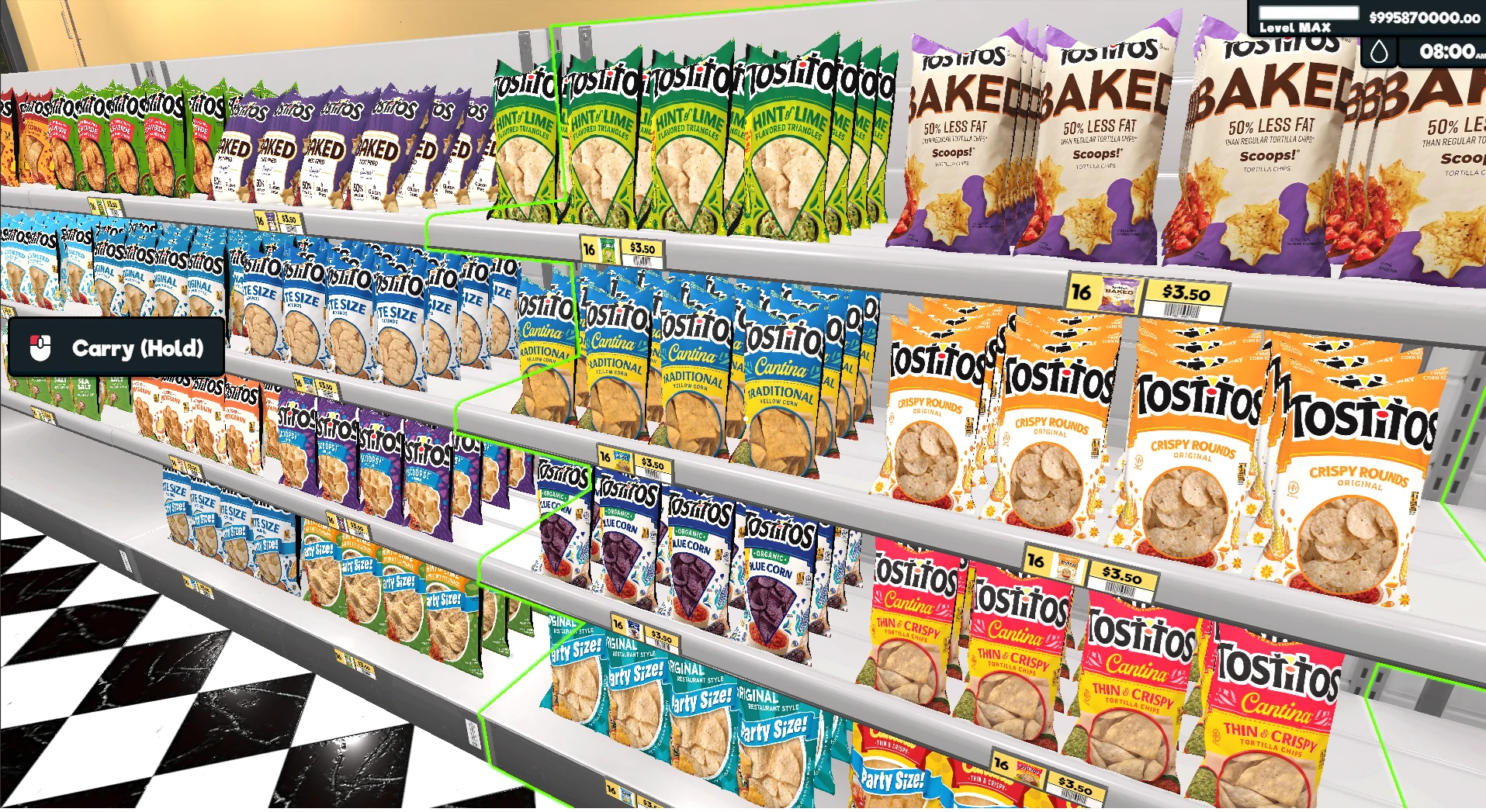
托斯蒂托斯薯片
wayne17172026-09-02 08:11:59
这个添加了托斯蒂托斯玉米片