关于此 MOD
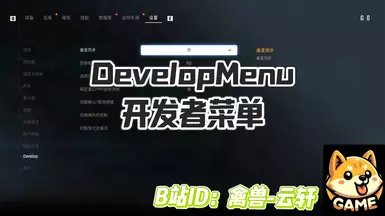
打开 设置菜单中的开发者模式
功能介绍
安装方式
卸载方式
Feature Introduction
- 这个Mod会开启 设置菜单中的 开发者模式选项 可设置的内容如下:
- 是否开启 垂直同步
- 目标帧率
- 选择菜单长按时间
- 是否开启锁定窗口中的鼠标光标
- 切换确认/取消按键
- 切换操作杆控制
- 切换行走模式
安装方式
- 先安装前置 UE4SS 最新版
- 将DevelopSettingMod文件夹放入 游戏根目录/Binaries/Win64/ue4ss/Mods/
卸载方式
- 将DevelopSettingMod文件夹从 游戏根目录/Binaries/Win64/ue4ss/Mods/ 中删除
Feature Introduction
- This mod enables the Developer Mode option in the settings menu. The configurable settings include:
- Enable/Disable Vertical Sync
- Target Frame Rate
- Menu Long-Press Duration
- Enable/Disable Locking Mouse Cursor in Window
- Swap Confirm/Cancel Buttons
- Toggle Joystick Control
- Toggle Walking Mode
- First, install the latest version of the prerequisite UE4SS.
- Place the DevelopSettingMod folder into: Game Root Directory/Binaries/Win64/ue4ss/Mods/
- Delete the DevelopSettingMod folder from: Game Root Directory/Binaries/Win64/ue4ss/Mods/
剑星 的热门 MOD
探索适用于 剑星 的最佳MOD,带来新功能、升级画面,以及令人兴奋的方式来改变您的游戏体验。
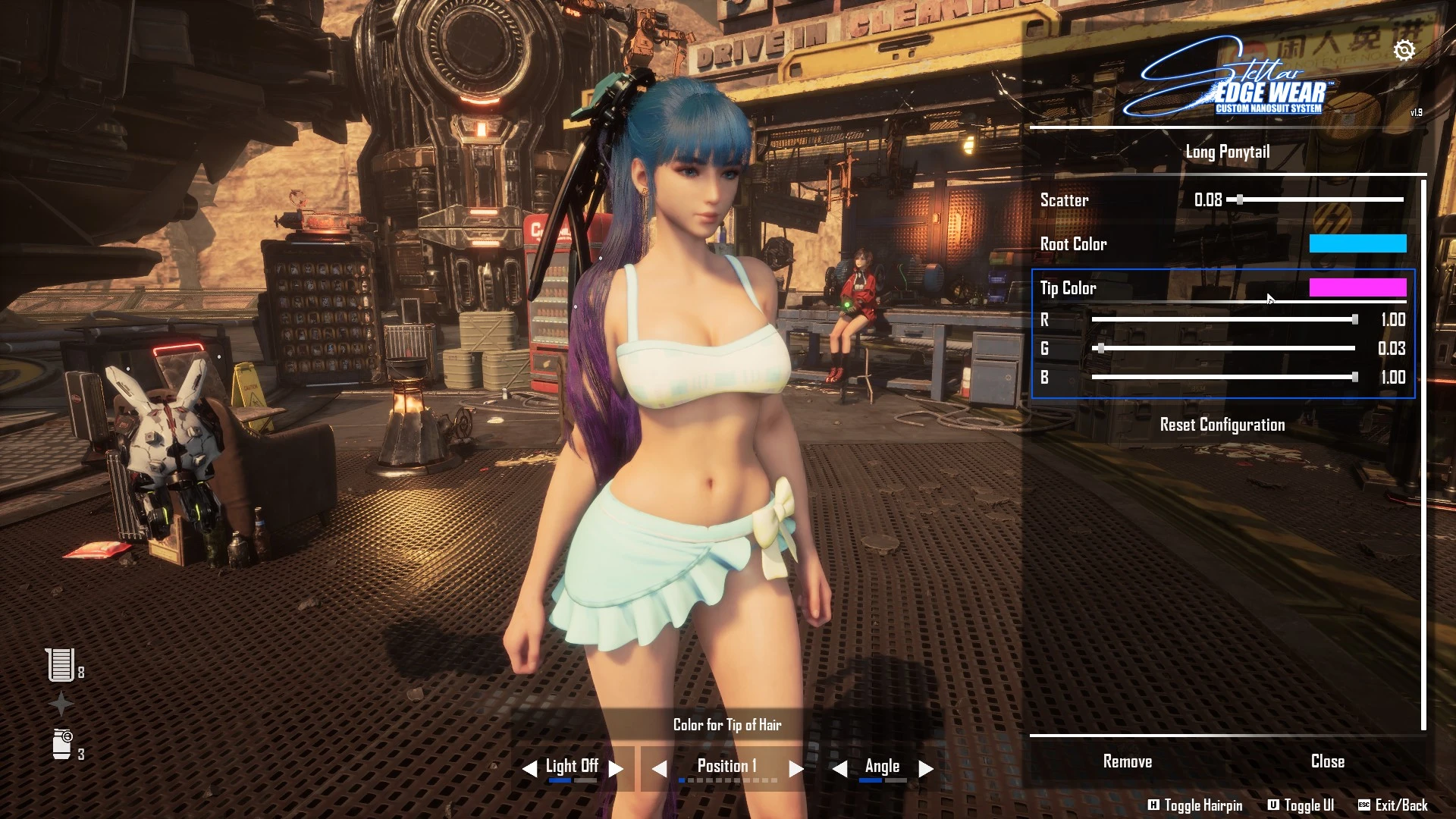
CNS - 定制纳米套装系统
2025-10-14 16:59:03
CNS - 允许其他模组制作者轻松地将自定义纳米套装添加到游戏中,并由玩家从游戏内 UI 自由切换!<3
一键传送任意营地
禽兽-云轩2025-06-16 10:28:42
游戏内任意点击 ctrl + alt + 小键盘 0-9 可任意传送。详见使用教程,授权来自:禽兽云轩
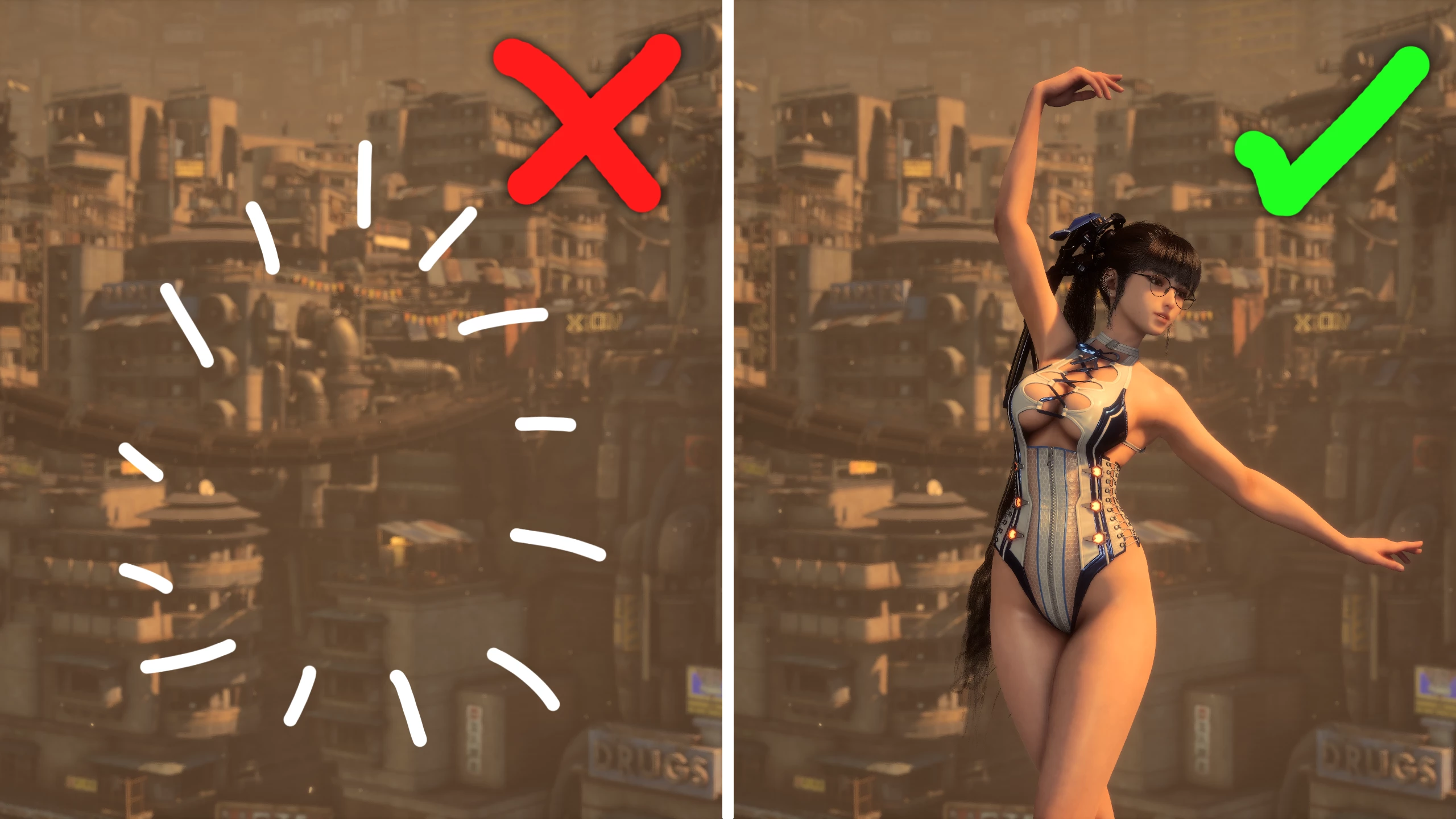
照片模式不隐藏角色模型
2025-06-17 10:58:33
使得当你使用照片模式相机离玩家角色太近时,可以取消隐藏玩家角色。
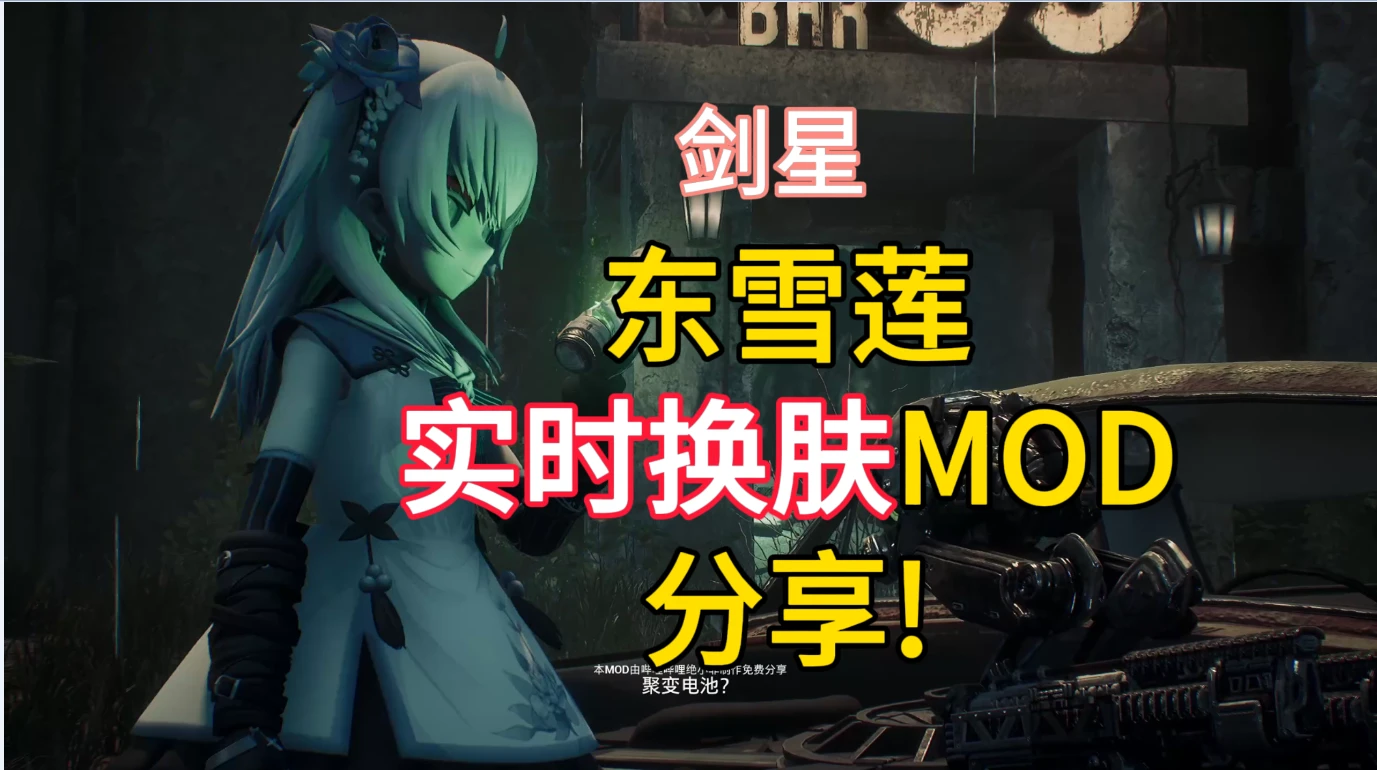
伊芙替换为东雪莲
绝小非2025-06-03 16:14:24
伊芙替换为东雪莲,按小键盘1/2切换;授权作者:绝小非
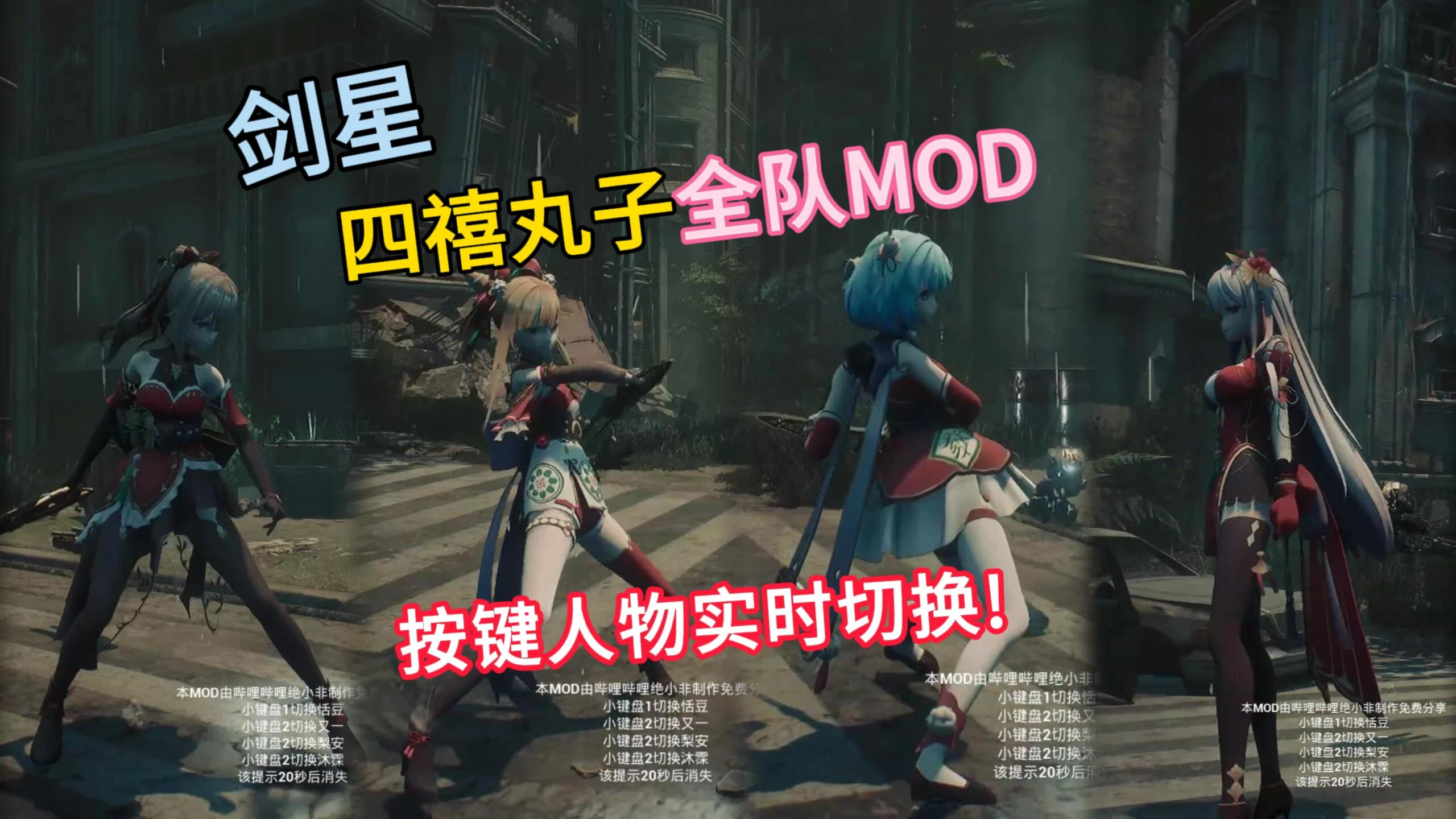
四禧丸子四人Mod切换
绝小非2025-06-03 15:08:03
伊芙替换为四禧丸子人物,按小键盘1234切换人物Mod ;授权作者:绝小非
克劳德武器(一键切换)
离城1012025-06-12 11:57:37
按键盘P切换武器外观 ;授权作者:离城101

帧生成MOD
2025-05-31 12:52:29
20/30系N卡安装本MOD后可在游戏设置中开启DLSS帧生成;如无法导入,详见使用教程;

潜行者BOSS替换为DORO
2025-06-10 12:28:31