
BetterUncapFPS v1.7 for RV There Yet - Lumen Ultra Plus - Performance and Total Graphics Control
关于此 MOD
Take full control of your game’s visual performance with this all-in-one FPS tuning mod
Cycle between Multiple FPS Targets - including Uncapped
Switch between Lowest / Low / Normal / High / Epic Ultra / Ultra+ / Ultra++ Presets
Toggle Motion Blur Effects ON / Off during Gameplay
Cycles through 4 levels of Lens Flare and Bloom Effects (Off, Low, High, Ultra)
All Settings are Saved in UncapFPS_config.txt & GameUserSettings.ini, Auto-loaded on Startup
=================
Support Me on Ko-fi ☕
=================
If you’d like to show some love, feel free to tip me via Ko-fi
Every tip helps keep me going and yes, it keeps me alive in the best way possible!
Thank you for being awesome
(OBS Recording / Gaming on same PC)
If you vibe with this, drop a like and subscribe
It really helps the channel out
Better UncapFPS for RV There Yet? v1.7
Quality Adjustments:
F2 → Virtual Shadow Maps Bias Cycling:
Cycle Settings -1.0 / -1.5 / -2.0 / -2.5 / -3.0 / -3.5 for Sharper or Lighter Shadows
F3 → Reflection Quality Cycling:
Switch Between Reflection Quality Settings (1-4), to Balance Performance and Visuals
F4 → Shadow Quality Cycling:
Adjust Shadow Fidelity from (1-4), Based on Your Rig’s Capabilities
F5 → Lumen Global Illumination Cycling:
Adjust GI Settings (1-4), Tweak Lighting for your Rig’s Sweet Spot
F6 → Lens Flare & Bloom Effects Cycling:
Cycles through 4 levels of Lens Flare and Bloom Effects (Off, Low, High, Ultra)
F7 → Graphics Presets Cycling:
Switch Between 7 Optimized Presets: Lowest / Low / Normal / High /Ultra / Ultra+ / Ultra++ Presets
Ultra+ Maxes Out Global Illumination, Shadow Quality for Enhanced Visuals with Balanced Performance
Ultra++ Maxes Out Global Illumination, Shadow, Reflection, Effects, View Distance, Foliage, Post-Process & Texture Quality
F8 → Motion Blur Toggle:
Enable / Disable Motion Blur, Lens Distortion, Chromatic Aberration, Film Grain during gameplay
F9 → FPS Cycling:
Switch between 15 / 30 / 50 / 60 / 72 / 80 / 90 / 100 / 120 / 144 / Uncapped
Uncapped by default, with LSFG-aware frame limiting for smoother scaling
Auto-Save & Load:
All settings are saved to UncapFPS_config.txt and synced with GameUserSettings.ini, Automatically loaded on startup
Compatibility with Lossless Scaling:
FrameGen-aware FPS limiting ensures optimal performance when paired with LSFG
Auto-Save & Restore Settings:
All settings are saved to UncapFPS_config.txt and synced with GameUserSettings.ini, Automatically loaded on startup
===========================
How to Check Your Current Settings
===========================
Checking Your Settings:
View your active configuration by opening UncapFPS_config.txt in the mod’s script folder. Example settings:
- fpsIdx=11 → FPS target (11 = uncapped) (F9)
- presetIdx=5 → Preset (1 = Lowest, 2 = Low, 3 = Normal, 4= High, 5 = Ultra, 6 = Ultra+, 7 = Ultra++) (F7)
- DOFDisabled=1 → 0 = Motion Blur enabled, 1 = disabled (F8)
- LensBloomLevel=3 → 0 = Off, 1 = Low, 2 = High, 3 = Ultra (F6)
- VShadow=-1.5 → Shadow resolution LOD bias (F2)
- ShadowQuality=3 → Shadow quality (1–4) (F4)
- GlobalIlluminationQuality=3 → Global illumination quality (1–4) (F5)
- ReflectionQuality=3 → Reflection quality (1–4) (F3)
Custom Keybind Support:
-- Keybinds
- safeRegister(Key.F2, cycleResolutionLodBiasDirectional) -- Cycle Shadow resolution LOD bias
- safeRegister(Key.F3, cycleReflectionQuality) -- Cycle Reflection quality
- safeRegister(Key.F4, cycleShadowQuality) -- Cycle Shadow quality
- safeRegister(Key.F5, cycleGlobalIlluminationQuality) -- Cycle Global illumination quality
- safeRegister(Key.F6, toggleLensBloom) -- Cycle Lens Flare & Bloom Effects
- safeRegister(Key.F7, nextPreset) -- Cycle Graphical Presets
- safeRegister(Key.F8, toggleDOF) -- Toggle Motion Blur
- safeRegister(Key.F9, CycleFPS) -- Cycle FPS targets
Set it up exactly how you like it
How to Install:
- Download BetterUncapFPS for RV There Yet?.zip
You should have:
A folder named ue4ss
A file named dwmapi.dll
- Extract the files to your game folder: <path-to-game>\Ride\Binaries\Win64\
- Launch the game — mod starts automatically
Notes:
The mod interacts with GameUserSettings.ini and uses Unreal Engine console commands for real-time adjustments
For mid-range systems, using lower presets 1/2/3 can improve performance (F7)
If you encounter issues, check UncapFPS_config.txt for errors
Enjoy a Smoother, Enhanced Visual Fidelity and more customizable RV There Yet? Experience!
Frame Generation:
Right now, the Best Frame Generation (FG) option is OptiScaler — and it’s free.
If you want a Preconfigured OptiScaler Package for RV There Yet?
Check out my RV There Yet? video on YouTube — download link’s in the description
Or Go to the official OptiScaler repo:
Follow the install guide there
Extract the files into your games main folder <path-to-game>\Ride\Binaries\Win64\
https://github.com/optiscaler/OptiScaler/wiki/Installation
My Other Mods
METAL GEAR SOLID Δ: SNAKE EATER
BetterUncapFPS v5.7
This mod lets you cycle between multiple FPS targets—including uncapped
Cycle Default and Ultra Ray Tracing presets (C/E/K) with GPU-specific optimizations
Enable / Disable Visual Effects, Toggle DLSS Frame Generation
Disable DoF in Cutscene and other Blur Effects In-Game and Cutscenes
Fixes audio sync issues with a simple hotkey
Your settings are saved and auto-loaded on startup
I spent the last two days dialing in the Ultra Ray Tracing settings to get the best possible visuals
It now fixes about 98% of the graphic glitches—shadows, lighting, foliage, all cleaned up
Want to see the difference?
Check out the 56 screenshots I uploaded or watch the video down below to see it in action
If you vibe with this, drop a like and subscribe
It really helps the channel out
https://www.nexusmods.com/metalgearsoliddeltasnakeeater/mods/47?tab=description
Stellar Blade
Better Jiggle Mod v2.7.4
The Ultimate Real-Time Jiggle Physics Editor
Adjust Breast / Hip / Thigh Physics Live In-Game (MaxDisplacement, SpringStiffness, SpringDamping)
Save Unlimited Profiles and Switch Instantly with Zero Lag
Fine-Tune or Coarse-Tune with Step Size Toggle (±0.1 , ±1.0 or ±10.0)
Clean Console Output + Optional Color Customization
Works Seamlessly with UE4SS Console Overlay to Display Current Values on Screen
No restarts, No waiting — Just Smooth, Instant Jiggle Control
If you vibe with this, drop a like and subscribe
It really helps the channel out
https://www.nexusmods.com/stellarblade/mods/1570?tab=description
Silent Hill f
BetterUncapFPS v3.0
This Mod lets you Cycle between Multiple FPS Targets—including Uncapped
Switch between Low / Normal / High / Epic Ultra / Ultra+ / Ultra++ Presets
Toggle DoF and Blur Effects ON / Off during Gameplay and Cutscenes for Clearer Visuals
Eliminate Flickering Artifacts — Press F8 to stabilize screen output and ensure smooth rendering
All Settings are Saved in UncapFPS_config.txt & GameUserSettings.ini, Auto-loaded on Startup
If you vibe with this, drop a like and subscribe
It really helps the channel out
https://www.nexusmods.com/silenthillf/mods/97?tab=files
=================
Support Me on Ko-fi ☕
=================
If you’d like to show some love, feel free to tip me via Ko-fi
Every tip helps keep me going and yes, it keeps me alive in the best way possible!
Thank you for being awesome
我们到了吗 的热门 MOD
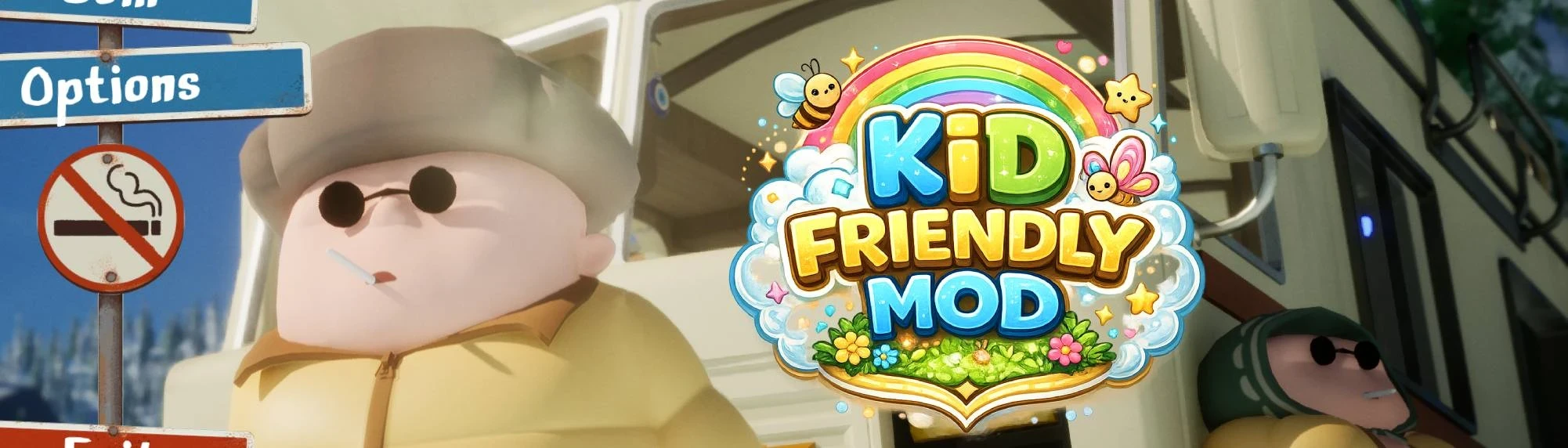
儿童友好模组
Wawax0072026-04-28 15:36:03
将游戏中的香烟替换为棒棒糖、啤酒替换为汽水,使其成为适合儿童的内容。包含视觉替换(纹理、动画、粒子效果)及18种语言的文本翻译。非常适合与孩子一起游玩,或在直播时使用。
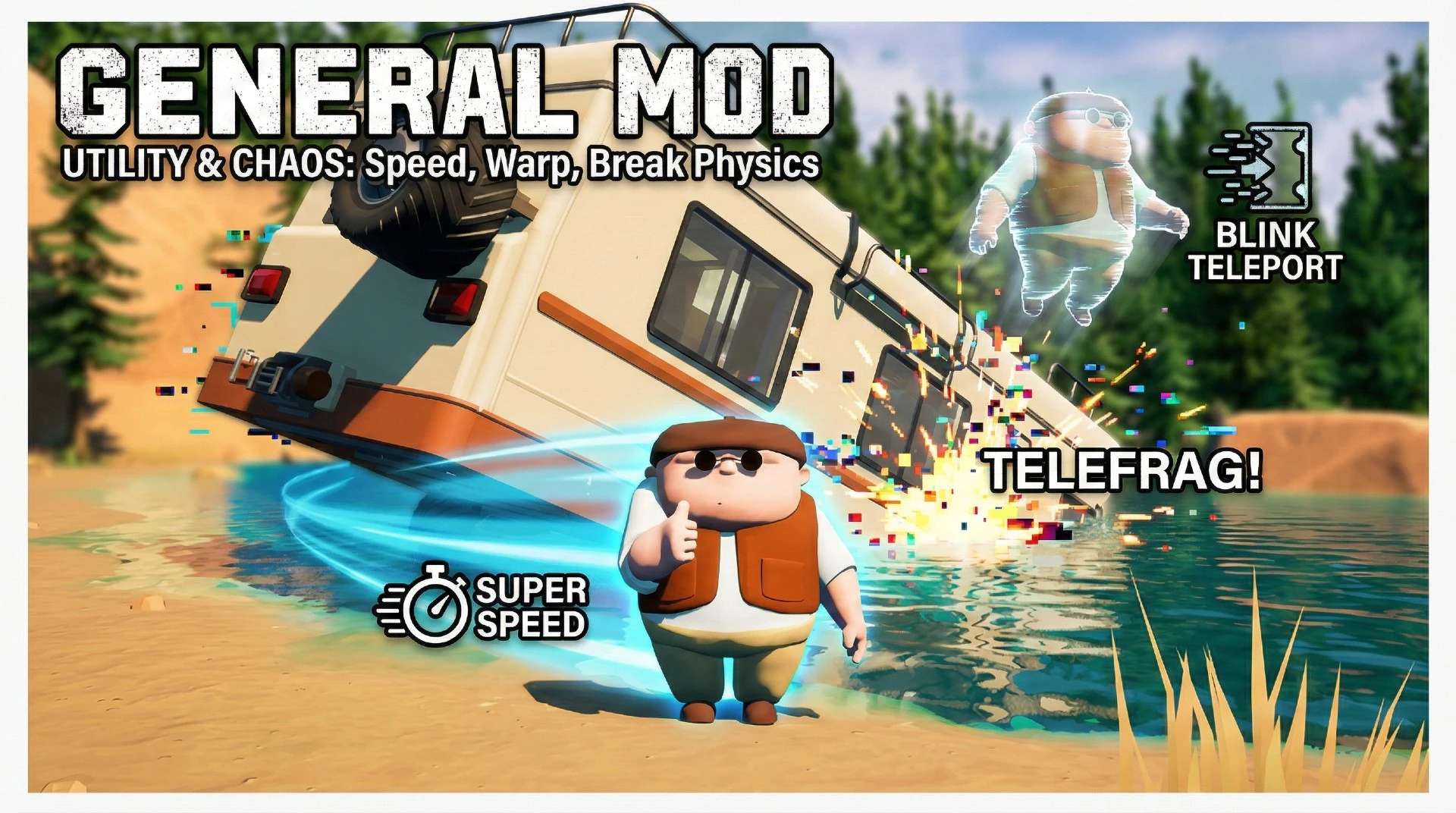
通用模块
shadowxdgamer2026-02-01 21:35:46
这是《RV There Yet?》必备的实用模组:快速移动(加速修改)、传送自身与房车(传送修改),或让物理引擎崩坏(保证笑料百出)。
RV There Yet - Enable Multiplayer Mode (Config Guide)
zShang122025-10-27 02:48:25
Enables multiplayer mode in RV There Yet by editing the Game.ini file. This tweak lets you host or join sessions with friends and even increase the max player limit beyond the default four. Simple, fast, and no extra software required.

大图形
BabaBooey882025-10-25 06:06:09
不重新制作。超越Ultra图形和电影vfx的实时用户控制。
管理工具
WnG2026-03-31 20:43:19
为游戏添加实用快捷键,任何安装了此模组的玩家均可使用,无需房主权限。基于通用模组框架。
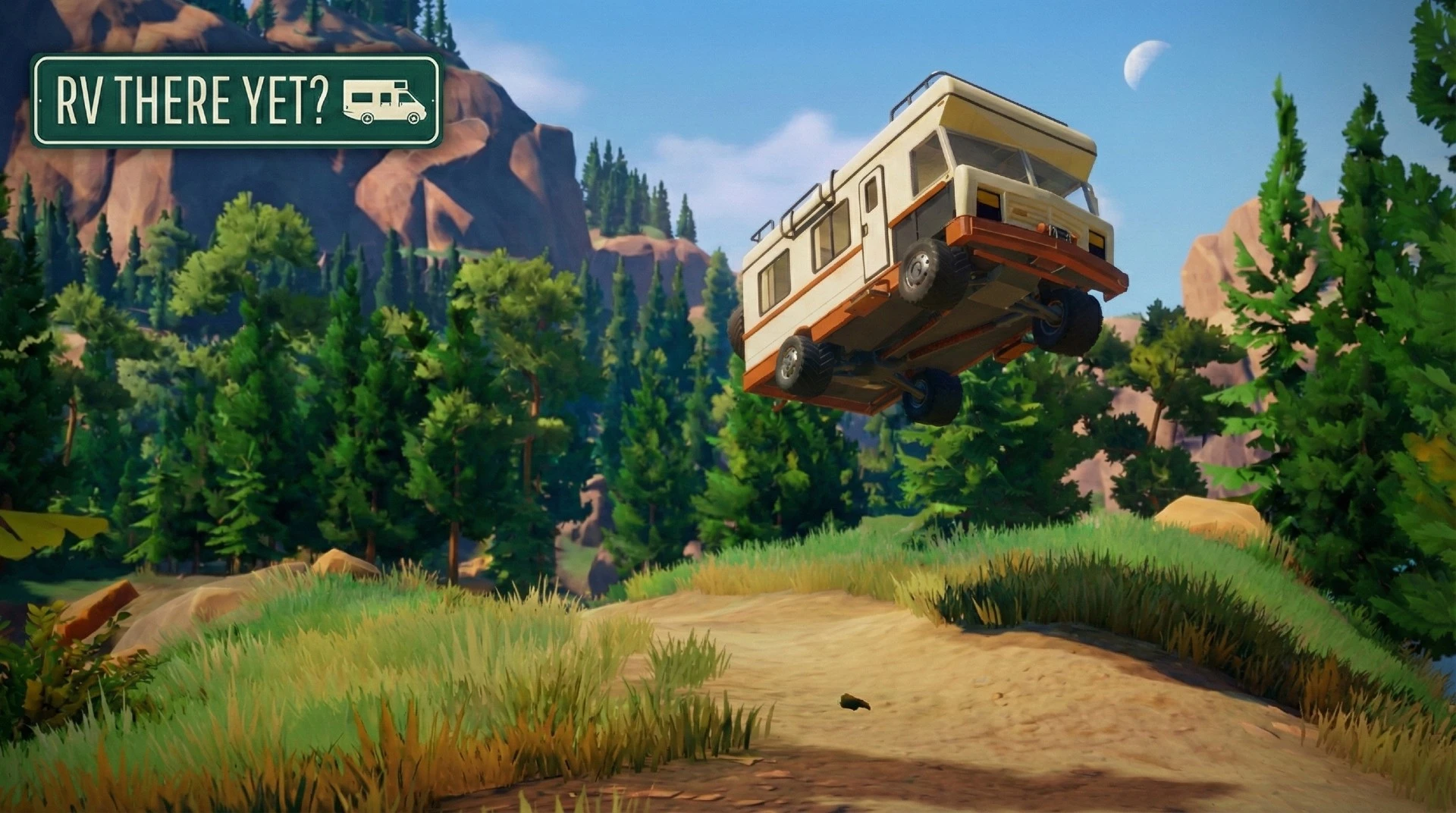
飞行房车
shadowxdgamer2026-01-31 05:34:24
你的房车卡在沟里过吗?这个模组可以开启“幽灵模式”,让车辆飞出困境。

俄罗斯RVthereYet
oldblood382025-11-09 09:51:37
游戏Rv There Yet的俄语化,文本和纹理的俄语本地化+为游戏Rv There Yet的俄语布局添加了字体
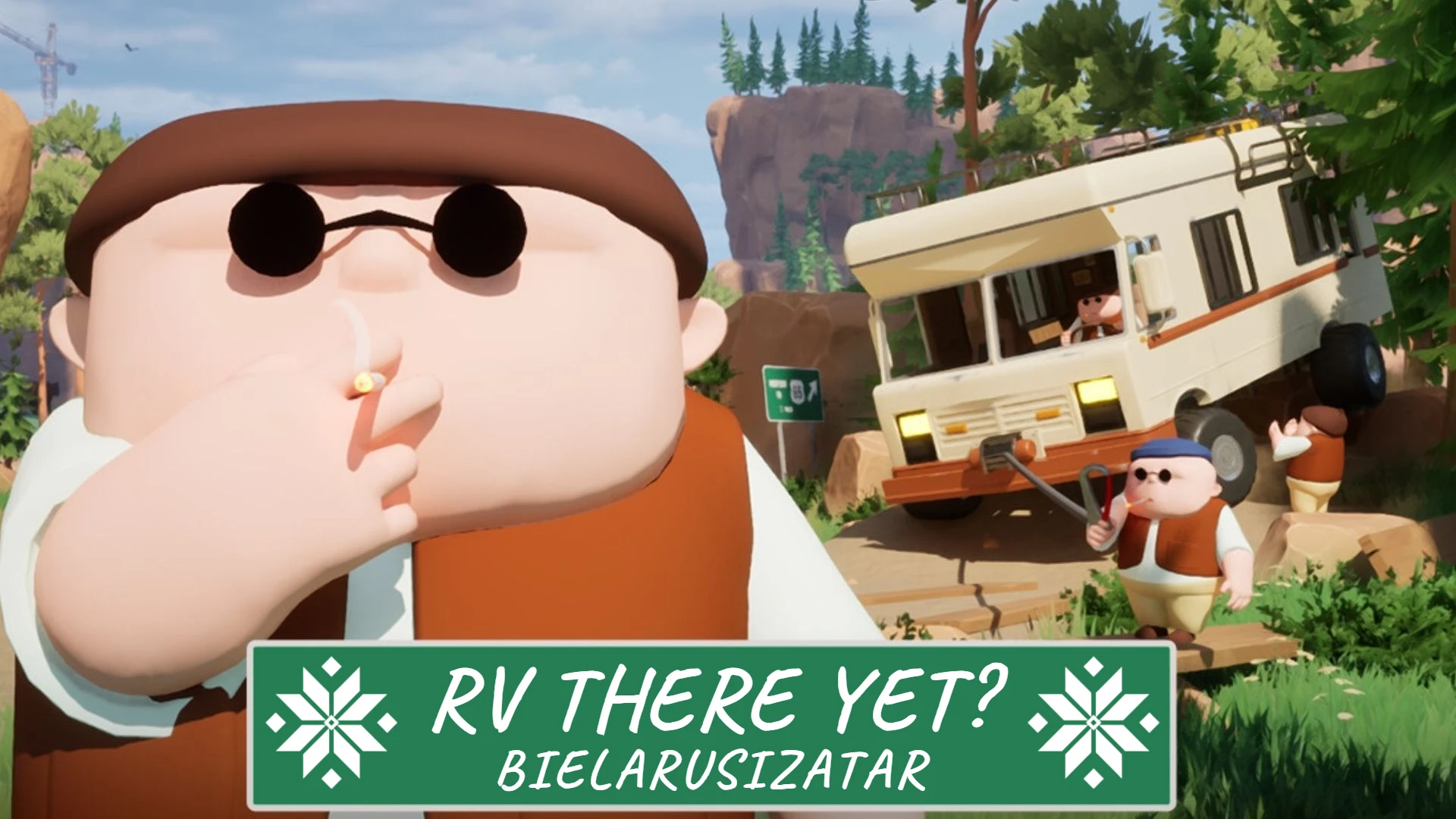
RV THERE YET(BLR)的当前白俄罗斯语翻译
Hu1ec2025-11-26 15:16:28
业余白俄罗斯语本地化房车还有-白俄罗斯语为房车还有本地化包含文本翻译。