
关于此 MOD
Change player movement speed using configurable hotkeys.
Description
Change player movement speed using configurable hotkeys.
Change speed using the hotkeys (see Hotkeys section below). Speed info will be printed to the MelonLoader console window.
Changelog
See the config options below for a complete list of features and how to use them. If you have ideas or issues see the Source Code and Bug Reporting section at the bottom of the page. Thanks!
Installation
Config Options
Note that all of the options in this mod default to off or game defaults (false, zero, blank, etc) to enable the user to have as little of a "cheaty" experience as possible.
For information on how to modify these options, see the Editing the Config File section below.
Hotkeys
General
Editing the Config File
Source Code and Bug Reporting
All of my mods are open source on GitHub here: https://github.com/devopsdinosaur/ballxpit-mods
Please let me know in the Posts section if you have problems or ideas for new mods/features. Or, even better, you can submit issues directly on the GitHub page here).
PSA - I don't do Kofi or anything anymore. So if you like my mods then please consider donating your time or money to a good cause. My personal favorite is Make a Wish.
Thanks a ton, and enjoy the mods!!
dd
Change player movement speed using configurable hotkeys.
Change speed using the hotkeys (see Hotkeys section below). Speed info will be printed to the MelonLoader console window.
Changelog
See the config options below for a complete list of features and how to use them. If you have ideas or issues see the Source Code and Bug Reporting section at the bottom of the page. Thanks!
Installation
- Install MelonLoader
- Run the game and quit to allow MelonLoader to create assemblies and Mods dir.
- Download and extract this mod.
- Copy the extracted files to <ballxpit-home>/Mods folder.
- Start the game again and enjoy!
Config Options
Note that all of the options in this mod default to off or game defaults (false, zero, blank, etc) to enable the user to have as little of a "cheaty" experience as possible.
For information on how to modify these options, see the Editing the Config File section below.
Hotkeys
- Equals or KeypadPlus - Player Speed - Up
- Minus or KeypadMinus - Player Speed - Down
General
- Enabled - Set to false to disable this mod.
- Initial Player Speed Multiplier - Starting player speed multiplier (float, default 1 [no change])
- Log Level - [Advanced] Logging level, one of: 'none' (no logging), 'error' (only errors), 'warn' (errors and warnings), 'info' (normal logging), 'debug' (extra log messages for debugging issues). Not case sensitive [string, default info]. Debug level not recommended unless you're noticing issues with the mod. Changes to this setting require an application restart.
- Player Speed Multiplier Delta - Amount the speed multiplier is changed +/- with each hotkey press (float, default 0.25f)
Editing the Config File
- Open notepad or your favorite text editor (Windows Key + R then 'notepad').
- File => Open. Navigate to <ballxpit-home>/UserData and open MelonPreferences.cfg.
- Note that this file stores config data for all MelonLoader mods for this game. Sections/categories are denoted by strings surrounded by brackets []. Search the file for 'devopsdinosaur_ballxpit_movement_speed' and modify the values under those sections only. Lines starting with '#' are just comments.
- After making changes, save the file and restart the game to try out the new settings!
Source Code and Bug Reporting
All of my mods are open source on GitHub here: https://github.com/devopsdinosaur/ballxpit-mods
Please let me know in the Posts section if you have problems or ideas for new mods/features. Or, even better, you can submit issues directly on the GitHub page here).
PSA - I don't do Kofi or anything anymore. So if you like my mods then please consider donating your time or money to a good cause. My personal favorite is Make a Wish.
Thanks a ton, and enjoy the mods!!
dd
BALL x PIT — 球比伦战记 的热门 MOD
探索适用于 BALL x PIT — 球比伦战记 的最佳MOD,带来新功能、升级画面,以及令人兴奋的方式来改变您的游戏体验。

必备MOD
2026-10-04 20:09:08

自动皮卡下降
simonfilth2025-11-06 10:48:31
自动拾取所有水滴,如exp宝石、金钱等。
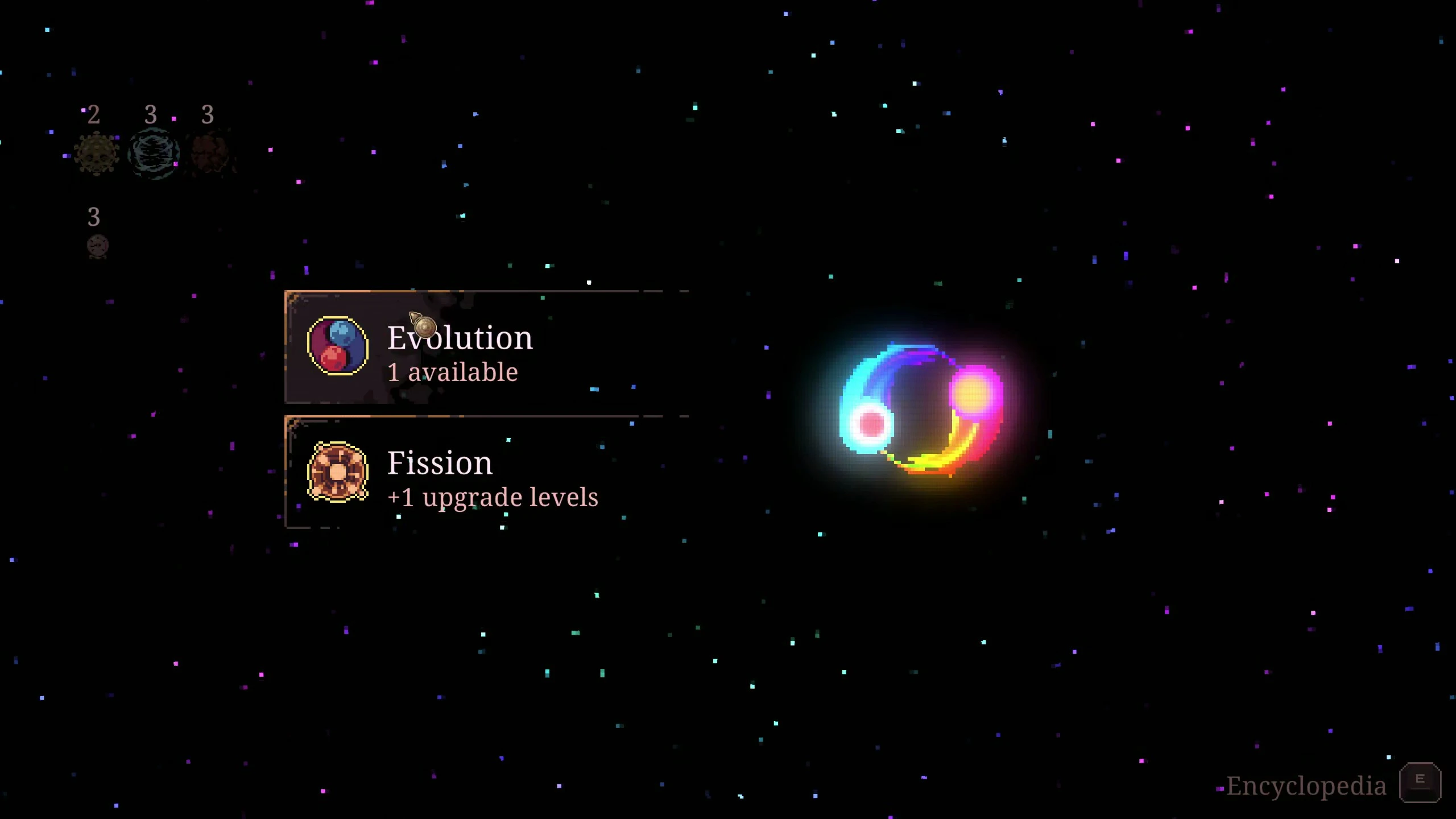
定影反应器消耗品
simonfilth2025-11-06 22:56:55
将熔化器反应器拾取器变成可通过可配置热键按需激活的消耗品。

免费重投
simonfilth2025-11-20 02:55:41
将游戏过程中升级重掷的成本更改为0。

自动播放
simonfilth2025-11-06 02:21:04
自动为每个英雄玩游戏。

Experience Multiplier
simonfilth2025-11-06 10:53:11
Increases experience gained from collecting blue gems.
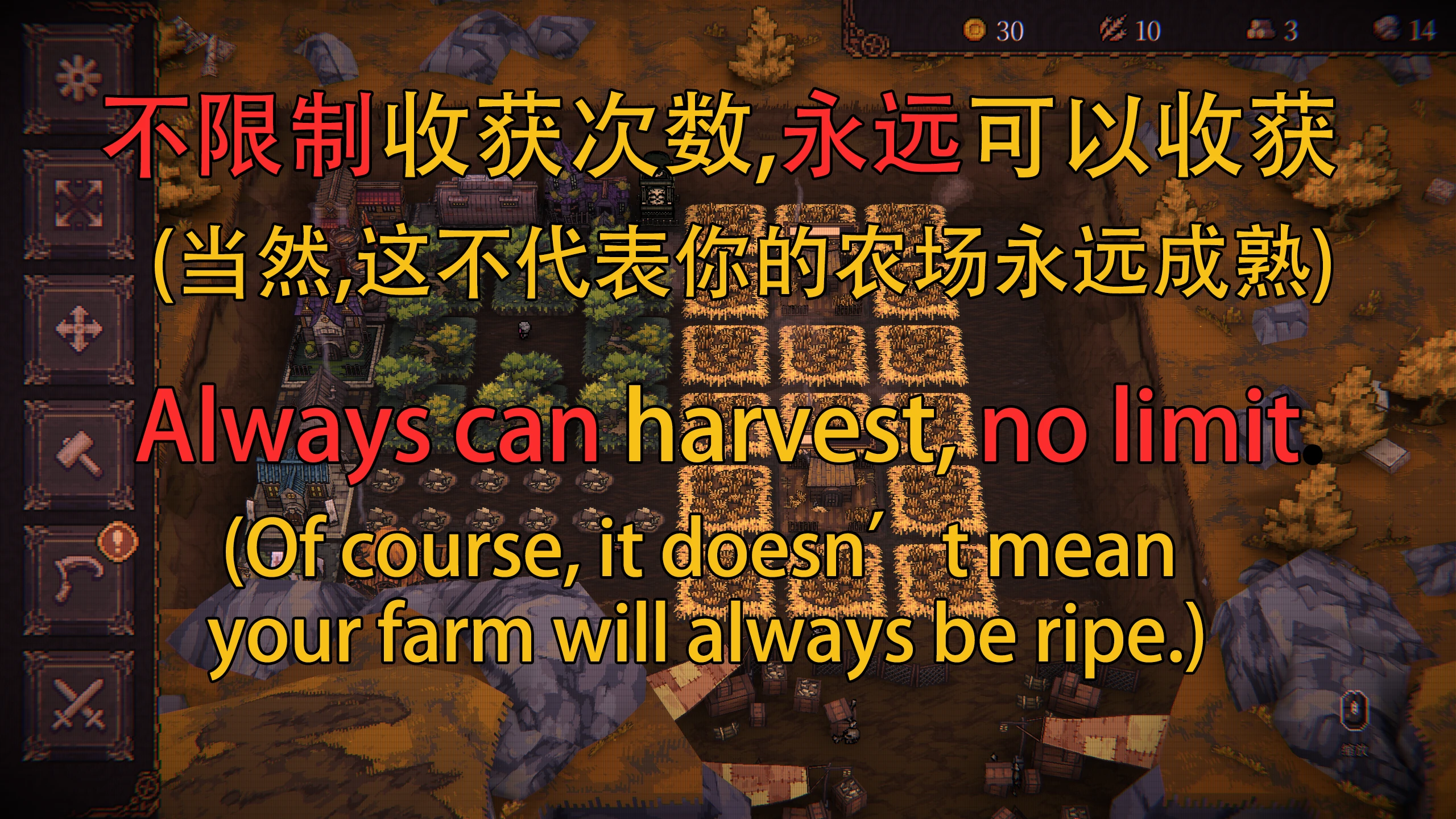
InfinityHarvestTimesMod
PizzaLynn2025-12-17 11:54:24
为什么只能收获一次?为什么扩展了基地反而使收获变得更艰难?Why can we only harvest once? Why does expanding the base make harvesting more difficult?

几乎是球
simonfilth2025-11-18 18:33:52
解锁7个额外的游戏速度设置。